AI-CRM Integration: Automate Meeting Data 2026
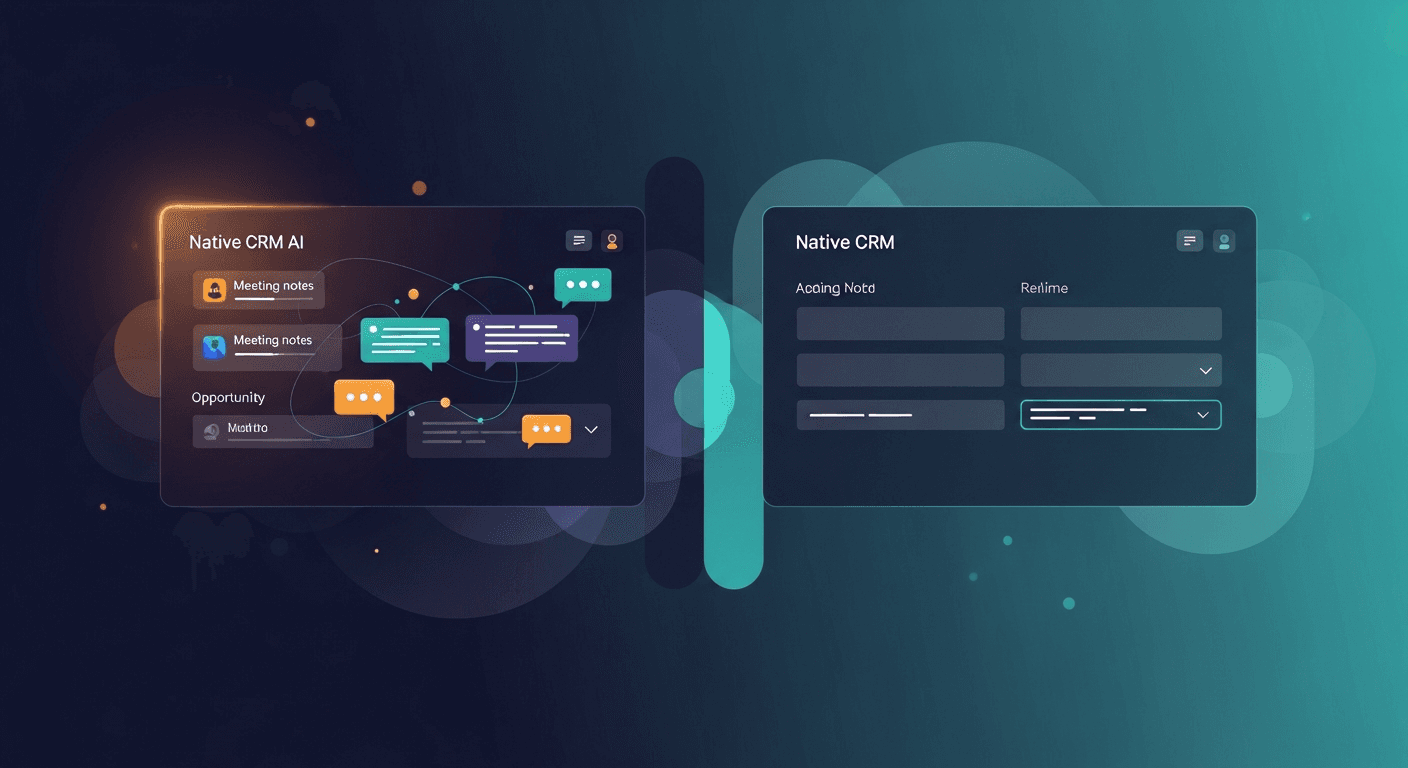
Sales reps spend an average of 4.5 hours per week manually entering meeting notes into their CRM, time that could be spent actually selling. In 2026, AI CRM integration for sales has evolved from a nice-to-have to an essential component of high-performing sales operations. The question is no longer whether to automate, but which solution fits your team's workflow best.
This guide compares the leading approaches to automating meeting data capture and CRM sync, helping you choose the right solution for your sales team's needs.
Why AI CRM Integration Matters More Than Ever
The sales landscape has fundamentally shifted. Buyers expect personalized, context-aware interactions at every touchpoint. Yet the average sales rep juggles 6-8 tools daily, leading to fragmented data, missed follow-ups, and lost deals.
Sales workflow automation 2026 has matured significantly. Modern AI systems don't just transcribe meetings, they extract action items, identify buying signals, update deal stages, and trigger personalized follow-up sequences automatically. The result? Sales teams close 23% more deals when using intelligent CRM automation versus manual data entry.
Here's what separates today's solutions from the transcription tools of the past:
- Contextual intelligence: AI understands sales methodology and buyer intent, not just keywords
- Bi-directional sync: Data flows seamlessly between meeting platforms, AI systems, and CRMs
- Automated execution: Follow-up emails draft themselves based on meeting context
- Predictive insights: Systems identify at-risk deals and recommend next actions
Comparing AI CRM Integration Approaches
Not all automated CRM data entry solutions are created equal. Let's break down the four main categories and what they offer.
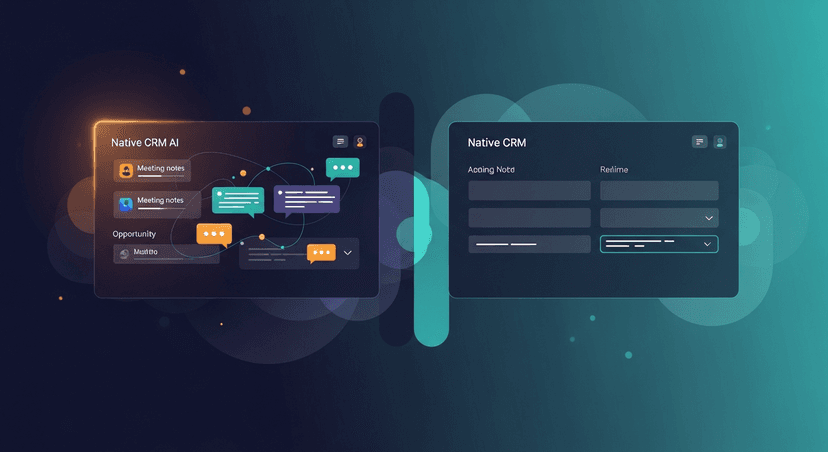
Native CRM AI Features
Examples: Salesforce Einstein, HubSpot AI, Microsoft Dynamics 365 Copilot
Most major CRMs now include built-in AI capabilities. These native features offer tight integration but often limited functionality.
Strengths:
- No additional login or data security concerns
- Automatic updates with your CRM subscription
- Pre-mapped fields and familiar interface
- Generally lower per-seat cost if already using the CRM
Limitations:
- AI capabilities lag behind specialized solutions
- Limited customization for sales methodology
- Often require premium CRM tiers
- May not support all meeting platforms equally
- Follow-up automation tends to be basic
Best for: Teams deeply embedded in a single CRM ecosystem who need basic meeting capture without complex workflows.
Standalone Meeting Intelligence Platforms
Examples: Gong, Chorus.ai, Clari Copilot
These conversation intelligence platforms specialize in recording, analyzing, and extracting insights from sales calls.
Strengths:
- Advanced conversation analytics and coaching features
- Deal intelligence and forecasting capabilities
- Comprehensive call libraries for training
- Strong pattern recognition across your entire sales org
- Detailed competitor mentions and objection tracking
Limitations:
- Primarily focused on analysis, not automated execution
- Follow-up creation still requires manual effort
- Higher price point ($100-150/user/month average)
- CRM sync can be one-directional
- Steep learning curve for sales reps
Best for: Larger sales organizations prioritizing coaching, quality assurance, and revenue intelligence over individual rep productivity.
Post-Meeting Automation Specialists
Examples: ReplySequence, Lavender (with meeting context), Apollo.io (with meeting integration)
These platforms bridge the gap between meeting intelligence and execution, focusing on what happens after the call ends.
Strengths:
- AI-generated follow-up emails based on meeting context
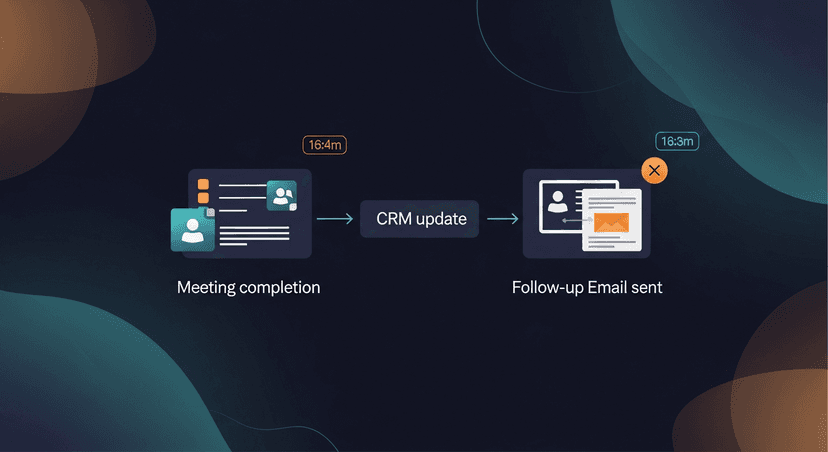
- Meeting notes to CRM sync happens automatically and intelligently
- Action item extraction and assignment
- Personalized content recommendations
- Faster time-to-follow-up (often within minutes)
- Lower cost than full conversation intelligence platforms
Limitations:
- Less emphasis on coaching and analytics
- May not record the full meeting (works from transcripts)
- Smaller call libraries for historical analysis
- Team-wide insights less robust than specialized analytics platforms
Best for: Sales teams focused on velocity and execution who need their reps spending less time on admin and more time in conversations.
ReplySequence excels in this category by combining meeting data capture with intelligent follow-up generation. The system attends your meetings, extracts key discussion points, syncs relevant data to your CRM, and drafts personalized follow-up emails, all without requiring your reps to lift a finger.
API-Based Custom Solutions
Examples: Make.com + OpenAI + CRM webhooks, Zapier workflows, custom internal builds
Some technical teams build their own integration pipelines using APIs and automation platforms.
Strengths:
- Fully customizable to your exact workflow
- Can integrate any combination of tools
- No per-seat licensing for the integration layer
- Complete control over data handling
Limitations:
- Requires significant technical resources to build and maintain
- No built-in sales intelligence or best practices
- Breaks when any connected API changes
- Ongoing maintenance burden
- Difficult to scale across different teams
- Limited AI sophistication without substantial ML expertise
Best for: Organizations with strong technical teams and highly unique workflows that can't be served by existing solutions.
Key Features to Evaluate in 2026
When comparing AI CRM integration for sales solutions, these capabilities separate leaders from laggards:
Data Accuracy and Intelligence
Basic solutions transcribe meetings. Intelligent solutions understand them. Look for:
- Accurate extraction of company names, contact details, and deal specifics
- Recognition of your sales methodology (MEDDIC, BANT, etc.)
- Identification of buying signals and objections
- Multi-speaker attribution in group calls
- Understanding of industry-specific terminology
CRM Field Mapping
The most sophisticated systems don't just dump notes into a single field. They:
- Update deal stage based on meeting outcomes
- Populate custom fields with structured data
- Adjust close dates when timeline discussions occur
- Log competitors mentioned during calls
- Track stakeholder engagement across the buying committee
Follow-Up Automation Quality
This is where solutions diverge dramatically. Evaluate:
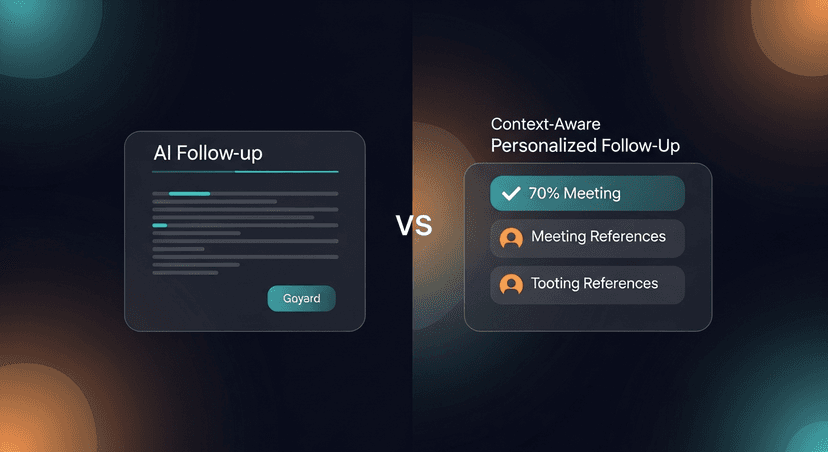
- Context awareness: Does the AI reference specific discussion points?
- Personalization depth: Beyond just names, does it mention their challenges?
- Action item inclusion: Are next steps clearly articulated?
- Tone matching: Does it sound like your rep or a robot?
- Attachment intelligence: Does it suggest relevant case studies or resources?
Integration Breadth
In 2026, your stack likely includes:
- Meeting platforms: Zoom, Google Meet, Microsoft Teams, or Webex
- CRMs: Salesforce, HubSpot, Pipedrive, or others
- Email platforms: Gmail, Outlook, or sales engagement tools
- Calendar systems: Google Calendar, Outlook Calendar
- Slack or Teams for internal notifications
Your chosen solution should connect seamlessly to your existing stack without requiring reps to change their workflow.
Security and Compliance
With AI handling sensitive customer conversations, verify:
- SOC 2 Type II certification minimum
- GDPR and CCPA compliance
- Data residency options for enterprise customers
- Granular permission controls
- Meeting consent management
- Data retention policies
Real-World Implementation Scenarios
Let's examine how three different sales organizations approached sales workflow automation 2026:
Scenario 1: High-Velocity SaaS Startup
Challenge: A 15-person sales team running 40-60 demos weekly was drowning in follow-up emails and CRM updates. Deal cycles were 30-45 days, and speed mattered.
Solution: Implemented ReplySequence to handle post-demo automation. The AI captured key objections, budget discussions, and timeline mentions, then generated personalized follow-ups within 5 minutes of each call ending.
Results:
- Follow-up time decreased from 4+ hours to 15 minutes daily
- Response rates increased 34% due to faster, more contextual outreach
- CRM data quality improved dramatically, no more empty notes fields
- Sales cycle shortened by 8 days on average
Scenario 2: Enterprise B2B Sales Organization
Challenge: A 200+ rep organization needed better coaching and deal visibility. Complex 6-12 month sales cycles involved multiple stakeholders.
Solution: Deployed Gong for conversation intelligence combined with native Salesforce Einstein for basic CRM updates. Custom Slack alerts notify managers of at-risk deals.
Results:
- Coaching efficiency improved with searchable call libraries
- Win rate increased 12% through pattern recognition
- Forecasting accuracy improved significantly
- Onboarding time for new reps decreased by 40%
Scenario 3: Mid-Market Professional Services
Challenge: A 45-person sales team selling consulting services needed better client relationship management. Multiple touchpoints per deal, heavy emphasis on personalization.
Solution: Combined HubSpot's native AI with custom Zapier workflows for specialized field updates and automated task creation.
Results:
- Reduced manual CRM entry by 70%
- Improved client satisfaction scores through consistent follow-up
- Better cross-sell identification through meeting note analysis
- Lower cost than specialized platforms while meeting core needs
Implementation Best Practices
Successful automated CRM data entry implementation requires more than just turning on a tool:
Week 1-2: Foundation
- Audit current CRM fields and clean up duplicates
- Document your ideal post-meeting workflow
- Identify which meeting types need automation (demos, discovery, check-ins)
- Set up a pilot group of 3-5 reps
- Configure CRM field mapping and permissions
Week 3-4: Pilot and Refine
- Run 15-20 meetings through the system
- Review AI-generated outputs for accuracy
- Adjust prompts and templates based on feedback
- Train pilot users on any manual review processes
- Gather specific examples of what works and what doesn't
Week 5-6: Rollout
- Host company-wide training sessions
- Create quick reference guides and video tutorials
- Establish a Slack channel for questions
- Set expectations for adoption timeline
- Monitor usage metrics and celebrate early wins
Ongoing Optimization
- Review weekly reports on follow-up engagement
- Refine AI prompts based on performance data
- Expand to additional meeting types as confidence grows
- Share best practices across the team
- Track impact on key metrics: response rate, CRM data quality, time saved
ROI Calculation Framework
How do you justify the investment? Calculate based on these factors:
Time Savings:
- Average minutes spent per meeting on notes and follow-up: 20-30 minutes
- Meetings per rep per week: 10-15
- Hours saved per rep per week: 3-7 hours
- Hourly value of rep time: $50-100+
- Monthly savings per rep: $600-2,800
Revenue Impact:
- Faster follow-up increases response rates: 20-40% improvement
- Better CRM data improves forecasting and prioritization
- More selling time directly correlates to more deals
- Typical payback period: 2-4 months
Common Pitfalls to Avoid
Teams often stumble with:
Over-complicating initial setup: Start with core use cases. You can always expand later.
Ignoring change management: Even great technology fails without user adoption. Invest in training and communication.
Expecting 100% accuracy immediately: AI systems improve over time. Plan for human review in the first month.
Not integrating with existing workflows: If reps need to change their entire process, adoption will suffer.
Choosing based on features instead of needs: More features ≠ better fit. Match the solution to your actual pain points.
Making Your Decision
The right AI CRM integration for sales depends on your specific context:
- Budget under $50/user/month? Start with native CRM features or post-meeting automation specialists
- Large team needing coaching? Conversation intelligence platforms justify their cost
- Speed and execution focused? Post-meeting automation like ReplySequence maximizes rep productivity
- Unique workflow requirements? Consider custom API solutions if you have technical resources
The sales tools landscape will continue evolving, but one constant remains: the teams that automate administrative work will outperform those who don't. Every minute your reps spend typing meeting notes is a minute they're not building relationships or closing deals.
Take Action Today
The competitive advantage goes to sales teams who can move faster without sacrificing quality. Meeting notes to CRM sync technology has reached a maturity point where it's more risky not to implement it than to take the leap.
Start by evaluating your current time sink: track how much time your team actually spends on post-meeting admin this week. The number will likely shock you. Then pilot one solution with a small group and measure the impact.
ReplySequence offers exactly this kind of focused automation, transforming meeting insights into CRM updates and personalized follow-ups within minutes. See how AI can handle your post-meeting workflow at replysequence.com and give your reps back hours of selling time every week.
How ReplySequence handles this
ReplySequence takes any meeting transcript, paste it in from Zoom, Teams, Meet, WebEx, Fireflies, Granola, or wherever, and drafts a context-rich follow-up email in about 8 seconds. You review it, make any edits, and approve. Deal intelligence builds automatically.