Multi-Touch Sequences After Every Meeting
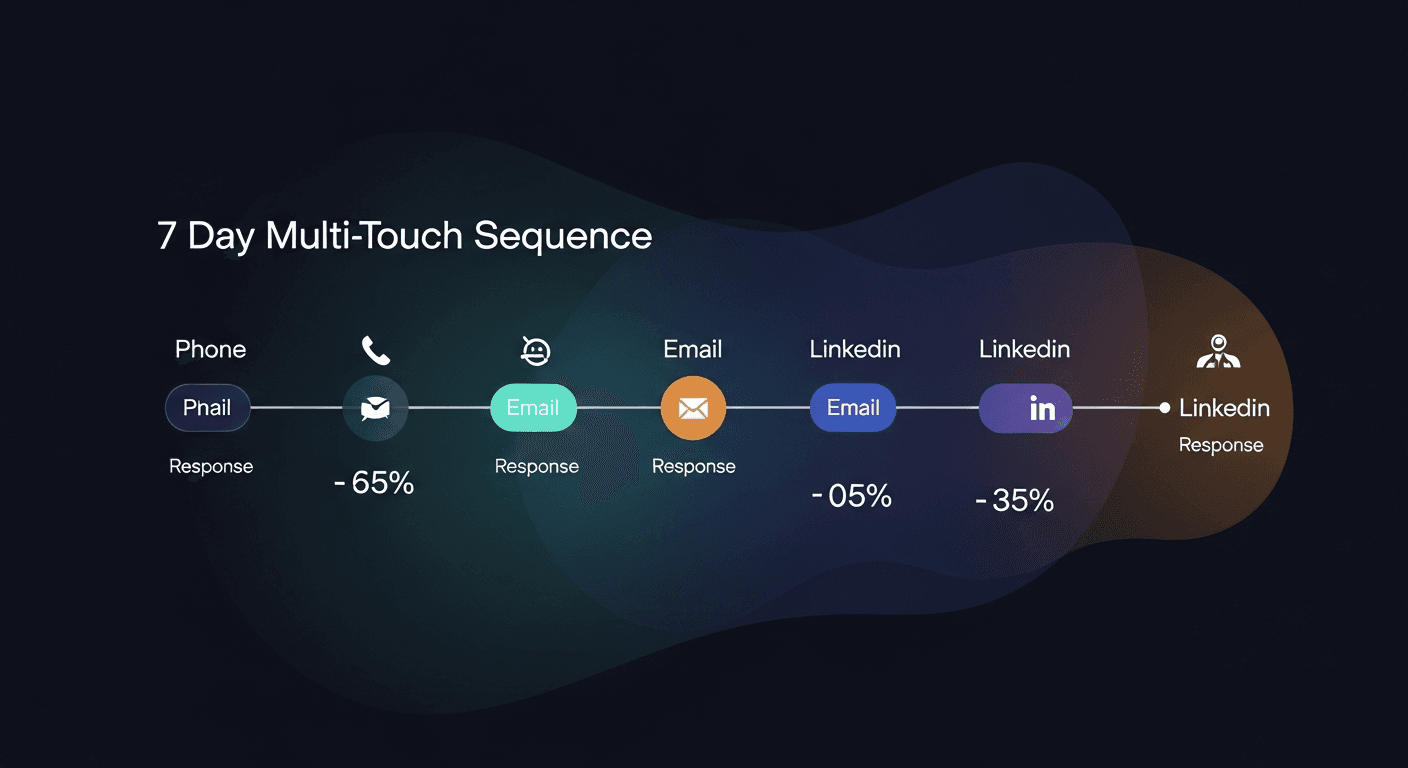
A multi-touch sales sequence (phone, email, and LinkedIn working together after every meeting) consistently outperforms single-channel follow-up by 2-5x in response rates. Most reps pick one channel and hope. The ones closing deals are hitting all three, in the right order, within 24 hours of the call ending.
The meeting goes great. The prospect is nodding, asking good questions, talking about timelines. Then the rep sends one email two days later, gets no response, and the deal quietly dies. That's not a pipeline problem. That's a follow-up problem, specifically, a single-channel follow-up problem.
Here's the framework I built and why it works.
Why Single-Channel Follow-Up Fails
Inbox noise is brutal right now. The average business professional receives 121 emails per day. Your beautifully crafted follow-up email is competing with invoices, Slack notifications forwarded to email, and three other vendor pitches. The open rate for cold sales emails sits around 21-23%. Post-meeting follow-up does better, but not by as much as you'd think if you're only relying on email.
Phone calls alone aren't the answer either. 80% of calls go to voicemail, and voicemails without a digital thread to back them up get deleted. LinkedIn InMails have a 10-25% response rate when sent in isolation.
But here's what changes when you combine them: sequence creates signal. When a prospect gets an email, then a voicemail that references the email, then a LinkedIn message that ties it all together: they don't feel spammed. They feel like someone is actually paying attention. Because you are.
The 7-Day Post-Meeting Multi-Touch Sequence
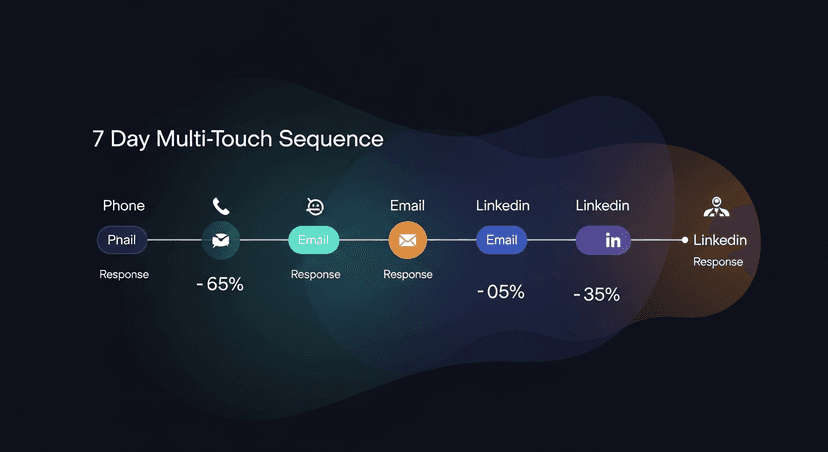
This is the exact sequence structure I recommend. Every touch references the meeting. Every touch adds something. Nothing is filler.
Day 1: Email Within 60 Minutes
This is non-negotiable. Send the follow-up email the same day, ideally within an hour of the meeting ending. The prospect is still warm. The conversation is still in their head.
The email should:
- Recap the two or three things they said mattered most to them (their words, not your pitch)
- Confirm the next step you agreed on
- Attach anything you promised, case study, pricing, whatever
- Be short, 150 words max
This is where most reps lose 20-30 minutes staring at a blank screen. I built ReplySequence specifically for this step. Paste your transcript from Fireflies or Otter or wherever you're transcribing, and the follow-up email drafts itself in about 60 seconds. You review, tweak, send. The meeting context is captured while it's fresh.
Day 1: LinkedIn Connection or Message (Same Day)
If you're not connected yet, send the connection request with a note. Reference the meeting specifically ("Great talking through the pipeline visibility problem today) sent you a follow-up, wanted to connect here too."
If you're already connected, send a short message. Not a pitch. Something like: "Enjoyed the call, sent over the recap. Ping me if anything comes up before our next chat."
This does two things. It puts your name in their LinkedIn notifications alongside your email. And it signals that you're a real person who actually remembered what you talked about: not an SDR running a spray-and-pray sequence.
Day 2: Phone Call
Call the next business day. Leave a voicemail if they don't pick up. The voicemail should be 20-30 seconds, reference the email you sent, and give them one specific reason to call back, something from the meeting, not something generic.
Example: "Hey [Name], Jimmy here, just following up on the email I sent yesterday about the follow-up automation piece we discussed. You mentioned your team is spending about 45 minutes per call on write-ups, which is exactly the problem I can help with. Give me a call back when you've got 5 minutes."
The email gave them something to read. The call gives them a voice. Now they have two data points that you're worth responding to.
Day 4: Email #2 (Value Add)
Don't resend the recap. Bring something new. A relevant case study. A stat that maps to the problem they described. A short Loom walking through something you mentioned. Three sentences about a related problem you've seen at similar companies.
This email should reference that you called: "Tried you by phone Tuesday, figured I'd drop this here instead." Short acknowledgment. No guilt trip.
Day 5: LinkedIn Engagement
Not a message. Engage with their content if they've posted anything recently. A thoughtful comment, not a like. This keeps you visible without adding to their inbox or notification load. If they haven't posted recently, skip this and go straight to Day 7.
Day 7: The Breakup Email (Phone Option)
If you've had zero response across four touches, send the breakup email. This one works because it creates a genuine decision point.
Something like: "[Name]: I've reached out a few times since our call on [date]. I don't want to keep pinging you if the timing's off or priorities have shifted. Happy to close this out on my end, just let me know either way."
This email gets responses. Sometimes it's "sorry, been slammed, let's reschedule." Sometimes it's a real no. Both are better than silence.
Optionally, call the same day you send this. One last voicemail. Then you're done.
The Sequencing Logic That Most Reps Miss
The order matters. Email first, phone second, LinkedIn parallel. Here's why:
Email gives them something to reference when your call comes in. They see your name and think "oh, this is the person who sent that email" instead of "who is this." That context converts voicemails into callbacks at a meaningfully higher rate.
LinkedIn runs parallel: not as its own isolated channel, but as the connective tissue. It reinforces that you exist beyond the inbox, that you're not a faceless SDR, that there's a real professional relationship forming.
Phone without email is cold. Email without phone is easily ignored. LinkedIn without either is noise. Together, they build a coherent signal.
Personalizing at Scale Without Losing Your Mind
Here's the tension: personalization is what makes this work, but personalization doesn't scale. If you're running 8 discovery calls a week and trying to manually build a custom multi-touch sequence for each one, you'll burn out in a month.
The solution isn't to stop personalizing. It's to systematize where you can so you can personalize where it counts.
The things you personalize:
- The specific pain they mentioned
- The metric they're trying to move
- The objection or concern they raised
- The next step they agreed to
The things you templatize:
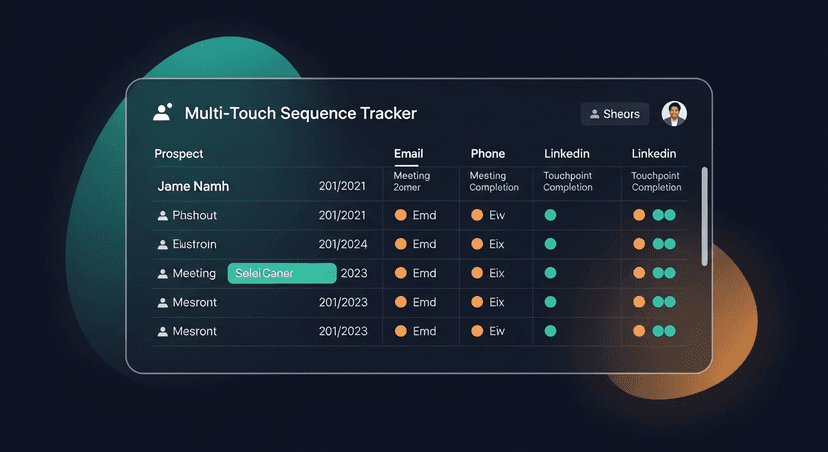
- The structure and cadence (Day 1 email, Day 1 LinkedIn, Day 2 call, etc.)
- The breakup email format
- The value-add email framework
The transcript is your personalization engine. Everything the prospect said is already in there, their exact words, their specific situation, their timeline. You don't have to remember it or reconstruct it. You just have to use it.
This is why I built RS to be transcript-first. Paste what Fireflies captured, and the personalized follow-up writes itself from their actual words. The Day 4 value-add email and the breakup template I can structure in advance. The Day 1 email has to be personal, and the transcript makes that fast.
When to Compress the Sequence
Not every deal needs 7 days. If a prospect said "I need to make a decision by end of week" in the meeting, compress everything into 48 hours. Day 1 email, Day 1 LinkedIn, Day 2 call, Day 2 breakup if no response.
If they said "we're evaluating in Q3 and it's currently Q1," you can stretch this out and go lighter on the phone touches. Map the intensity of your sequence to the urgency they expressed in the meeting.
This is another reason the transcript matters: the prospect told you their timeline. It's all in there.
The CRM Problem Nobody Talks About
You can run a perfect multi-touch sales sequence and still lose the deal if your CRM doesn't reflect what happened. Managers pull pipeline reports. Deals with incomplete activity logs look stale. Stale deals get deprioritized or questioned.
Log every touch the same day you make it. Call made, log it. Email sent, log it. LinkedIn message, log it. It takes 60 seconds per touch. Skip this and you're playing broken field in a game with a scoreboard nobody can read.
The post-meeting follow-up email is also your CRM trigger. Once that goes out, the sequence starts. I treat the sent email as the official start of the follow-up clock.
The Math on Why This Works
Studies from RAIN Group and Salesforce's State of Sales report consistently show that it takes 8+ touches to get a response from a prospect in a considered purchase. Most reps stop at 2-3. The gap between 3 touches and 8 touches is where your competitors are giving up and you're closing.
A multi-touch sales sequence isn't about being aggressive. It's about being thorough in a noisy world. Prospects miss things. Life happens. The rep who shows up consistently across channels (without being annoying about it) is the rep they call back.
Get the Follow-Up Out the Door First
None of this works if Day 1 email doesn't go out the same day. That's the anchor. Everything else is built on it.
If you're losing 30 minutes per call reconstructing the conversation and drafting that email from scratch, that's the first thing to fix. ReplySequence handles the transcript-to-email step so the rest of the sequence can actually start on time. Check it out at replysequence.com: there's a free trial and it works with whatever transcription tool you're already using.
Related reading
How ReplySequence handles this
ReplySequence takes any meeting transcript, paste it in from Zoom, Teams, Meet, WebEx, Fireflies, Granola, or wherever, and drafts a context-rich follow-up email in about 8 seconds. You review it, make any edits, and approve. Deal intelligence builds automatically.