
Sales Meeting Recap Best Practices
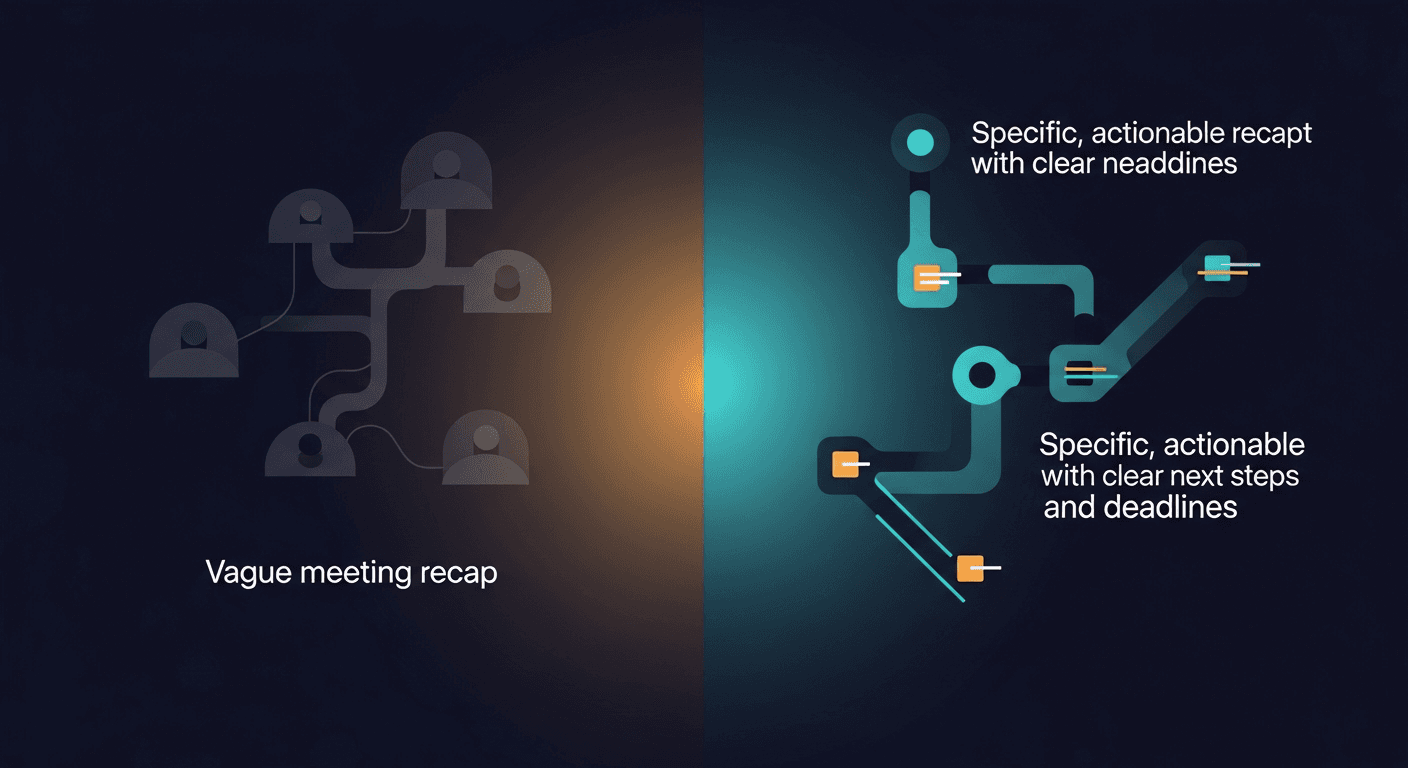
```json
{
"title": "Sales Meeting Recap Best Practices",
"slug": "sales-meeting-recap-best-practices",
"excerpt": "Learn the best practices for writing a sales meeting recap that keeps deals moving, holds everyone accountable, and impresses prospects every time.",
"content": "A strong sales meeting recap is sent within 24 hours, summarizes key decisions and next steps, and gives every stakeholder a clear picture of what happens next. Done right, it's not just a courtesy email — it's a deal-acceleration tool that separates top-performing reps from everyone else.\n\nThe problem? Most reps either skip the recap entirely, dash off a vague three-liner, or spend so long writing it that the momentum from a great call has already evaporated. This guide covers exactly what to include, how to structure it, and how to make the whole process fast enough that you'll actually do it consistently.\n\n## Why Your Sales Meeting Recap Is a Deal-Critical Document\n\nA sales meeting recap isn't paperwork — it's a strategic asset. Research from HubSpot shows that 44% of salespeople give up after one follow-up, and a well-crafted recap is often the difference between a deal that stalls and one that moves to next steps. Here's what a quality recap does for you:\n\n- Creates shared reality. Buyers and sellers often leave the same call with different takeaways. A written summary eliminates ambiguity about what was agreed.\n- Demonstrates professionalism. A clean, organized follow-up signals that your post-sale experience will be just as sharp.\n- Keeps deals from going dark. When a prospect can't remember what they agreed to, they ghost. Your recap gives them something concrete to reply to.\n- Builds your CRM automatically. If your recap is thorough, your deal notes write themselves.\n\nThe stakes are real. According to Salesforce, opportunities with clearly documented next steps close at a 32% higher rate than those without. A meeting summary isn't admin work — it's sales work.\n\n\n\n## The 5 Biggest Problems with Most Call Recaps\n\nBefore we get to best practices, let's diagnose why most post-call notes fail:\n\n1. They're too late. A recap sent three days after the call lands in an inbox that has moved on. The window for reinforcing the momentum of a great conversation is short — ideally under two hours, and never more than 24.\n2. They're too vague. "Great call, looking forward to next steps" tells the prospect nothing and you nothing when you revisit it in your CRM six weeks later.\n3. They bury the next step. The single most important piece of information — what happens next and who owns it — gets tucked at the bottom of a wall of text.\n4. They're one-size-fits-all. A discovery recap and a closing call recap should look completely different. Using the same template for every stage signals that you weren't really listening.\n5. They aren't sent consistently. Reps who send recaps sometimes are no better off than reps who never do. Consistency is what builds the trust that moves deals.\n\n## The Anatomy of a Perfect Sales Meeting Recap\n\nHere's the structure that top-performing reps use, broken into sections that are easy to write and easy for prospects to scan.\n\n### 1. Subject Line That Gets Opened\n\nSkip "Following up on our call." Use something specific:\n- "Next steps from our [Date] call — [Company Name]"\n- "[Company Name] + [Your Company]: Action items from today"\n- "Your questions from today + what happens next"\n\nSpecificity signals professionalism and makes the email easy to find later.\n\n### 2. Quick Context (2-3 sentences)\n\nRemind them who you are, what you discussed, and the tone of the conversation. This matters more than you think — prospects are talking to multiple vendors simultaneously.\n\n"Thanks for taking the time today to walk us through the challenges your team is facing with pipeline visibility. It was great to hear more about the upcoming Q3 initiative and how a solution like ours could support it."\n\n### 3. Key Pain Points and Goals Discussed\n\nThis is the section most reps skip — and it's the most powerful one. Reflecting the prospect's own words back to them demonstrates active listening and builds trust.\n\n- Reps spending 3+ hours per week on manual CRM updates\n- Pipeline reviews lack real-time data, making forecasting unreliable\n- Goal: Get a solution live before the end of Q2\n\nWhen a prospect sees their problem described in their own language, they feel understood. That's the emotional state that drives decisions.\n\n### 4. What We Covered\n\nA bullet-point summary of the main topics. Keep it tight — three to six bullets is the sweet spot for a call recap.\n\n- Reviewed current sales stack and integration requirements\n- Walked through a live product demo of the pipeline dashboard\n- Discussed pricing tiers and contract flexibility\n- Addressed security and compliance questions\n\n### 5. Agreed Next Steps (The Most Important Section)\n\nThis is non-negotiable. Every sales meeting recap must have explicit next steps with owners and deadlines.\n\nTheir actions:\n- Sarah to share the current tech stack documentation by Friday, April 10\n- Mark to loop in the IT lead for the technical review call\n\nOur actions:\n- Sending over the security questionnaire today\n- Scheduling the technical deep-dive for the week of April 14\n\nNaming names and dates turns vague intentions into commitments. It also gives you a natural reason to follow up if those deadlines slip.\n\n### 6. Proposed Next Meeting\n\nAlways include a concrete ask, not an open-ended "let me know when you're free."\n\n"I've held Thursday, April 17 at 2pm ET for our technical review. Does that work for you and the IT team, or would a different time that week be better?"\n\n\n\n## How to Write a Great Recap Without Losing an Hour of Selling Time\n\nThe number one reason reps skip or rush recaps is time. Here's how to solve that:\n\nTake structured notes during the call. Use a simple template with fields for pain points, stakeholders, objections, and next steps. Fill it in live rather than trying to reconstruct the conversation afterward.\n\nUse a dedicated tool. Teams using ReplySequence can automatically generate a structured post-meeting follow-up draft from call notes in seconds. Instead of staring at a blank email, reps start with a personalized draft they can edit and send — cutting recap time from 20+ minutes to under five.\n\nSend it before you do anything else. Block 10 minutes immediately after every call specifically for the recap. Treat it as part of the meeting, not an afterthought.\n\nBuild a stage-specific template library. Create separate starting-point templates for discovery calls, demos, proposals, and closing calls. Each stage has different information worth capturing.\n\n## Real-World Scenario: What a Great Recap Looks Like in Practice\n\nImagine you're an AE who just wrapped a 45-minute demo with a VP of Sales at a mid-market SaaS company. You covered their team's struggle with manual follow-up, showed two relevant product features, and got verbal agreement to move to a technical review.\n\nA weak recap looks like this:\n"Hi Sarah, great talking today! Excited about the possibility of working together. Let me know if you have any questions."\n\nA strong recap looks like this:\n\nSubject: Next steps from our April 5 call — Greenfield Software\n\nHi Sarah,\n\nThanks for a great conversation today. It sounds like the manual follow-up burden is genuinely costing your team hours every week, and the Q2 deadline makes timing especially important.\n\nHere's a quick summary of where we landed:\n- Pain points discussed: inconsistent follow-up, no visibility into rep activity post-call, CRM data quality issues\n- Features we covered: automated recap generation, activity tracking dashboard\n- Open question: whether the IT team needs to be part of the security review\n\nNext steps:\n- You: Loop in your IT lead and share the current integration list by Friday\n- Me: Send the security questionnaire today and schedule the technical call\n\nI've proposed Thursday, April 17 at 2pm ET for the technical review — does that work?\n\nThat email takes six minutes to write and dramatically increases the odds that the deal advances.\n\n\n\n## Adapting Your Recap Format by Deal Stage\n\nYour meeting summary should evolve as the deal progresses:\n\n- Discovery call recap: Focus heavily on pain points, goals, and timeline. This becomes your deal's source of truth for why they're buying.\n- Demo recap: Highlight which features resonated, which raised questions, and what objections surfaced. Include links to any resources you mentioned.\n- Proposal recap: Summarize the specific package discussed, any pricing conversations, and the decision-making process. Document who else is involved in the decision.\n- Closing call recap: Keep it tight. Confirm terms, document next steps in the contract process, and reinforce the value they articulated themselves.\n\nTeams that use ReplySequence can configure stage-specific templates so their AI-assisted drafts automatically pull in the right structure for wherever the deal sits.\n\n## The Consistency Habit That Changes Everything\n\nThe reps who close the most aren't necessarily the best talkers — they're often the most disciplined documenters. A sales meeting recap sent consistently after every call builds a reputation with prospects that most reps never achieve.\n\nStart with a commitment: recap every call for 30 days. Track your response rates. Notice how many more deals have active next steps. The data will be its own motivation.\n\n—-\n\nIf writing consistent, structured recaps is eating into your selling time, ReplySequence was built specifically to solve that problem. It turns your call notes into professional, personalized follow-up emails in seconds — so you can spend more time selling and less time typing. Try it free at replysequence.com.",
"date": "2026-04-05",
"author": "Jimmy Hackett",
"tags": ["sales meeting recap", "meeting summary", "call recap", "post-call notes", "sales follow-up"],
"readingTime": 8,
"faqs": [
{
"question": "What should be included in a sales meeting recap?",
"answer": "A sales meeting recap should include a specific subject line, a brief context summary, the key pain points and goals discussed, a bullet-point list of topics covered, clearly assigned next steps with owners and deadlines, and a concrete ask for the next meeting."
},
{
"question": "How soon should you send a sales meeting recap?",
"answer": "A sales meeting recap should be sent within 24 hours of the call, ideally within two hours. The longer you wait, the more momentum from the conversation fades and the less likely the prospect is to act on next steps."
},
{
"question": "Why is a sales call recap important for closing deals?",
"answer": "A sales call recap creates shared clarity on what was agreed, keeps deals from going dark, and documents next steps that hold both parties accountable. Research shows opportunities with clearly documented next steps close at a 32% higher rate than those without."
},
{
"question": "How do you write a call recap without spending too much time on it?",
"answer": "Take structured notes during the call using a template with dedicated fields for pain points, stakeholders, and next steps. Using an AI-powered tool like ReplySequence can cut recap writing time from 20+ minutes to under five by generating a personalized draft automatically."
},
{
"question": "Should your meeting summary change depending on the deal stage?",
"answer": "Yes — a discovery call recap should focus heavily on pain points and timeline, while a demo recap should highlight which features resonated and what objections surfaced. Tailoring your meeting summary to the deal stage shows you were listening and keeps the right information front and center."
}
]
}
```
How ReplySequence handles this
ReplySequence takes any meeting transcript — paste it in from Zoom, Teams, Meet, WebEx, Fireflies, Granola, or wherever — and drafts a context-rich follow-up email in about 8 seconds. You review it, make any edits, and approve. Deal intelligence builds automatically.