
5 Follow-Up Email Templates That Get Responses
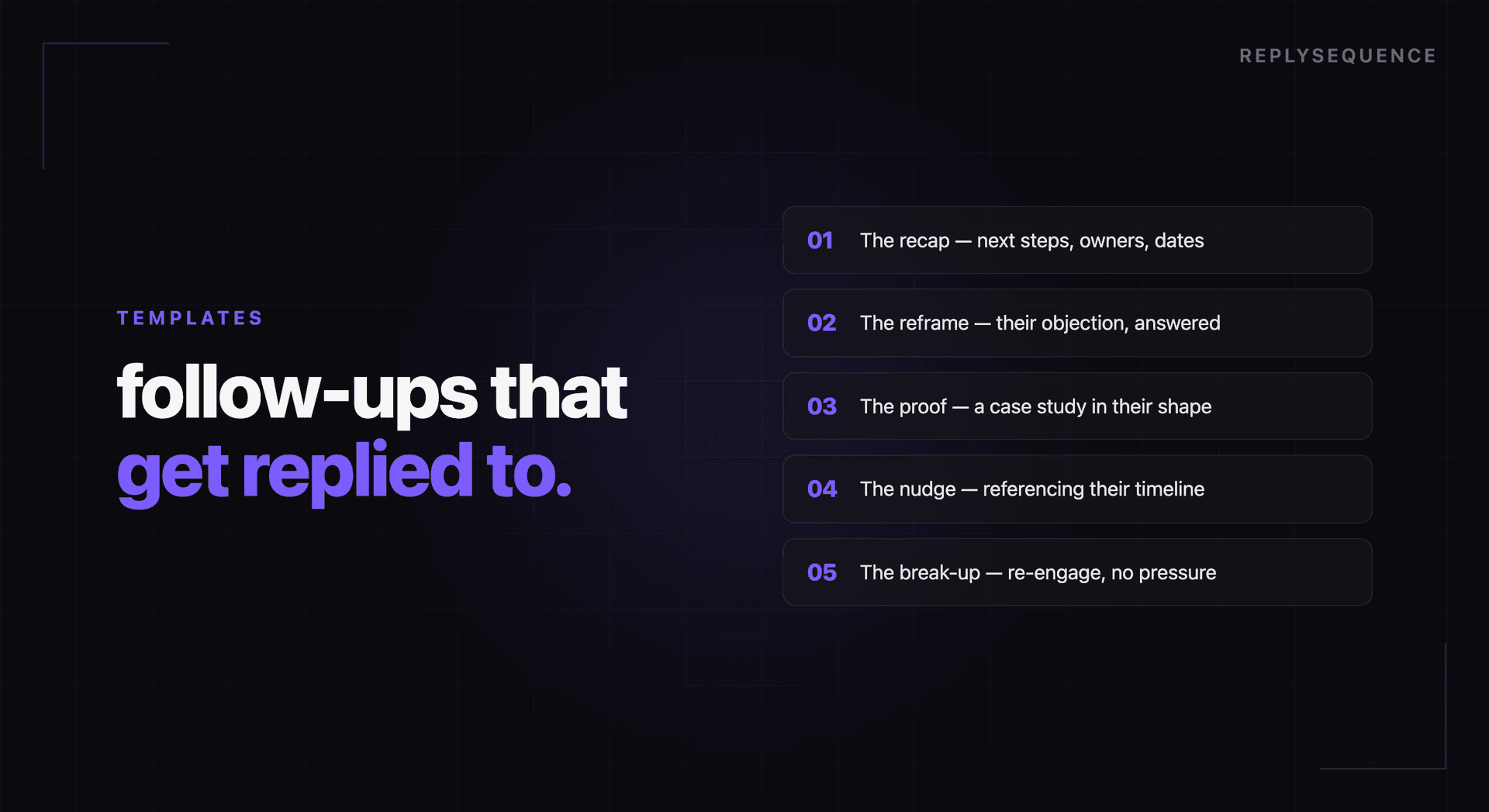
Follow-up email templates get a bad reputation because most of them deserve it. The typical template is so generic that prospects can smell it from the subject line. "Great meeting today!" followed by three paragraphs that could apply to any meeting with any person at any company.
But templates themselves are not the problem. The problem is templates without context. A well-structured template that gets populated with specific meeting details can outperform a manually written email because it ensures you hit every element that drives a response.
Here are five templates designed for specific meeting scenarios. Each one includes the structural elements that research shows increase reply rates: specificity, a clear next step, appropriate length, and a reason to respond quickly.
Template 1: Post-Demo Follow-Up
Use after a product demo with a prospective buyer.
Subject: [Specific Feature] for [Their Company], next steps
Hi [Name],
Thanks for walking through [your specific challenge/goal] with me today. A few things stood out from our conversation:
- [Pain point they mentioned]: this is exactly what [specific feature] was built for, and I think the [specific capability] we showed would cut that process from [their current time] to [projected time].
- [Question they asked]: I am pulling together [resource/answer] and will have that to you by [specific day].
- [Concern they raised], [one-sentence response addressing it directly].
You mentioned [decision-maker/timeline detail]. To keep things moving, would [specific day and time] work for a 20-minute call to [specific next step, review pricing, loop in their team, walk through implementation]?
Best,
[Your Name]
Why it works: References three specific discussion points, addresses their concern proactively, and proposes a concrete next step with a time.
Template 2: Post-Discovery Call
Use after an initial discovery or qualification call.
Subject: [Their pain point]: a few ideas
Hi [Name],
Good conversation today about [specific challenge]. Based on what you shared about [their situation], I think there are [number] ways we could help:
- [Solution approach 1], addresses [specific problem they described]
- [Solution approach 2], would help with [secondary goal they mentioned]
You mentioned [timeline/budget/stakeholder detail]. I have put together a brief overview of how this would work for [their company specifically]. Worth a 15-minute review on [day]?
Best,
[Your Name]
Why it works: Shows you listened, provides value (solutions, not just a sales pitch), and the ask is small (15 minutes, not a full meeting).
Template 3: Post-Internal Sync
Use after an internal team meeting or cross-department sync.
Subject: [Meeting topic], action items and owners
Hi team,
Quick recap from today's sync on [topic]:
Decisions made:
- [Decision 1]
- [Decision 2]
Action items:
- [Person], [task] by [date]
- [Person], [task] by [date]
- [Person], [task] by [date]
Open questions:
- [Question that needs follow-up]
Next check-in: [date/time]. Let me know if I missed anything.
[Your Name]
Why it works: Internal follow-ups need clarity and accountability, not persuasion. The decision/action/question framework ensures nothing falls through the cracks.
Template 4: Re-Engagement After a Stalled Deal
Use when a prospect has gone quiet after initial interest.
Subject: [Specific thing from your last conversation]
Hi [Name],
When we spoke [timeframe], you mentioned [specific pain point or goal]. I wanted to follow up because [relevant trigger, new feature, industry change, timing they mentioned].
Since then, we have [brief relevant update, new case study, product improvement, or industry insight that relates to their situation].
Would it be worth reconnecting for [specific time] to see if [original solution] still makes sense for [their company]? I know [acknowledge why they might have paused, busy quarter, competing priorities].
Either way, happy to share [specific resource] if it would be useful.
Best,
[Your Name]
Why it works: References the original conversation specifically (not "just checking in"), provides a reason for reaching out now, and gives them an easy out that still delivers value.
Template 5: Post-Onboarding Check-In
Use after completing a new client onboarding session.
Subject: You are all set: one thing to try this week
Hi [Name],
Great getting [their product/account] set up today. Here is a quick summary of where things stand:
Completed:
- [Setup step 1]
- [Setup step 2]
- [Configuration detail]
Recommended next step: Try [specific feature or workflow] this week with [specific use case from their business]. Most teams see [specific benefit] within the first [timeframe].
Resources:
- [Link to relevant help doc or guide]
- [Link to relevant video or tutorial]
I will check back in on [day] to see how things are going. In the meantime, [support channel] is the fastest way to reach us if anything comes up.
[Your Name]
Why it works: Confirms what was accomplished, gives a specific recommendation (not "explore the platform"), and sets expectations for the next touchpoint.
Why Templates Plus AI Beats Either Alone
These templates provide the structure. AI provides the specifics. When you combine a proven email structure with AI that can extract exact discussion points from a meeting transcript, you get follow-ups that are both well-organized and deeply personalized.
Tools like ReplySequence effectively do this automatically: they apply the right structure based on the meeting type (sales demo, discovery call, internal sync) and populate it with specific details from the transcript. The result is a draft that follows best practices without sounding templated.
The goal is not to eliminate your voice from follow-up emails. It is to eliminate the 15 minutes of drafting work so you can spend 60 seconds on the part that matters: reviewing, adding your personal touch, and hitting send while the conversation is still warm.
How ReplySequence handles this
ReplySequence takes any meeting transcript, paste it in from Zoom, Teams, Meet, WebEx, Fireflies, Granola, or wherever, and drafts a context-rich follow-up email in about 8 seconds. You review it, make any edits, and approve. Deal intelligence builds automatically.

