
Forecast Revenue Better With AI Meeting Insights
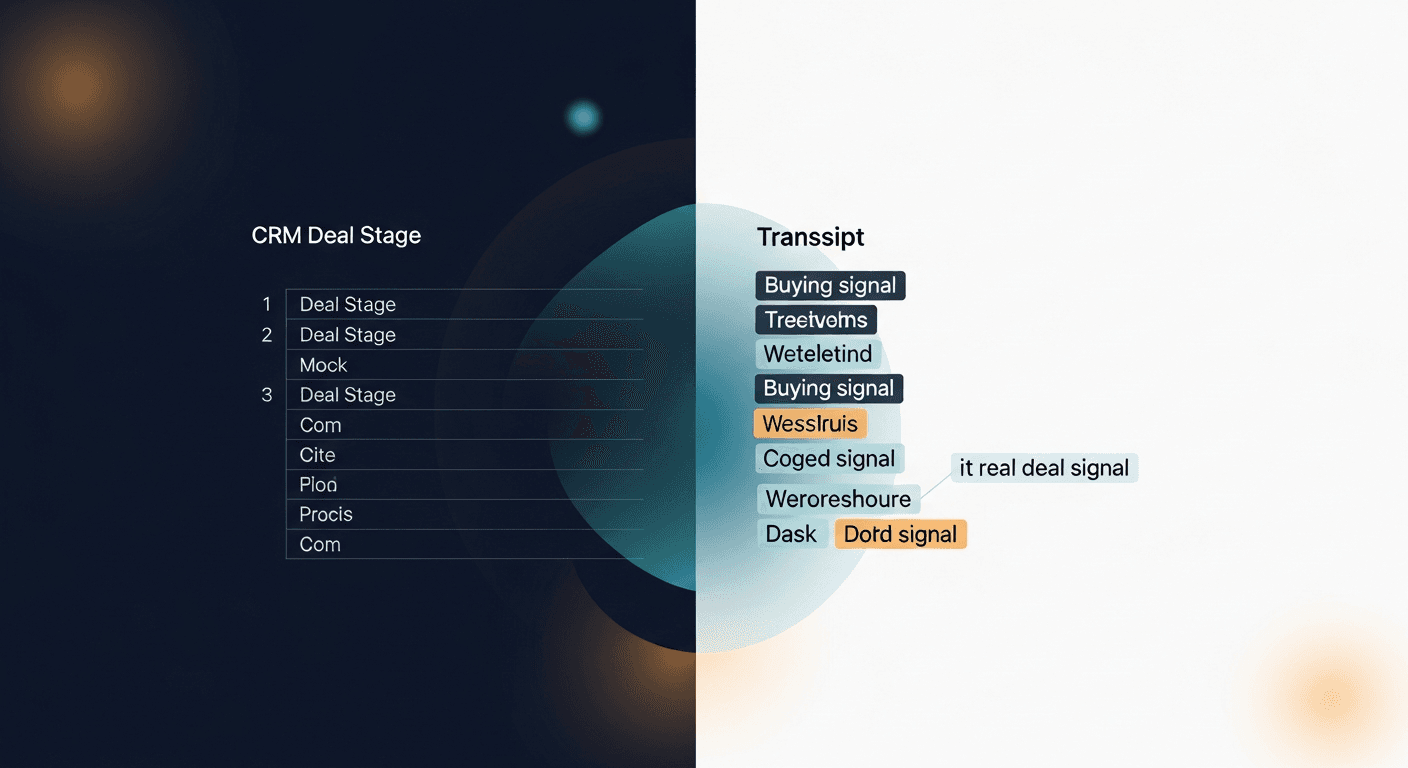
The most accurate way to forecast revenue with AI meeting insights is to stop relying on what reps say happened in a meeting and start pulling signal from what was actually said. Transcripts don't lie. CRM fields do.
Sales forecasting has always had a data quality problem. The inputs are garbage, stage dates reps forget to update, deal sizes that haven't been touched in 45 days, next steps that say "follow up" with no context. You throw that into a spreadsheet or a forecast call and you're basically doing astrology. AI meeting insights fix this by injecting real conversation data into the forecast model. Here's how to actually do it.
Why Sales Forecasting Fails (And It's Not the Model)
Most sales orgs blame their forecast tool when the numbers are off. Wrong problem. 67% of B2B sales forecasts miss by more than 10%, according to Gartner. The issue isn't the methodology: it's the inputs.
Reps are not malicious. They're just busy. After a 45-minute discovery call, the last thing anyone wants to do is spend 20 minutes logging notes and updating six CRM fields. So they don't. Or they do it fast and sloppy. Either way, you end up with forecast data that reflects what a rep intended to log, not what the buyer actually said.
The gap between what happened in the meeting and what lives in the CRM: that's where forecast accuracy goes to die.
- Competitor mentions that never get logged
- Budget signals buried in meeting conversation
- Decision-maker count that's off by two people
- Timeline commitments that didn't make it into the notes
- Objections that never got surfaced to the manager
All of that is signal. All of it is sitting in a transcript somewhere, unstructured, unleveraged.
What AI Meeting Insights Actually Give You
When you run a transcript through an AI layer (whether that's Fireflies, Gong, or something like ReplySequence) you're not just getting a summary. You're getting structured extraction of the signals that actually matter for forecasting.
Specifically, good AI meeting analysis surfaces:
Budget signals. Did the buyer mention a number? A budget cycle? "We're locked until Q3" or "we have about $40k to work with": those are forecast inputs. They're almost never in the CRM unless someone was very diligent.
Timeline indicators. "We need this live before our sales kickoff in September" is a hard timeline. AI extracts that. A rep logging notes at 6pm might not.
Stakeholder map. Who's in the room? Who got mentioned but wasn't there? "Our CFO will need to sign off on anything over $25k" changes the forecast weight on that deal immediately.
Objections and blockers. Technical blockers, procurement requirements, competing priorities: these all affect close probability. If they're not logged, your forecast is blind to them.
Buying intent signals. "Can you send me the contract template?" vs. "We're still early in our evaluation": these are different deal stages, even if they're both sitting in Stage 3 in your CRM.
None of this requires magic. It requires having a transcript and running it through structured extraction. That's it.
The Practical Workflow: Transcript In, Forecast Signal Out
Here's how I'd actually set this up for a sales team. No enterprise software required. You can do this with tools most teams already have.
Step 1: Get transcripts from every customer-facing call
Fireflies, Otter, Gong, Chorus, Zoom AI, Granola, pick one. The point is that every call produces a transcript. This is non-negotiable. If you don't have transcript coverage, you have nothing to analyze.
For teams that can't always have a bot in the room (sensitive enterprise calls, exec conversations) you can paste notes or partial transcripts manually. Ugly but it works.
Step 2: Extract structured signals with AI prompts
This is where the leverage is. After each call, run the transcript through a structured extraction prompt. Something like:
"From this transcript, identify: (1) any budget figures or ranges mentioned, (2) stated or implied timeline for a decision, (3) stakeholders mentioned by name or role, (4) objections or blockers raised, (5) explicit next steps committed to by either party."
You can run this in ChatGPT, Claude, or any AI layer that sits on top of your transcript tool. The output is structured deal intelligence.
This is the core of what I built ReplySequence around, after a meeting ends, the transcript drives the output. Follow-up email is the most obvious output, but the same extraction logic surfaces the forecast signals you'd otherwise lose.
Step 3: Feed the signals back into your CRM
This is the step most teams skip because it still requires a human. But if the AI extraction gives you a clean summary, a rep can update the CRM in under two minutes versus twenty. That's the difference.
Map the extracted fields to your CRM deal properties:
- Budget signal → Expected Value or custom field
- Timeline → Close Date or Decision Date
- Stakeholders → Contacts associated with deal
- Blockers → Deal Notes or custom Risk field
- Intent signals → Stage or custom Confidence Score
Over time, this creates a feedback loop. Deals with strong budget + timeline signals close faster. Deals with multiple unresolved objections log longer. Your model learns what real signal looks like.
Step 4: Adjust forecast weights based on signal quality, not stage
This is where AI meeting insights change the actual forecast methodology: not just the data hygiene.
Traditional stage-based forecasting says: Deal in Stage 4 = 70% likely to close. But Stage 4 for one rep might mean "sent contract" and for another it means "they said they liked us." Stage is a lagging indicator that reflects rep behavior, not buyer intent.
Signal-based forecasting says: This deal has a confirmed budget, a named decision-maker, a stated deadline of end of quarter, and zero unresolved technical objections. That's a different risk profile than a deal in the same stage with no budget signal and three open blockers.
You can operationalize this with a simple scoring model:
- Budget confirmed: +20 points
- Timeline stated: +15 points
- All stakeholders identified: +15 points
- No open technical blockers: +10 points
- Explicit next step committed: +10 points
- Competitor mentioned and not addressed: -15 points
Run this across your pipeline and you'll find deals your reps are bullish on that are actually hollow, and deals they've written off that have more signal than they realized.
Real-World Example: What This Looks Like in Practice
I was talking to an AE at a mid-size SaaS company last fall. She had a deal in Stage 4, $85k ARR, flagged as likely to close that quarter. Her manager had it in the forecast.
She pulled the transcript from her last call. AI extraction surfaced three things nobody had logged: the CFO hadn't been looped in yet, they had a competing internal project that would "definitely take priority if it got greenlit," and their current contract with a competitor didn't expire until March.
None of that was in the CRM. The deal was in the forecast at 70% confidence. It slipped two quarters.
That's not a forecasting methodology failure. That's a data failure. Meeting signal that never made it into the model.
Another scenario: An SDR team I know started running every Fireflies transcript through a structured extraction prompt before logging the CRM update. Within 60 days, their average CRM field completion rate went from 40% to 85%. Their quarterly forecast accuracy improved by 18 percentage points. Not because they bought a new forecast tool. Because the data going into the existing tool got dramatically better.
The Differentiation Window Is Closing
Here's the thing I think about a lot: this capability is not going to be a competitive advantage forever. Zoom AI Companion is getting better. Salesforce Einstein is ingesting call data. HubSpot is building this natively.
In 12-18 months, structured extraction from meeting transcripts is going to be table stakes. Right now it's still a gap. Teams that build the habit of treating transcripts as forecast inputs (not just archival records) are building a data flywheel that compounds.
The reps who use AI to forecast revenue with meeting insights aren't doing more work. They're doing less of the crappy work and more of the thinking. That's a different kind of sales motion, and it's faster.
Start Here If You Want to Forecast Revenue With AI Meeting Insights
Don't buy anything new yet. Start with what you have:
- Confirm you have transcript coverage on 80%+ of customer calls
- Write a single extraction prompt for your five most important forecast signals
- Run it on your ten most active deals this week
- Compare what the AI extracts to what's in your CRM
- Fix the gaps manually this quarter, automated next quarter
That's the whole playbook. The gap between what your meetings contain and what your forecast model sees: that's recoverable. It just requires treating transcripts as a data source, not a backup record nobody reads.
If you want to see how I've built the extraction and follow-up workflow into a repeatable system, check out what I'm doing at replysequence.com. The same transcript that drives a follow-up email surfaces the deal signals that should be in your CRM. Same input, more outputs. That's the idea.
Related reading
How ReplySequence handles this
ReplySequence takes any meeting transcript, paste it in from Zoom, Teams, Meet, WebEx, Fireflies, Granola, or wherever, and drafts a context-rich follow-up email in about 8 seconds. You review it, make any edits, and approve. Deal intelligence builds automatically.

