
Meeting Overload? 7 AI Tools to Get Time Back
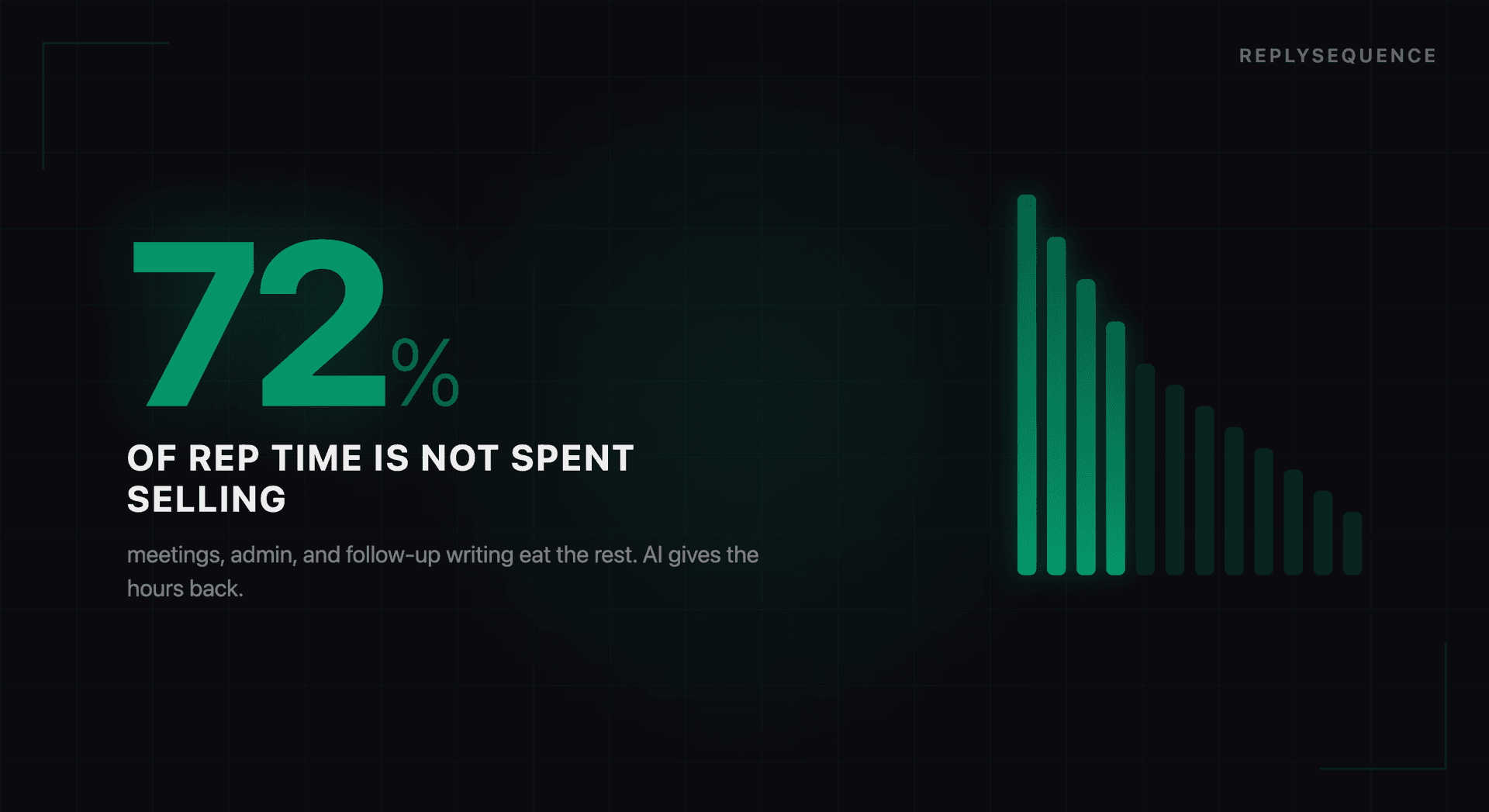
According to a 2024 study by Otter.ai, the average professional spends 31 hours per month in meetings. For sales professionals, that number is even higher, often 40+ hours when you count internal syncs, pipeline reviews, and coaching sessions on top of prospect-facing calls.
But the meetings themselves are not the only time cost. For every hour in a meeting, most professionals spend an additional 20-30 minutes on meeting-adjacent tasks: reviewing notes, drafting follow-ups, updating CRM records, sharing summaries with teammates, and preparing for the next meeting. That overhead adds up to 10-15 hours per month of pure busywork.
AI tools cannot attend your meetings for you (yet). But they can eliminate nearly all of the work that surrounds each meeting. Here are seven tools worth considering, organized by the specific problem they solve.
1. ReplySequence, Follow-Up Emails from Transcripts
Problem it solves: Writing personalized follow-up emails after every meeting.
How it works: ReplySequence connects to Zoom, Teams, and Meet. After each meeting, it processes the transcript and generates a draft follow-up email that references specific discussion points, captures action items, and matches the appropriate tone for the meeting type.
Time saved: 15-20 minutes per meeting on follow-up drafting.
Best for: Sales reps, consultants, and account managers who run multiple external meetings daily and need to send contextual follow-ups for each one.
2. Fathom, Meeting Notes and Summaries
Problem it solves: Taking notes during meetings so you can focus on the conversation.
How it works: Fathom joins your calls as a silent participant, records the conversation, and produces structured notes organized by topics, action items, and key decisions. You can highlight moments during the call for easy reference later.
Time saved: 10-15 minutes per meeting on note-taking and review.
Best for: Anyone who struggles to participate in meetings while simultaneously taking comprehensive notes.
3. Calendly (with AI Add-Ons), Scheduling Automation
Problem it solves: The back-and-forth of scheduling meetings.
How it works: Calendly has expanded beyond simple scheduling links to include AI-powered features like smart scheduling suggestions, automatic buffer time between meetings, and intelligent rescheduling when conflicts arise.
Time saved: 5-10 minutes per meeting on scheduling logistics.
Best for: Anyone who spends too much time coordinating meeting times across multiple calendars.
4. Otter.ai, Real-Time Transcription and Search
Problem it solves: Finding specific information from past meetings.
How it works: Otter transcribes your meetings in real-time and makes every conversation searchable. Need to find the exact moment a client mentioned their budget? Search for "budget" across all your meetings.
Time saved: Variable, but significant when you need to reference past conversations.
Best for: Teams that need to search across meeting history for specific topics, decisions, or commitments.
5. Fireflies.ai, Meeting Intelligence and Analytics
Problem it solves: Understanding patterns across meetings.
How it works: Fireflies records and transcribes meetings, then provides analytics on talk-to-listen ratios, question frequency, topic distribution, and conversation sentiment. It helps identify coaching opportunities and workflow improvements.
Time saved: Primarily saves manager time on coaching prep and deal review.
Best for: Sales managers who need visibility into team performance across hundreds of meetings.
6. Grain, Video Highlights and Sharing
Problem it solves: Sharing meeting context with people who were not on the call.
How it works: Grain lets you clip specific moments from recorded meetings and share them as short video highlights. Instead of writing a summary of what the customer said, you can share the 30-second clip of them saying it.
Time saved: 10-15 minutes per meeting on creating summaries and context for teammates.
Best for: Teams where meeting outcomes need to be shared across departments, sales to product, customer success to engineering, etc.
7. Reclaim.ai, Calendar Optimization
Problem it solves: Protecting focus time from meeting creep.
How it works: Reclaim.ai uses AI to automatically schedule and defend blocks of focus time on your calendar. It intelligently moves flexible meetings and tasks to optimize your schedule, ensuring you have uninterrupted time for deep work alongside your meeting commitments.
Time saved: 3-5 hours per week by preventing back-to-back meeting marathons.
Best for: Professionals who feel like they spend all day in meetings with no time left for actual work.
Stacking Tools for Maximum Impact
These tools are most powerful when combined. A practical stack for a sales professional might look like:
- Reclaim.ai to protect morning focus time and optimize meeting scheduling
- Calendly to handle the logistics of booking those meetings
- ReplySequence to generate follow-up emails from each meeting transcript
- HubSpot or Salesforce integration (via ReplySequence) to keep CRM data updated automatically
This stack eliminates the busywork before, during, and after each meeting, letting you focus on the conversations themselves: which is where deals actually progress.
The Math
If you run 20 external meetings per week and each one currently requires 20 minutes of follow-up work (notes, email drafting, CRM updates), that is nearly 7 hours per week of administrative overhead. AI tools can reduce that to under 1 hour: the time it takes to review and send 20 AI-generated follow-ups at 2-3 minutes each.
Six extra hours per week. That is enough time for five more prospect meetings, a day of strategic planning, or simply leaving the office at a reasonable hour.
The question is not whether AI meeting tools are worth the investment. It is how much longer you can afford the time cost of not using them.
How ReplySequence handles this
ReplySequence takes any meeting transcript, paste it in from Zoom, Teams, Meet, WebEx, Fireflies, Granola, or wherever, and drafts a context-rich follow-up email in about 8 seconds. You review it, make any edits, and approve. Deal intelligence builds automatically.

