
Plan the Perfect Follow-Up Call From Notes
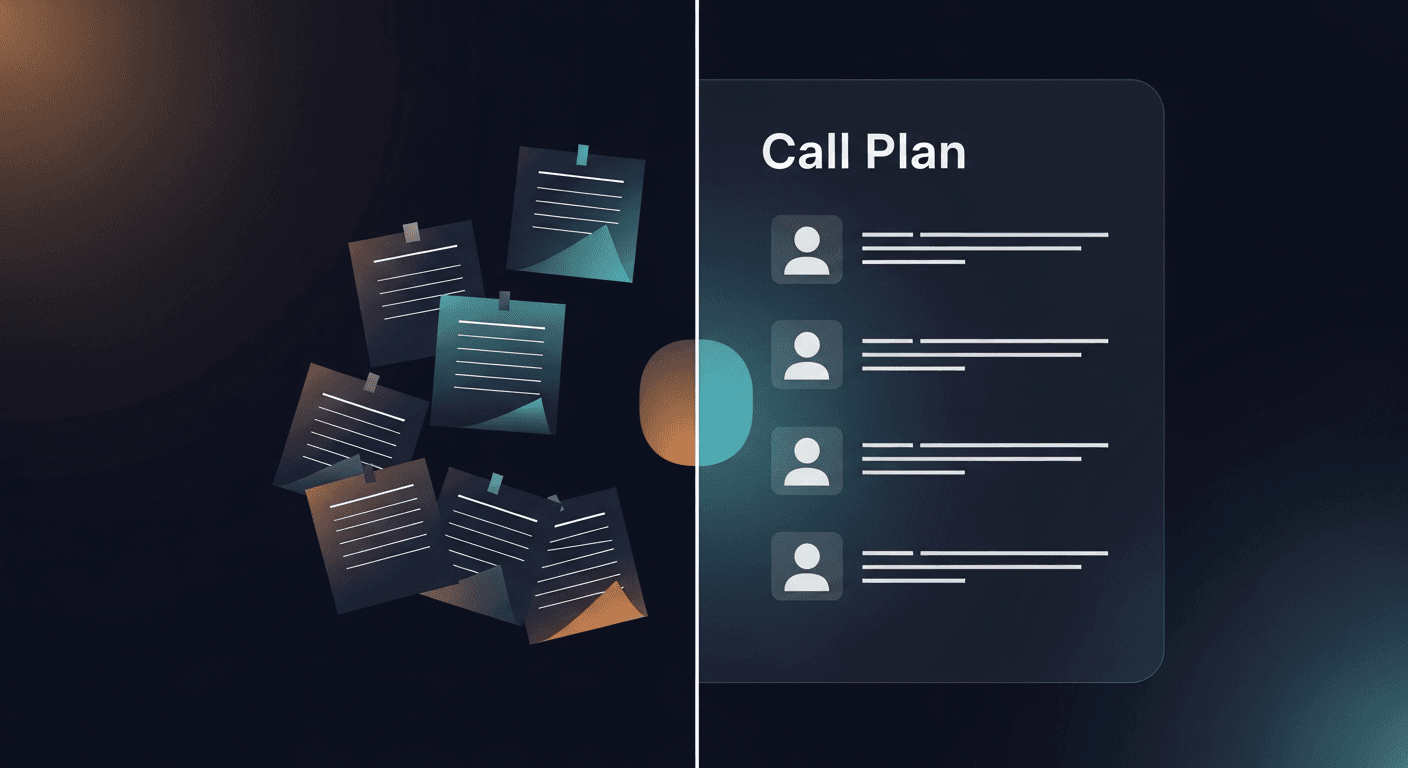
The best follow-up call prep starts with your own meeting notes: not a CRM template, not a generic agenda. If you can pull the key pain points, open questions, and commitments from your last conversation, you walk into the next call with context nobody else has.
Here's exactly how to do that.
Why Most Follow-Up Calls Fall Flat
Research from Gartner shows that B2B buyers typically engage with a vendor 6-8 times before making a purchase decision, but most of those touchpoints feel generic to the buyer because the rep forgot what was said two weeks ago. The meeting happened. The notes exist somewhere. Nobody went back to them.
The problem isn't preparation discipline. It's that the gap between "meeting ends" and "follow-up call scheduled" gets filled with other fires. By the time the next call rolls around, the rep is scanning a two-paragraph CRM note and hoping it jogs memory.
That's a structural problem. The notes are there: the workflow to use them isn't.
A solo founder running discovery calls, an AE with 12 open opportunities, a recruiter managing candidate pipelines: they all have the same constraint: no time to reconstruct context from scratch before every touchpoint.
Step 1: Pull the Right Raw Material
Before you can plan a follow-up call, you need a usable transcript or note set. Not a vague summary. The actual words.
If you use Fireflies, Otter, Fathom, or Granola, your transcript is already sitting in that tool. Copy the relevant section. If your meeting was in Zoom or Teams with transcription on, pull the auto-generated transcript. If you took manual notes, paste them as-is, even messy notes work.
The format doesn't matter. The raw content does.
One move I'd skip: relying on the AI summary your recorder spits out. Those summaries are optimized for brevity, not for call planning. They flatten nuance. The transcript itself (or your own unedited notes) preserves the stuff that matters: the hesitation before a prospect said "we'd need buy-in from finance," the specific number they mentioned, the offhand comment about their timeline.
Keep the raw material. Work from it directly.
Step 2: Extract the Four Things That Actually Drive Call Prep
When you go back to your notes, you're not reading for a summary. You're hunting for four specific things:
- Open questions, anything that came up but didn't get resolved. "They mentioned compliance requirements but we ran out of time" = open question. Write it down explicitly.
- Stated pain points: the specific language the prospect used, not your interpretation of it. If they said "we're drowning in manual data entry," that phrase is gold. Mirror it back in the follow-up call and they'll feel heard.
- Commitments made, what did you say you'd do? What did they say they'd check on? Both sides. Recapping these at the top of the follow-up call builds credibility fast.
- Signals about the decision process, who else is involved, what their timeline pressure is, what a "yes" actually requires on their end. This stuff gets buried in transcripts but it's the most important context for how you run the next call.
For each of these, pull a direct quote where you can. Exact language is better than paraphrase.
Step 3: Build a Skeleton Agenda (5 Lines Max)
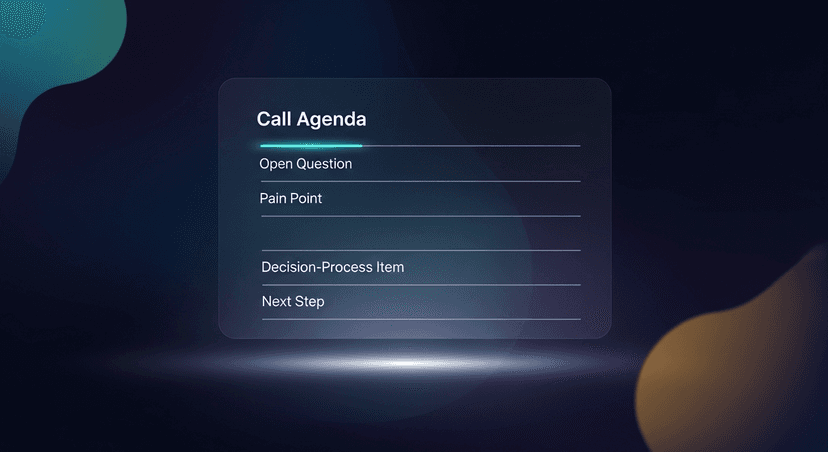
A follow-up call agenda doesn't need to be long. It needs to be right. Five lines is enough:
- Opening anchor (30 seconds), recap what you agreed to do since the last call, confirm what they expect from this one
- Resolve the top open question, pick the single most important thing left unanswered and lead with it
- Revisit the stated pain, come back to the specific language they used and show what you've done with it
- Handle the decision-process unknowns: this is where you ask the stakeholder/timeline/next-step questions you didn't get to last time
- Clear close, what's the specific next step coming out of this call, and who owns it
That's it. If you have more than five agenda items, you're planning a presentation, not a conversation.
ReplySequence does this automatically, paste any transcript, get a branded follow-up sequence back in 60 seconds.
Step 4: Write One Sentence Per Stakeholder
If multiple people were in the last meeting, or if the prospect mentioned someone who wasn't, this step matters a lot. Before the follow-up call, write one sentence per stakeholder that captures what they care about and what their role in the decision is.
Example: "Sarah (CFO) flagged budget approval as her main concern and wasn't in the last call, if she comes up, I need to address ROI, not features."
That sentence takes 20 seconds to write and could change how you handle the whole conversation if her name comes up.
This is the kind of context that lives in your transcript and disappears from your head. Writing it down forces you to synthesize it. Reviewing it before the call means you don't have to reconstruct it mid-sentence while the prospect is talking.
One sentence. Per stakeholder. Done.
Step 5: Set Up the First 60 Seconds
The opening of a follow-up call does more work than most people give it credit for. It sets the frame. It signals whether you remembered what was said or whether you're starting from scratch.
Write out your opening 60 seconds: not a script, a structure:
- Acknowledge the time gap ("It's been two weeks since we talked")
- Recap the specific thing you said you'd do ("I said I'd look into the API question")
- State what you did ("I did, and here's what I found")
- Confirm the agenda ("I want to cover X, Y, and Z today, does that work?")
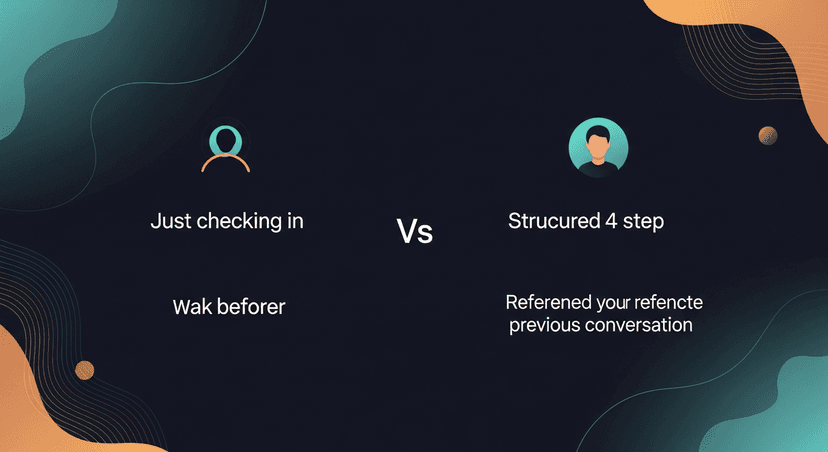
This takes 45 seconds max and immediately separates you from every rep who opens with "So, just wanted to reconnect and see where you're at."
The prospect knows you paid attention. That's a different kind of trust.
What This Looks Like in Practice
Here's a concrete scenario. A recruiter screens a candidate, runs a 30-minute Zoom call with transcription on. The candidate mentioned they're weighing two other offers and want a decision in three weeks. They also said the most important thing to them is remote flexibility: not compensation.
Two days later, the recruiter schedules a follow-up call to discuss next steps. Without going back to the transcript, they lead with comp. The candidate feels like the recruiter wasn't listening. The whole conversation starts on the wrong foot.
With the transcript and this five-step process: they open by recapping the three-week timeline, ask specifically about where the other offers stand, and address remote flexibility before money ever comes up. Same call, different result.
The transcript was always there. The workflow to use it wasn't.
The Missing Piece: The Email Before the Call
One thing that compounds the value of this prep: sending a follow-up email before the call that sets the agenda. Not after, before. It gives the prospect a chance to add topics, confirms the time, and signals that you're organized.
Most reps skip it because writing it takes 15 minutes they don't have. The draft has to match their voice, reference the right details from the last meeting, and not sound like a template.
That's the gap I built ReplySequence to close: the post-meeting email layer that turns a transcript into a sent follow-up in 60 seconds. Works after Fireflies, Otter, Fathom, Granola, or any recorder. Or paste your notes directly. No bot in the meeting, no new recorder to buy.
Putting It All Together
To plan the perfect follow-up call from your meeting notes:
- Pull the raw transcript or unedited notes: not the AI summary
- Extract open questions, stated pain points, commitments made, and decision-process signals
- Build a 5-line agenda anchored to those specifics
- Write one sentence per stakeholder with their concern and role
- Script your opening 60 seconds so you lead with context, not small talk
The notes already have everything you need. The workflow above makes sure you actually use them.
—-
If the writing-the-follow-up-email part is the bottleneck in your prep, try ReplySequence free, 10 drafts/month, no credit card required. Paste any transcript, get a branded follow-up sequence back. Start at replysequence.com.
Related reading
- How to Recap a Discovery Call to Move Prospects Forward
- How to Recap a Discovery Call to Move Prospects Forward
- How to Confirm Next Steps After Every Sales Call (And Make Them Stick)
Get the weekly ReplySequence newsletter for more post-meeting follow-up tactics, subscribe at replysequence.com/newsletter.
How ReplySequence handles this
ReplySequence takes any meeting transcript, paste it in from Zoom, Teams, Meet, WebEx, Fireflies, Granola, or wherever, and drafts a context-rich follow-up email in about 8 seconds. You review it, make any edits, and approve. Deal intelligence builds automatically.

