
Prepare for a Sales Meeting in 10 Min Using AI
You can prepare for a sales meeting with AI in under 10 minutes. The trick is knowing which inputs matter, which tools to use for each step, and (critically) what to do with the transcript after the call ends. Here's the exact workflow.
Why Most Meeting Prep Takes Too Long
The average rep spends 30–60 minutes preparing for a discovery or demo call. That's not because prep is hard: it's because there's no system. They open LinkedIn, fall into a research rabbit hole, end up reading the prospect's blog posts from 2019, and emerge 45 minutes later with a vague sense of dread and three browser tabs they'll never close.
Research from Gartner suggests sales reps spend less than 30% of their time actually selling. The rest goes to admin, prep, and writing follow-ups. Meeting prep is one of the biggest hidden time sinks, and it's almost entirely fixable with a tight AI workflow.
The goal isn't to eliminate prep. It's to compress it to the 10 minutes of research that actually move the needle.
The 10-Minute AI Meeting Prep Workflow
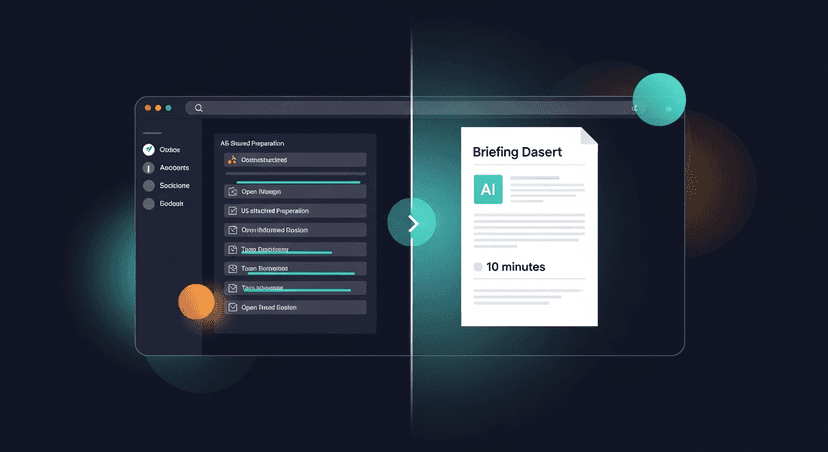
This is a five-step sequence. Each step has a time budget. Stick to it.
Step 1: Prospect brief (3 minutes)
Open ChatGPT, Claude, or Perplexity. Paste this prompt:
> "Give me a 5-bullet briefing on [Company Name]. Include: what they do, their likely ICP, recent news or funding, tech stack signals, and one thing that might make them resistant to change right now."
Perplexity is particularly good here because it pulls live web data. You get a current snapshot: not GPT's training cutoff. For a solo founder or a small AE team without a research function, this is table stakes.
Time cap: 3 minutes. Read the output. Don't go verify every claim. Use it as orientation, not gospel.
Step 2: LinkedIn skim (2 minutes)
Two minutes. One tab. Look for:
- Their title and how long they've been in the role (new = budget authority questions; long tenure = status quo defender)
- Any recent posts (what are they signaling publicly?)
- Shared connections (mention one if it's genuine, skip it if it's a stretch)
- Education or background that signals how they think
That's it. Close the tab.
Step 3: Pull your previous context (1 minute)
If this isn't a cold first call, pull the last transcript or CRM note. Ctrl+F the prospect's name. What did they say they cared about? What objection came up? What did you promise to follow up on?
If you're using Fireflies, Otter, Fathom, or Granola: this is fast. Search the contact, pull the transcript summary, read the action items. One minute.
If you have nothing because the last call was six months ago and the CRM note says "good call, following up": that's a different problem. But more on follow-up later.
Step 4: Generate your call agenda (2 minutes)
Back to your AI tool of choice. Prompt:
> "I'm running a 30-minute discovery call with [Title] at [Company]. Their likely pain is [X]. Give me 4 discovery questions I haven't heard before, ordered from least threatening to most."
Edit the output. These are starting points, not scripts. Cut anything that sounds like it came from a sales methodology deck from 2014.
The questions you generate in 2 minutes here are usually better than the ones you'd grind out in 20: because you're prompting against a specific context instead of trying to remember your training.
Step 5: Set your one outcome (2 minutes)
Write one sentence: "If this call goes perfectly, the next step is ___."
Agreement to a pilot? A second meeting with a champion? A pricing conversation? Name it before you dial.
This is the most skipped step and the most important one. Without a defined next step in mind, calls end with "sounds great, let's stay in touch": and then nothing happens.
The Part Everyone Forgets: Post-Meeting Follow-Up
Here's where the prep investment actually pays off, or evaporates.
Research from HubSpot consistently shows that 80% of sales require five or more follow-ups, but nearly half of reps give up after one. Most of those ghosted deals didn't die because the meeting went badly. They died because the follow-up was slow, generic, or never happened.
You spent 10 minutes preparing. You ran a solid call. Your recorder captured the transcript. And then... you have to write the follow-up email. Which takes another 25 minutes if you're doing it properly, recap, next steps, personalized references to what they actually said, a light CTA that doesn't sound desperate.
Multiply that by 5 calls a day and you've got two hours of post-call writing. Every day.
ReplySequence does this automatically, paste any transcript, get a branded follow-up sequence back in 60 seconds.
The workflow is: call ends → transcript comes out of Fireflies/Otter/Fathom/Granola/Zoom/Teams → paste into RS → review the draft → send. Nothing auto-sends. You review everything. But the draft is done, it's personalized to what was actually said on the call, and it sounds like you: not like a GPT template.
That last part matters more than people expect. The voice-fingerprint feature in RS learns from your edits over time. After a few calls, the drafts start sounding less like generic AI output and more like the way you actually write. Your tone, your cadence, your level of formality.
Three Scenarios Where This Workflow Changes the Outcome
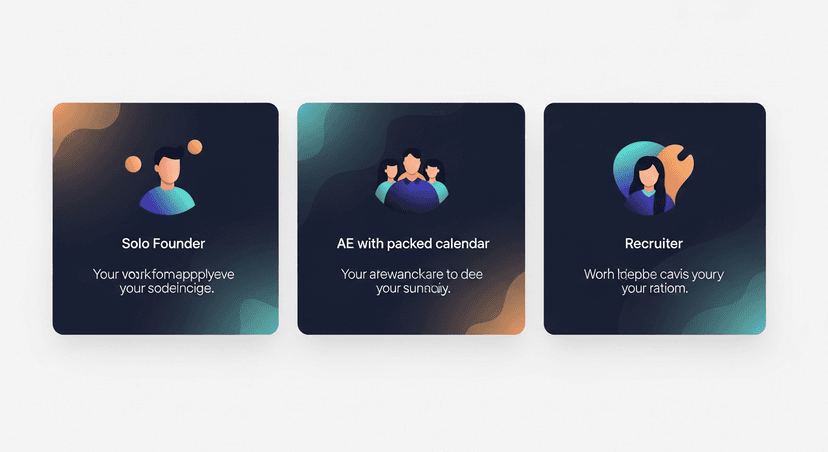
Scenario A: The solo founder doing their own sales
You're running five discovery calls a week on top of building the product. You have no SDR, no AE, no prep deck. The 10-minute workflow gives you enough context to walk into every call sounding prepared without burning the morning. After the call, you paste the Fathom transcript into RS, get the follow-up drafted, review it in 90 seconds, and send. The deal doesn't die in your inbox.
Scenario B: The AE with back-to-back demos
Three demos in a row, each for a different company, each with different use cases. You don't have 45 minutes between calls. You have 10 minutes, maybe 15. This workflow is built for that reality. Each step is time-boxed. You're not going deep: you're going targeted.
Scenario C: The recruiter after a candidate screen
Not every use case is an AE. Recruiters run 8–12 screens a week. Each one deserves a personalized follow-up that recaps what the candidate said they want, what the role offers, and a clear next step. Generic recruiter follow-ups kill candidate experience. A transcript-to-follow-up workflow fixes that, same mechanics, different industry.
What AI Can't Do in Meeting Prep
Fair to name the limits.
AI gives you orientation, not insight. It can surface what a company does and what recent news says about them. It can't tell you that the champion you're meeting with just had a budget cut, is under pressure from their CFO, or is quietly interviewing at another company. That context comes from the call itself: which is why listening matters more than any prep framework.
The 10-minute prep workflow is designed to clear the cognitive overhead so you can listen. You walk in knowing the basics, with good questions ready and a clear outcome in mind. That's the whole job of prep: not to script the call, but to free you up to be present in it.
The Full Workflow, Summarized
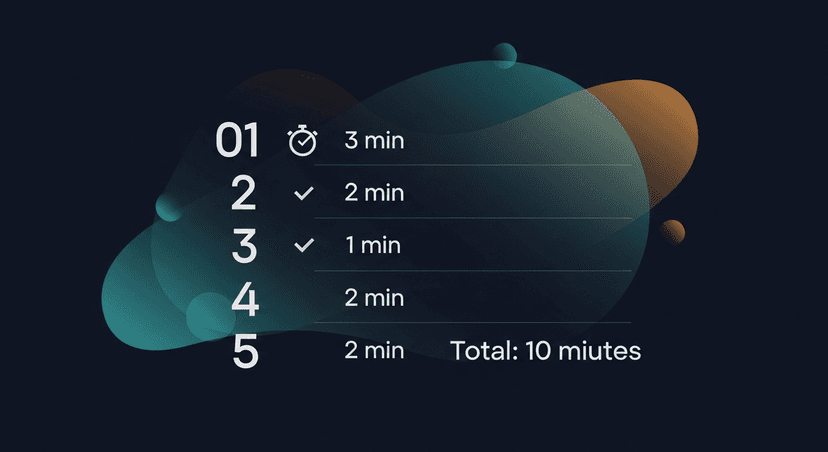
- Minute 0–3: AI prospect brief (Perplexity or ChatGPT)
- Minute 3–5: LinkedIn skim (title, tenure, recent posts, shared connections)
- Minute 5–6: Pull previous transcript or CRM context
- Minute 6–8: Generate 4 discovery questions with AI
- Minute 8–10: Write your one-sentence desired outcome
- After the call: Paste transcript → RS drafts the follow-up → you review and send
The prep gets you into the meeting sharp. The follow-up system makes sure you get something out of it.
That's the gap every other tool misses. Recording tools transcribe. RS follows up. Together, the whole post-meeting loop actually closes.
—-
Start free at replysequence.com, 10 drafts/month, no credit card required. If you're running more than a handful of calls per week, the Pro plan at $29/mo pays for itself the first time it saves you a deal you would've ghosted on.
Related reading
- How to Stop Context-Switching Between Meetings, CRM, and Email
- How to Follow Up After a Virtual Sales Meeting on Zoom or Teams
Get the weekly ReplySequence newsletter for more post-meeting follow-up tactics, subscribe at replysequence.com/newsletter.
How ReplySequence handles this
ReplySequence takes any meeting transcript, paste it in from Zoom, Teams, Meet, WebEx, Fireflies, Granola, or wherever, and drafts a context-rich follow-up email in about 8 seconds. You review it, make any edits, and approve. Deal intelligence builds automatically.

