
Stop Context-Switching Between Meetings & CRM
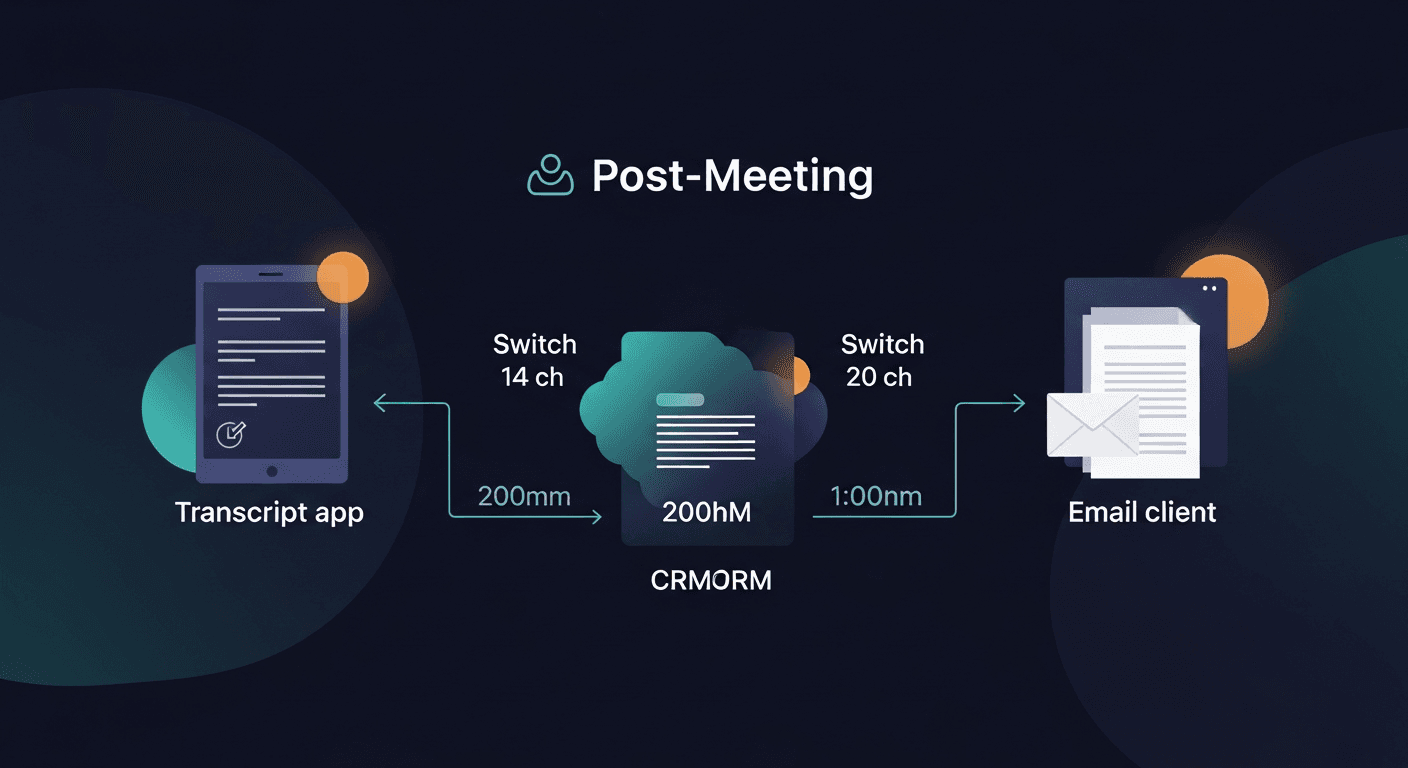
The fastest way to stop context switching in sales is to collapse the post-meeting workflow into one step. Instead of bouncing between your transcript, CRM, and email client to piece together a follow-up, you handle it in a single pass, transcript in, follow-up out. Everything else flows from there.
If that sounds too clean, keep reading. Because the problem is real, the cost is measurable, and the fix is more structural than tactical.
Why Context Switching Destroys Sales Productivity
Context switching isn't just annoying. It's expensive. Research from the University of California, Irvine found that it takes an average of 23 minutes to fully regain focus after an interruption. In sales, interruptions aren't occasional: they're the job. Back-to-back discovery calls, Slack pings, CRM updates, follow-up emails. Each one pulls you out of whatever you were doing.
A study by Microsoft Research found that workers interrupted by notifications took up to 25 minutes to return to their original task, and were more likely to pivot to a completely different task entirely. For an AE running five discovery calls a day, that overhead compounds fast.
The specific pattern that kills sales focus looks like this:
- Call ends
- You open the transcript in Fireflies, Otter, or Fathom
- You scan for action items and key details
- You open your CRM to log notes
- You open Gmail or Outlook to write the follow-up
- You realize you forgot a detail, go back to the transcript
- You finish the email, maybe 25-35 minutes after the call ended
- Next call starts in 5 minutes
Each app switch costs you mental load. You're not just losing time: you're losing the thread. The follow-up ends up generic because you're exhausted from the context shuffle, not because you didn't have good notes.
The average sales rep sends a follow-up email 47 hours after a meeting, according to research cited by Yesware. That's not because they forgot. It's because the workflow is fractured.
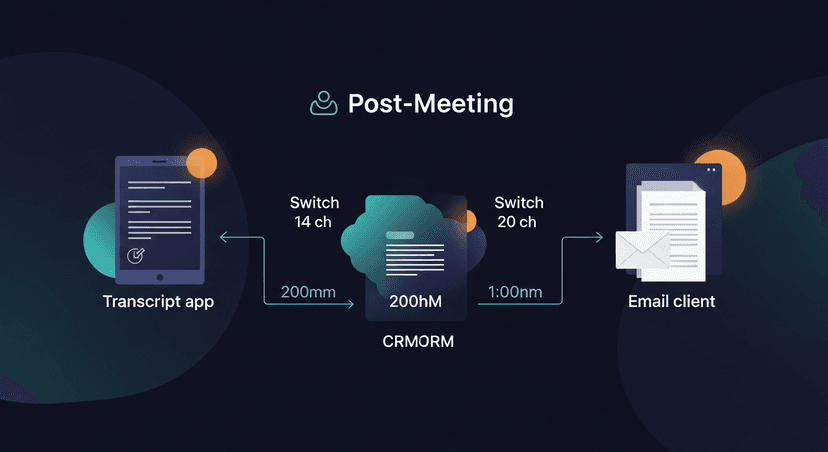
The Three Zones Where Context Switching Hits Hardest
Zone 1: The transcript-to-email gap
This is the worst one. You have a great call. You have a transcript. And then you spend 20 minutes staring at it trying to figure out how to turn bullet points into a coherent follow-up email that doesn't sound like a robot wrote it.
The gap between "I have the transcript" and "the email is sent" is where most deals slow down. Not because the rep doesn't care: because the workflow asks them to be both a note-taker and a copywriter simultaneously, after back-to-back calls, under time pressure.
ReplySequence does this automatically, paste any transcript, get a branded follow-up sequence back in 60 seconds.
Zone 2: CRM logging
CRM logging is a tax on every call. You have to remember what the prospect said, translate it into whatever fields your CRM wants, and do it before the details blur together with the next call. Most reps either log immediately (which eats into buffer time) or log at end of day (which means they're reconstructing from memory).
The fix here isn't a better CRM. It's reducing the number of decisions required. If your follow-up email is already drafted from the transcript, your CRM log becomes a subset of that: not a separate exercise.
Zone 3: The follow-up sequence gap
A good follow-up isn't one email. It's a nudge on day 3, a value add on day 7, a check-in on day 14. But building a three-touch sequence from scratch after every call is unrealistic. So most reps send one email, maybe two, and call it done.
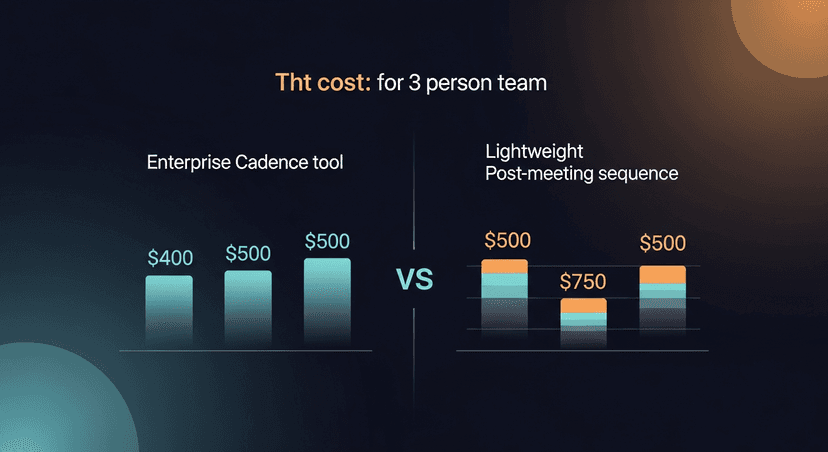
This is where HubSpot Sequences, Outreach, and Salesloft solve a real problem, but they solve it at enterprise price points. HubSpot Sales Hub Pro starts at $90/seat/month (billed annually) and scales to $450+/month depending on seat count and tier. For a solo founder or a small team, that's a lot of CRM tax to pay just to run post-meeting sequences.
How to Actually Reduce Sales Context Switching
The goal isn't zero context switching: that's not realistic. The goal is to batch the switching so it happens at deliberate transition points, not reactively throughout the day.
Here's the framework:
1. Create a post-call ritual, not a post-call scramble
Block 10 minutes after every call as a hard stop in your calendar. No exceptions. Use that window to:
- Paste the transcript and generate the follow-up
- Review and edit the draft (this is where your judgment adds value)
- Log the key fields in your CRM
- Send
Ten minutes. One context. Done.
If you're running back-to-back calls with no buffer, that's a scheduling problem, not a workflow problem. Build in the buffer. Deals that lose momentum because a follow-up went out 48 hours late cost more than 10 minutes of buffer time per call.
2. Use transcript-first as your anchor
Everything post-call should start with the transcript, not with your memory. The transcript is the single source of truth. If your follow-up email, CRM log, and internal notes all start from the same transcript, you've eliminated the biggest source of inconsistency and rework.
This is why BYOT (Bring Your Own Transcript) matters. It doesn't matter if you recorded with Fireflies, Otter, Fathom, Granola, Zoom AI Companion, or Teams. Paste the transcript, work from there. No new tools required in the meeting itself.
3. Separate "during call" from "after call" cognitively
A lot of context switching happens because reps try to do too much during the call itself, taking notes, thinking about follow-ups, logging in real time. That's three cognitive modes at once.
Let the recorder do its job. Be present in the call. Then handle the post-call workflow in the dedicated buffer window. This isn't a soft productivity tip: it's a cognitive load argument. Multitasking during a sales call reduces listening quality, which hurts the meeting, which makes the follow-up harder to write.
4. Build sequence templates by call type
Not every call needs a bespoke three-touch sequence. A discovery call, a demo, a pricing discussion, each has a predictable shape. Build a template for each. The follow-up still needs personalization (names, specific objections, next steps), but the structure shouldn't require invention every time.
For a solo AE or founder, this might mean three templates. For a team, it means shared templates that everyone works from, which also reduces the inconsistency problem when multiple reps are covering the same account.
5. Log CRM from the follow-up, not from memory
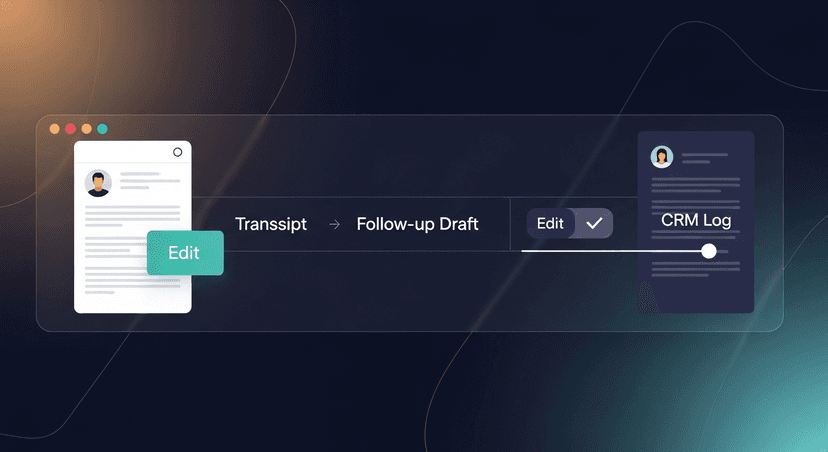
Once the follow-up draft exists, your CRM log writes itself. The email already contains the key details: what was discussed, what the next step is, what the prospect's objection was. Pull from that. Don't reconstruct from memory.
This collapses two steps into one and reduces the chance of the CRM record diverging from what you actually told the prospect.
What This Looks Like in Practice
Scenario: A solo founder running 4 discovery calls a day
Before: Call ends → scan Otter transcript → draft email in Gmail → realize you forgot to mention pricing → go back to Otter → finish email → realize CRM is still blank → log CRM → next call starts. Total time: 30-40 minutes of scattered work per call.
After: Call ends → paste transcript → draft appears → review and edit for 3 minutes → send → CRM auto-logged from the draft → next call. Total time: 8-10 minutes, one context.
Scenario: A recruiter doing 6 candidate screens a week
Each screen generates a follow-up to the candidate, a summary to the hiring manager, and a CRM note. That's three documents from one call. If each one is written separately from scratch, that's 45-60 minutes of writing per call. If all three start from the same transcript, the work collapses significantly.
Scenario: A 5-person sales team at a SaaS startup
No HubSpot Sales Hub Pro. No Outreach. The team wants consistent post-meeting sequences but doesn't want to pay enterprise CRM prices just to run a three-touch follow-up. Shared templates, transcript-in follow-up-out, sequences without the enterprise CRM tax.
The Focus Time Equation
Here's the math that actually matters: if you run 20 discovery calls a month and each post-call workflow costs you 30 minutes, that's 10 hours of fragmented work. Not deep work. Switching work. The kind that leaves you tired without feeling productive.
Collapsi that to 8 minutes per call and you get back 7+ hours. Not to add more calls, to do the focused work that actually moves deals: research, personalization, strategy.
Context switching in sales isn't inevitable. It's a workflow design problem. And workflow design problems have solutions.
—-
I built ReplySequence because I saw this gap everywhere, every tool records the meeting, none of them send the follow-up. It's transcript-first, BYOT, draft-before-send. The Pro plan is $29/month with a 14-day free trial, no credit card required. Or start free with 10 drafts/month at replysequence.com.
Related reading
- CRM Automation for Meeting Notes: Stop Logging by Hand
- How Much Time Do Salespeople Spend on Admin? (And How to Cut It)
- How to Prepare for a Sales Meeting in 10 Minutes Using AI
Get the weekly ReplySequence newsletter for more post-meeting follow-up tactics, subscribe at replysequence.com/newsletter.
How ReplySequence handles this
ReplySequence takes any meeting transcript, paste it in from Zoom, Teams, Meet, WebEx, Fireflies, Granola, or wherever, and drafts a context-rich follow-up email in about 8 seconds. You review it, make any edits, and approve. Deal intelligence builds automatically.

