
How Much Time Do Salespeople Lose to Admin?
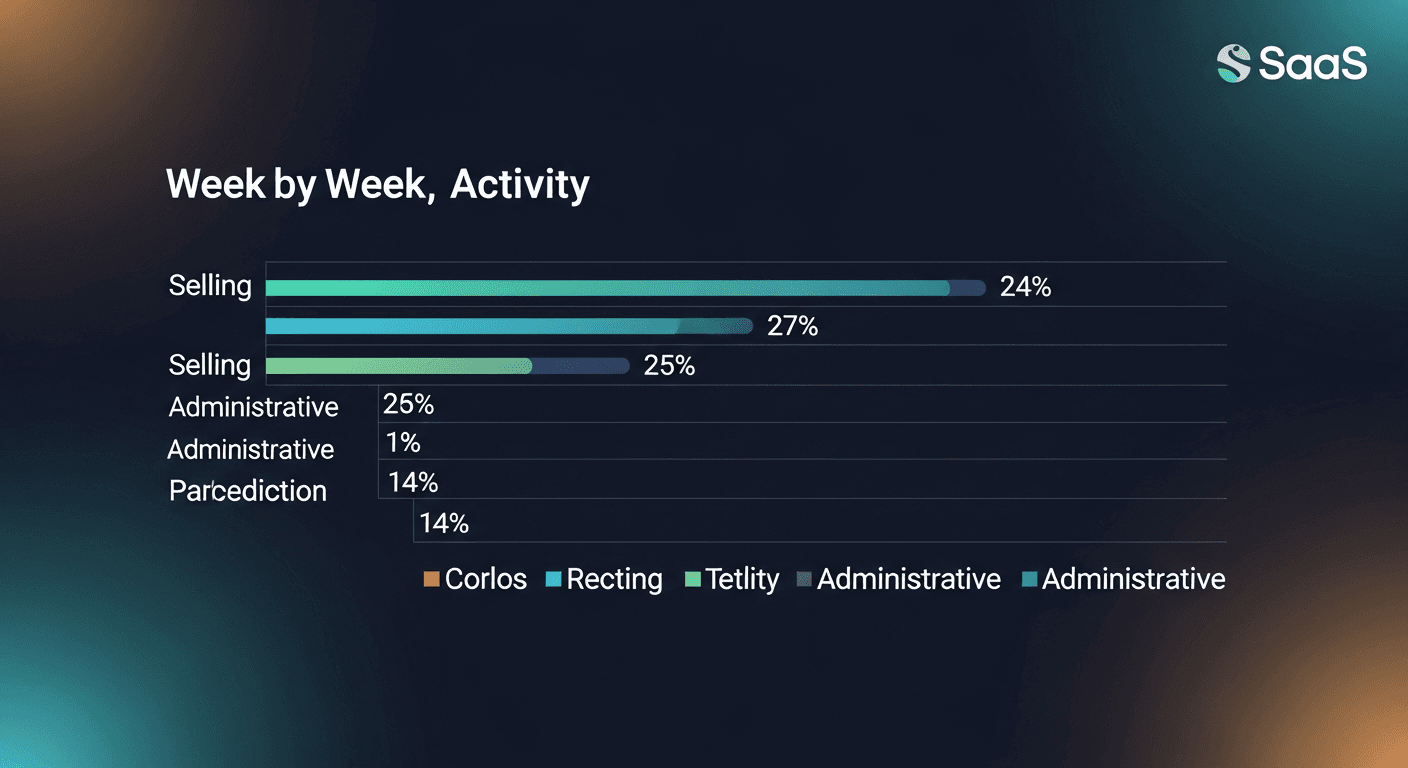
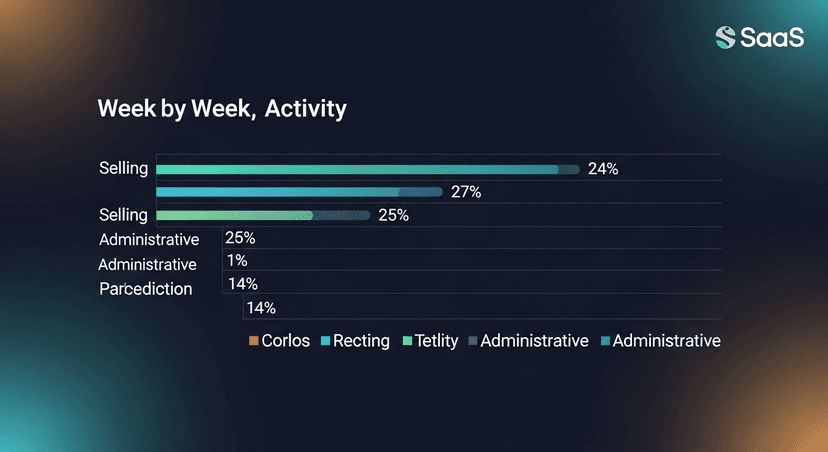
Salespeople spend less than 30% of their week actually selling. The rest (roughly 70%) goes to admin: logging calls, writing follow-up emails, updating the CRM, scheduling the next touch. That stat comes from Salesforce's State of Sales research, and it's held stubbornly consistent across multiple report cycles. If you're running a sales team or doing your own outreach, that number should bother you.
This post breaks down where the time actually goes, why it compounds so fast, and what you can realistically do to cut it.
Where Sales Admin Time Actually Goes
People hear "admin" and think it's one thing. It isn't. It's a dozen small tasks that each feel fast but add up to most of the workday.
Here's how the hours typically break down, based on public research from Salesforce, HubSpot, and McKinsey:
- Email writing and follow-up: 21% of the day. HubSpot's research consistently puts email as the single largest time sink for sales reps. Not prospecting emails, follow-up emails after calls, demos, and meetings.
- CRM data entry: 17% of the day. Logging notes, updating deal stages, recording action items. Every rep does it, almost no rep enjoys it.
- Research and meeting prep: 17% of the day. Finding the right contact info, pulling LinkedIn profiles, re-reading old email threads before a call.
- Internal meetings and reporting: ~10%. Pipeline reviews, forecasting calls, Slack threads about where a deal stands.
- Scheduling: ~6%. The endless back-and-forth to land a 30-minute call.
Add it up and you're at roughly 70% of the week before you've had a single sales conversation. That's not a rep performance problem. That's a systems problem.
The Follow-Up Email Problem Specifically
I want to pull out post-meeting follow-up email separately, because it's the most avoidable part of the pile.
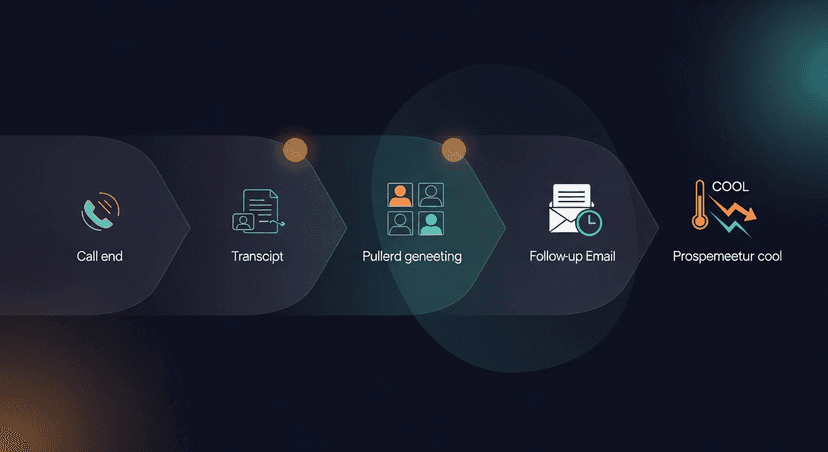
The pattern looks like this: rep has a great discovery call, takes notes in Fireflies or Otter or a Google Doc, ends the call energized: and then the energy immediately goes into writing a summary email that recaps what was discussed, confirms next steps, and tries to sound like a human being and not like ChatGPT. That email takes 20-40 minutes if you're doing it right. Multiply by 5-10 meetings a week and you've got 2-4 hours gone before you've done anything with the insight from those calls.
McKinsey's research on sales productivity found that salespeople can spend up to 28% of their workweek on email alone, reading, writing, and managing it. Post-meeting follow-up is a significant slice of that.
The meeting went great. Then nothing happened fast enough. And that lag costs deals.
Here's what makes this specifically painful: the follow-up email is highest-value when it's sent within an hour of the call. Research from InsideSales (now XANT) showed that response rates drop sharply when follow-up is delayed even by a few hours. So reps who are buried in other meetings push the follow-up to end-of-day or tomorrow morning, and the momentum from the call bleeds out.
ReplySequence does this automatically, paste any transcript, get a branded follow-up sequence back in 60 seconds.
Why Admin Compounds Faster Than You Think
Here's the thing about sales admin time: it's not linear. It compounds.
A rep who delays CRM logging by a day now has to reconstruct the call from memory. A follow-up email written 24 hours late requires re-reading the transcript to remember the right details. Scheduling that should take 90 seconds turns into a four-email thread because the context is gone.
This is the real cost of sales admin: not just the hours it takes, but the quality degradation that happens when it's done late or rushed. A CRM entry written a day after the call is less accurate. A follow-up email written without the transcript in front of you misses the specific pain points the prospect mentioned. The deal loses sharpness.
Three scenarios where this plays out:
- A solo founder running their own discovery calls: no SDR, no EA, no admin support. Every hour writing follow-ups is an hour not spent closing or building. The admin tax hits hardest when you're wearing every hat.
- An AE carrying a 30-meeting-per-month quota: the follow-up backlog builds mid-month, quality slips, a few prospects fall through the cracks because the email went out two days late or never.
- A recruiter running 15 candidate screens a week, each screen needs a follow-up to the candidate and a summary to the hiring manager. That's 30 emails a week, minimum. At 20 minutes each, that's 10 hours. Just for email.
How to Actually Cut Sales Admin Time
I'll be direct: there's no single fix. But there are layers of leverage.
Fix the CRM logging first
CRM data entry is the most tedious and the most automatable. Tools like Gong, Chorus, and even basic Zapier flows can push call summaries into HubSpot or Salesforce fields automatically. If you're not doing this yet, that's 17% of your day you can claw back with one integration.
The caveat: auto-populated CRM fields are only as good as the source data. Garbage in, garbage out. You still need a clean transcript.
Kill the scheduling back-and-forth
Calendly and tools like it have been around long enough that there's no excuse for the 4-email scheduling thread. If you're still doing "does Tuesday at 2pm work for you," fix that today. It's a five-minute setup that saves 6% of your week.
Systematize the follow-up email
This is the highest-leverage change for most reps. The follow-up email is where the most time goes and where the most value is at stake, and it's also the most templatable.
The problem with generic templates is they don't sound like you, and prospects notice. The rep who sounds like every other rep doesn't stand out. So the goal isn't just speed: it's speed that still sounds human.
This is exactly why I built ReplySequence. After Fireflies or Fathom or Otter transcribes your call, you paste the transcript, and you get a branded follow-up sequence back (recap, next steps, and any follow-on touches) in 60 seconds. The voice-fingerprint feature learns from your edits over time so drafts start sounding like you, not like a GPT default. You review, you send. Draft-first, always, nothing goes out without your eyes on it.
Batch your admin windows
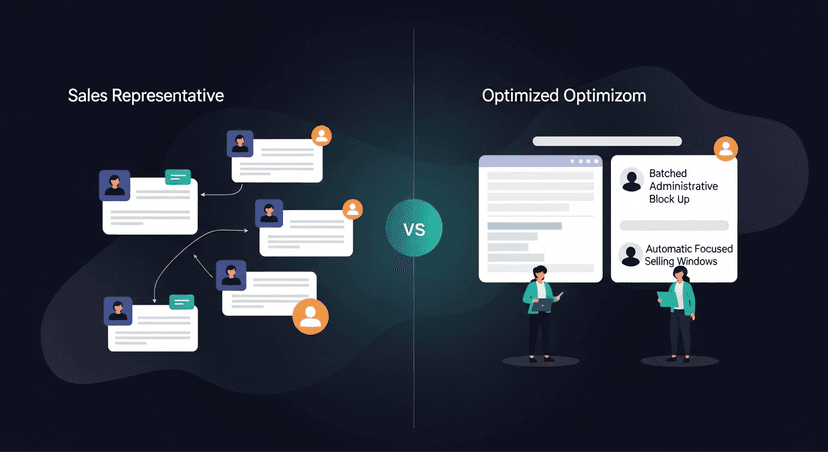
For the admin that can't be automated yet, batching beats interruption. Block 30 minutes at end-of-day for CRM updates and follow-up review instead of task-switching mid-day. Context-switching has a real cost, research from the American Psychological Association puts cognitive switching overhead at roughly 40% efficiency loss. One focused admin block is faster than 10 scattered interruptions.
Audit what you're actually logging
Not every field in your CRM matters. Most orgs have CRM bloat, fields added over time that nobody reads in pipeline reviews. Work with your manager or RevOps to cut the required fields to what actually moves deals. Less logging, same (or better) insight.
The Selling vs. Admin Ratio Is a Leadership Problem
Here's what I think gets missed in most "productivity tips" posts: the selling vs. admin ratio is a systems design problem, not a rep discipline problem.
If your CRM requires 15 manual field updates per deal, that's not a rep failing to be efficient. That's a poorly designed process. If your team is writing follow-up emails from scratch after every call, that's not reps being slow: that's a gap in your stack.
Salesforce's research shows top-performing sales teams are 1.5x more likely to use AI tools for tasks like follow-up drafting, call summarization, and pipeline updates. The delta isn't hustle. It's tooling.
The 70/30 split between admin and selling time isn't inevitable. But closing the gap requires treating admin as a systems problem: not a motivation problem.
The Bottom Line
Salesspeople spend roughly 70% of their week on non-selling activities. The biggest single category is email, specifically post-meeting follow-up. The fix isn't working harder or staying later. It's removing the manual steps between "meeting ends" and "follow-up sent."
The reps and founders who are winning right now have built a workflow where the transcript goes in and the follow-up comes out, fast, on-brand, and reviewed before it hits send. That's the gap I built to close.
If you want to see how much of your admin is actually avoidable, start by tracking where your hours go for one week. The follow-up email pile will jump out immediately.
—-
Start free at replysequence.com, 10 drafts a month, no credit card required. If you're running more than a handful of calls a week, the Pro trial is 14 days free and shows you exactly how much time you're leaving on the table.
Related reading
- The Hidden Cost of Manual Sales Follow-Up (Time Study)
- How to Stop Context-Switching Between Meetings, CRM, and Email
- 10 Ways to Reclaim Selling Time by Automating Post-Meeting Tasks
Get the weekly ReplySequence newsletter for more post-meeting follow-up tactics, subscribe at replysequence.com/newsletter.
How ReplySequence handles this
ReplySequence takes any meeting transcript, paste it in from Zoom, Teams, Meet, WebEx, Fireflies, Granola, or wherever, and drafts a context-rich follow-up email in about 8 seconds. You review it, make any edits, and approve. Deal intelligence builds automatically.

