
Set Up an Automated Follow-Up Sequence in 30 Min
You can set up an automated follow-up sequence in 30 minutes or less. The tools exist, the workflow is straightforward, and the ROI shows up fast, studies show that 80% of sales require five or more follow-ups, but 44% of reps quit after just one. That gap is where deals go to die. Here's how to close it.
Why Most Reps Never Set Up Follow-Up Automation
It's not laziness. It's friction. Every "easy" setup guide assumes you have a dedicated ops person, a clean CRM, and an afternoon to burn. Most AEs have none of those things. So they keep writing follow-ups by hand, one at a time, 20-40 minutes per call, and they fall behind by Tuesday.
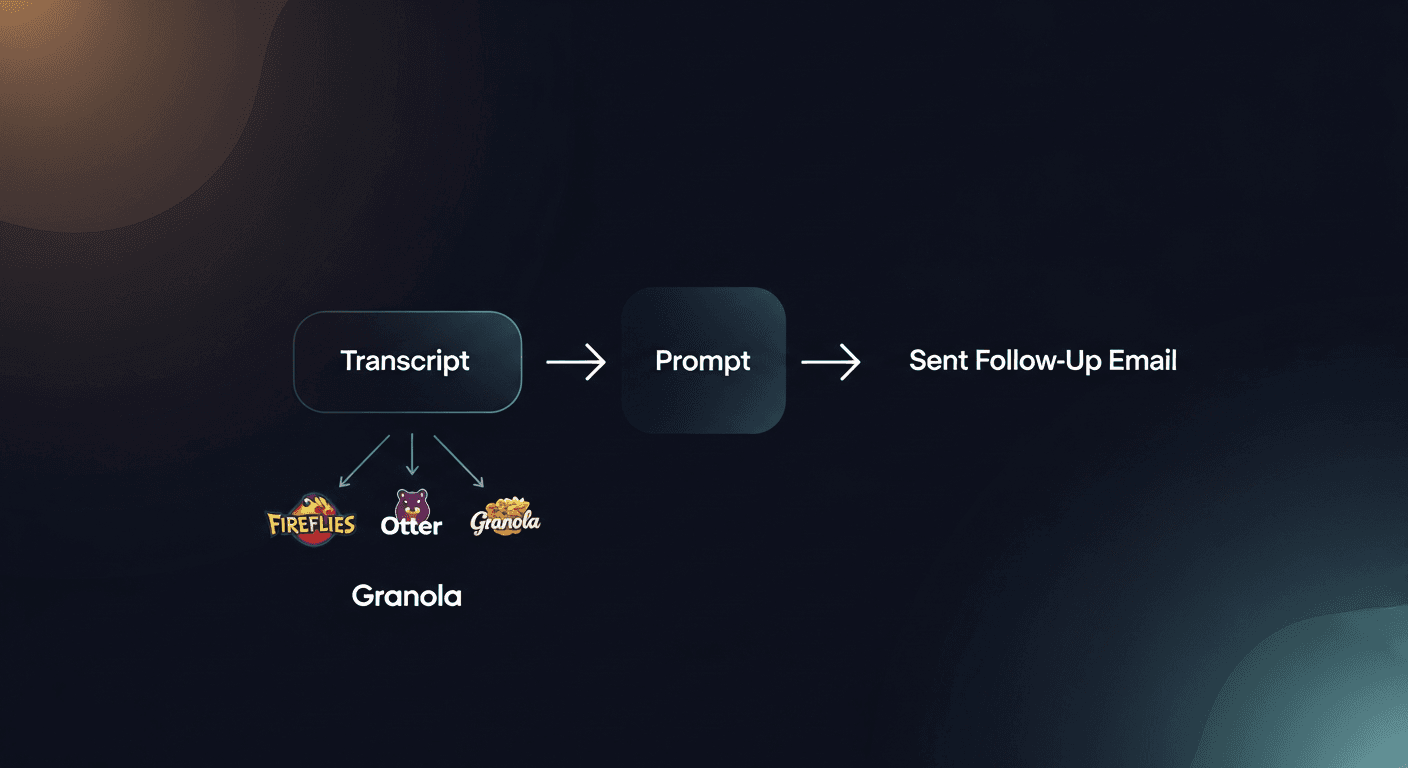
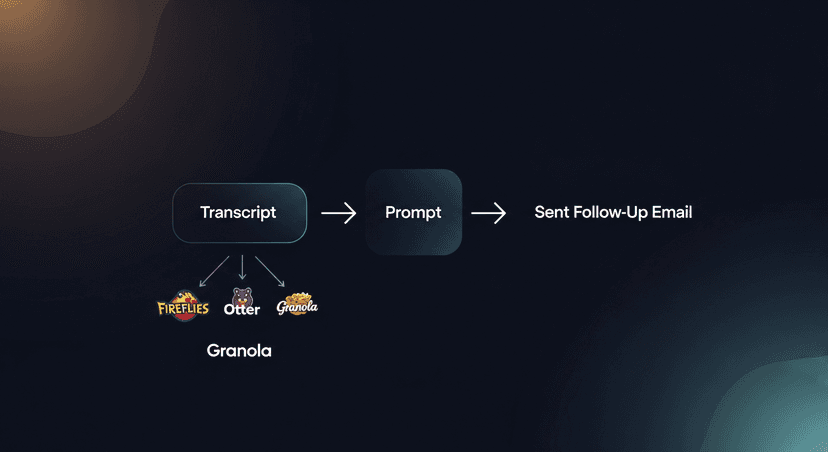
The good news: you don't need a complex tech stack to set up automated follow-up sequences. You need three things: a transcript source, a prompt that captures your voice, and a place to send the email. That's it.
What You'll Need Before You Start
Before you touch a single tool, get these in order:
- A transcript source, Fireflies, Otter, Granola, Gong, Zoom AI, whatever you're already using. RS is BYOT: bring your own transcript. You don't need to rip out your current recorder.
- A follow-up prompt: a short template that tells the AI what to write. I'll give you one below.
- Your CRM login, just to paste in the finished email. No API required at this stage.
- 15 minutes for initial setup, 5 minutes per call after that: that's the actual math.
If you're already recording meetings, you're 80% there. The missing piece is the layer that turns that transcript into a sent follow-up email. That's the gap I built ReplySequence to fill: because the gap between "solid demo" and "sent follow-up" is where too many deals go cold.
Step 1: Get Your Transcript (5 Minutes)
After your next call ends, pull the transcript from whatever tool you use:
- Fireflies: Go to Notebook → select the meeting → copy the transcript text
- Otter: Open the conversation → click the three dots → Export or copy transcript
- Granola: Open the note → copy the full meeting text
- Zoom AI Companion: Check your email or Zoom portal for the auto-generated summary
- Gong: Pull the call transcript from the call library
Don't overthink this. You're not editing it. You're not cleaning it. You're copying raw text. Filler words, crosstalk, all of it. The AI handles the noise.
Time check: 5 minutes.
Step 2: Build Your Follow-Up Prompt (10 Minutes)
This is the most important 10 minutes you'll spend. A good prompt is the difference between a generic AI email and something that sounds like you wrote it on your best day.
Here's a base prompt you can steal and customize:
—-
You are a sales rep following up after a discovery call. Using the transcript below, write a follow-up email that:
- Opens with a specific reference to something the prospect said (not generic)
- Recaps the 2-3 key pain points they mentioned
- States the next step we agreed on
- Ends with one clear CTA: a calendar link or a yes/no question
- Tone: conversational, not corporate. Short paragraphs. No buzzwords.
- Length: under 200 words
Transcript:
[PASTE HERE]
—-
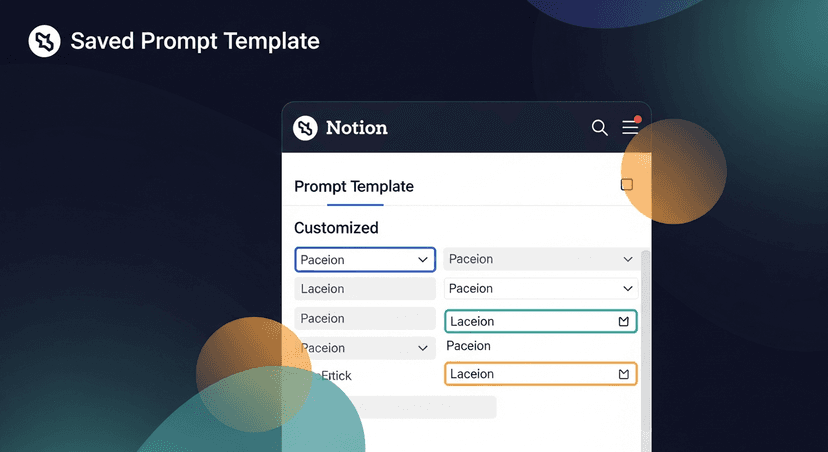
Tweak the tone line to match how you actually write. If you're more formal, say that. If you always end with a P.S., add it. Prompts are portable, once you build one that works, you reuse it on every call.
Save this prompt in a Notes doc, a Notion page, a Slack DM to yourself, somewhere you can grab it in 10 seconds.
Time check: 15 minutes total.
Step 3: Run the Transcript Through Your Tool (5 Minutes)
Paste your prompt + transcript into your AI tool of choice, ChatGPT, Claude, Gemini, or ReplySequence if you want the whole thing handled in one place. Hit generate.
What comes out should be an 80-90% ready email. Not perfect. Not auto-sent. A draft you review before it goes anywhere.
Here's what a real output looks like after a SaaS demo call:
> Hey Sarah, thanks for the time today. Sounds like the manual reporting process is eating about 6 hours a week across your team, and the lack of real-time visibility is making pipeline reviews painful. Makes sense.
>
> Based on what you said, the right next step is probably a technical call with your ops lead to walk through the integration. I'll send a calendar link, does Thursday or Friday work better?
>
> Also pulling together the ROI breakdown we talked about. Will have that in your inbox by EOD tomorrow.
Specific. Short. Has a next step. Took 45 seconds to generate. That's the target.
Draft-first, always. I'll never build auto-send into RS. You need to read this before it goes out. The AI might miss context. The prospect might have said something sensitive. You're the human in the loop, stay in the loop.
Time check: 20 minutes total.
Step 4: Review, Personalize, Send (5 Minutes)
Read the draft. Fix anything that doesn't sound right. Add the calendar link. Paste in the ROI doc link if you mentioned one. Check the name and company, basic stuff, but worth 10 seconds.
Then send it.
Log the email in your CRM. Even a manual paste into the activity log takes 60 seconds and keeps your pipeline hygiene intact. If your CRM has an email integration, even better, BCC your Salesforce or HubSpot address and it logs automatically.
Time check: 25 minutes total setup, including your first live email out the door.
Step 5: Build the Sequence (The Remaining 5 Minutes)
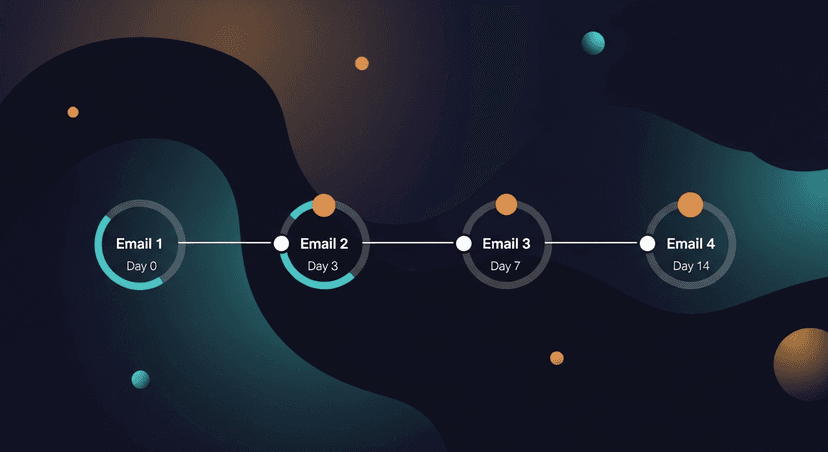
One follow-up email is good. A sequence is better. Most deals close on follow-up 4 or 5: so after you send the first email, sketch out what comes next:
- Email 2 (Day 3): Light check-in. Reference something from the call. Add value: an article, a case study, a relevant stat.
- Email 3 (Day 7): The bump. One line. "Still thinking about the reporting issue we talked about, worth reconnecting?"
- Email 4 (Day 14): The breakup email. Clear, respectful, leaves the door open.
Each of these can be generated from the same original transcript with a different prompt. Change the prompt from "first follow-up" to "second touch, 3 days later, value-add" and you get a completely different email in seconds.
Store these variant prompts alongside your main one. Now you have a full quick follow-up automation system that took you less than 30 minutes to build and costs you about 5 minutes per call to run.
What This Actually Changes
AEs with packed calendars (6, 7 demo calls a day) fall off on follow-up by Thursday because the writing time just compounds. At 30 minutes per follow-up email, 5 calls a day is 2.5 hours of writing. Nobody sustains that.
Drop that to 5 minutes per call and you get 25 minutes for 5 calls. You follow up on every deal, same day, every time. Response rates on same-day follow-ups are 3x higher than follow-ups sent 24+ hours after a call. That's not a small edge.
This is what I mean when I say deals die in silence. The meeting went great. The rep had every intention of following up. But life happened, the next call ran long, and that prospect heard nothing for three days. By then, the energy is gone.
A setup that takes 30 minutes to build and 5 minutes to run per call closes that gap. That's the whole point.
The Quick Setup Checklist
- [ ] Pick your transcript source (Fireflies, Otter, Granola, Zoom, Gong)
- [ ] Write and save your base follow-up prompt
- [ ] Write and save your sequence prompts (touch 2, 3, 4)
- [ ] Run your first transcript through, review the draft
- [ ] Send and log in CRM
- [ ] Repeat for every call going forward
The first time takes 30 minutes. After that, you're on autopilot for the setup and spending 5 minutes on execution. That's a fair trade.
If you want to skip the copy-paste entirely, that's exactly what ReplySequence does, paste your transcript, get a reviewed draft, send it. Built for reps who already have a recorder and just need the last mile handled. Try it at replysequence.com.
Related reading
How ReplySequence handles this
ReplySequence takes any meeting transcript, paste it in from Zoom, Teams, Meet, WebEx, Fireflies, Granola, or wherever, and drafts a context-rich follow-up email in about 8 seconds. You review it, make any edits, and approve. Deal intelligence builds automatically.

