Trusting AI-Generated Follow-Up Emails
You can trust AI-generated sales emails, with a system. Blind trust gets deals killed. Zero trust means you're back to writing every follow-up from scratch. The right answer is a lightweight review framework that takes 90 seconds, not 30 minutes.
This isn't about whether AI is good or bad at writing emails. It's about knowing exactly which parts to check, which signals mean "send it," and which mean "fix this before it goes out."
Why AI Follow-Up Emails Fail (When They Do)
AI email accuracy breaks down in predictable places. It's not random. Once you know the failure modes, reviewing a draft takes seconds: not a full rewrite every time.
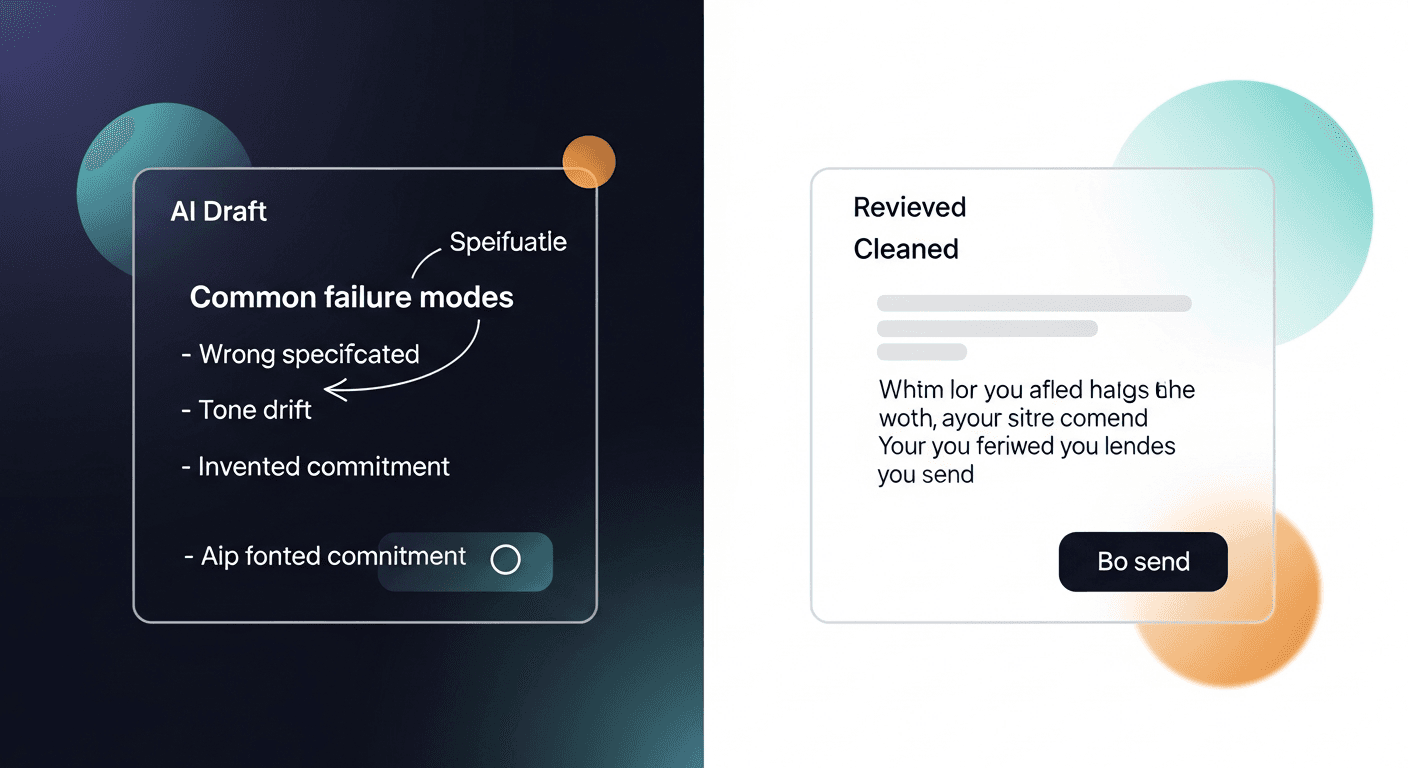
The four common failure modes:
- Wrong specificity. The AI summarizes the meeting accurately but uses generic language where your prospect used a specific word. They said "churn problem" and the draft says "retention challenges." That small mismatch signals you weren't listening.
- Tone drift. Generic LLM output skews formal. If you run casual calls, your draft might read like a legal notice. Recipients notice.
- Invented commitments. Rarely, but it happens: the AI infers a next step that wasn't actually agreed on. "As we discussed, I'll send a proposal by Friday" when no such commitment was made.
- Misattributed pain points. If your transcript is long, the AI might pull a concern the prospect raised as a hypothetical and treat it as their primary pain. Subtly wrong, hard to catch if you skim.
None of these are catastrophic if you review. All of them are embarrassing if you don't.
The fix isn't distrust: it's a checklist.
Research on human-in-the-loop AI systems consistently shows that people who use structured review processes catch errors at much higher rates than people who skim or rubber-stamp. The goal is a structured 90-second pass, not a line-by-line rewrite.
The 90-Second Review Framework
Here's how I think about reviewing AI-generated follow-up drafts. Five checkpoints, in order.
1. The Commitment Check (15 seconds)
Scan for any sentence with a deadline, deliverable, or "as we discussed." Read it against your memory of the call. Did you actually agree to that? If yes, leave it. If no, delete or correct it immediately. This is your highest-stakes check: a wrong commitment sent to a prospect is hard to walk back.
2. The Vocabulary Match (20 seconds)
Did your prospect use specific language you should mirror? Industry jargon, internal names for their problem, a phrase they repeated? If the draft uses a synonym instead of their word, swap it. This is a one-word fix that signals you were paying attention. It's the difference between a follow-up that feels like a form letter and one that feels human.
3. The Tone Gut-Check (15 seconds)
Read the opening line out loud. Does it sound like you? If you run casual, rapport-heavy calls and the draft opens with "Per our conversation today, I'm following up to reiterate the value proposition...": that's a rewrite. The opening line sets the register for the whole email. Fix it there and the rest usually follows.
4. The Next Step Clarity Check (15 seconds)
Is the CTA in the email the actual next step you agreed on? Check that it's singular, specific, and matches what the prospect said yes to. "Let me know if you have questions" is a weak close when you agreed on a follow-up demo next Thursday. Tighten it.
5. The Read-Once-As-The-Recipient Test (25 seconds)
Scroll to the top and read the email once from the prospect's perspective. Does it feel like it came from you, or does it feel like it came from a bot? If there's any AI-ness that got through (hedging phrases, over-formal transitions, generic value statements) cut them. One pass, not a full edit.
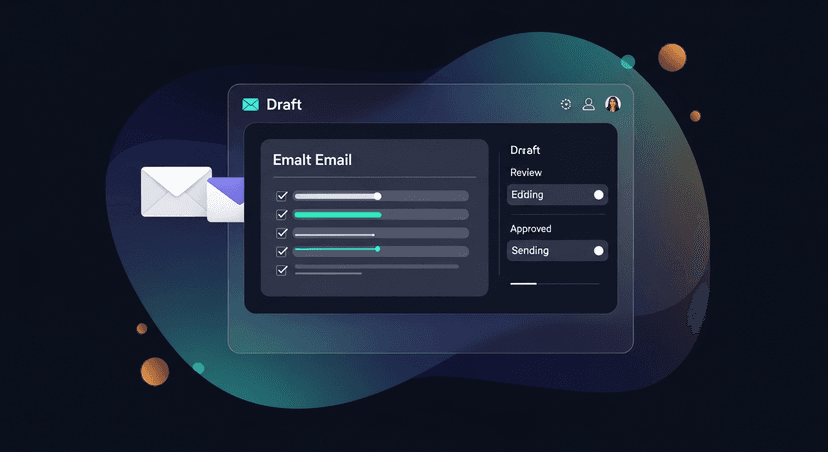
Total time: 90 seconds if the draft is solid. Three minutes if it needs real work. Either way, faster than writing from scratch.
ReplySequence does this automatically, paste any transcript, get a branded follow-up sequence back in 60 seconds.
When to Edit vs. When to Send As-Is
Not every draft needs the same treatment. Here's how to triage.
Send with minimal review when:
- The call was short (under 20 minutes) with a clear, single next step
- The prospect was warm and the follow-up is a simple summary + next step
- You've reviewed 10+ drafts from the same tool and the pattern is consistently accurate
- The voice-fingerprint has been trained on enough of your edits that the draft already sounds like you
Edit before sending when:
- The call covered multiple topics and the draft might have prioritized the wrong one
- The prospect used specific technical language or mentioned a competitor
- There was friction or a hard objection in the call: the AI may have glossed over it
- The relationship is early-stage and the tone has to be exactly right
Rewrite from scratch when:
- The draft is factually wrong about what was discussed (rare, but it happens with messy transcripts)
- The prospect is a high-stakes account where a generic email does real damage
- The call went in an unexpected direction and the context is too nuanced for a single-pass fix
Honestly, full rewrites are rare if your transcript is clean. Most of the time you're in "edit before sending" territory, and most of those edits are small: a word swap, a tighter subject line, a cleaner CTA.
Building Trust Over Time: Voice-Fingerprint
The trust question gets easier as the tool learns how you write.
This is the thing I built into ReplySequence that I think matters most: voice-fingerprint. Every time you edit a draft before sending, those edits feed back into your profile. The tool learns your vocabulary, your sentence length, your level of formality, how you close emails. After 15-20 drafts, the output sounds noticeably more like you and less like generic GPT output.
This is how the review framework compresses over time. At first, you're doing all five checks carefully. After a month of regular use, you're spot-checking: because the draft is already 90% right before you open it.
That's the right arc. Trust should be earned by the tool through consistent accuracy, not assumed from day one.
The practical implication: don't skip the review process early on just because the draft looks fine at a glance. The early edits are what trains the fingerprint. Put in the work for the first few weeks, and the review process shrinks naturally.
A Few Real Scenarios
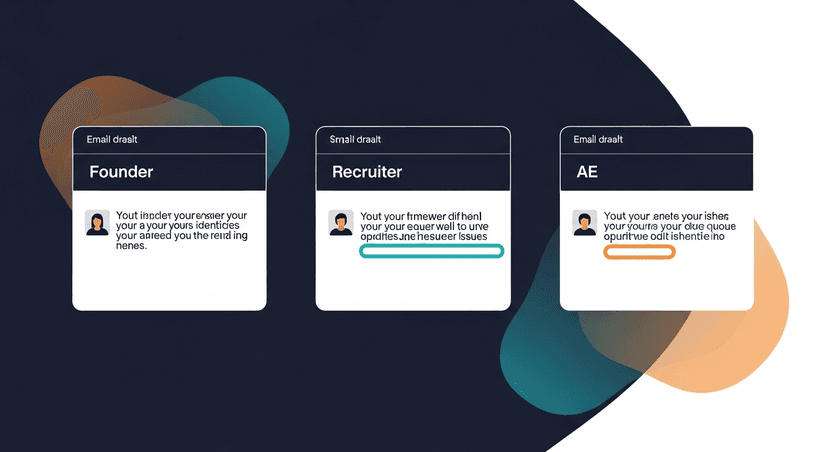
A solo founder after a discovery call. Long call, lots of ground covered. The prospect mentioned a competitor three times. The AI draft doesn't mention the competitor at all: it writes a generic "here's how we can help" follow-up. The vocabulary check catches this immediately. One paragraph gets added addressing the comparison head-on. The email goes out better than it would have cold.
A recruiter after a candidate screen. Short, structured call. The AI draft nails the summary and the next step ("I'll send the job description and loop in the hiring manager"). The tone check passes. The commitment check passes. Sends in 45 seconds.
An AE after a demo. The prospect raised a budget concern halfway through. The draft buries it in the third paragraph. The read-as-recipient test flags it: that's what the prospect is actually thinking about, it should be front and center. AE moves the budget paragraph to the top, reframes it as "here's how other teams at your stage have handled the budget conversation." Better email, closed faster.
Same tool, same process, different outcomes based on the call. The framework adapts.
The Honest Answer on AI Email Accuracy
AI isn't going to replace your judgment on whether the email is right. That's not the point. The point is that it drafts the 80% so you can focus your judgment on the 20% that actually matters: the commitment, the tone, the next step.
The sales teams and founders who get burned by AI follow-up emails are the ones who treat "AI-generated" as "approved." The ones who get the time savings without the risk are the ones who run a fast, structured review every time.
That's not a weakness of the technology. It's just how human-in-the-loop AI is supposed to work.
Draft-first. Always review. Send confidently.
—-
Start free at replysequence.com, 10 drafts a month, no credit card required. If you want unlimited drafts and voice-fingerprint training, Pro is $29/month with a 14-day free trial.
Related reading
- Sales Follow-Up Automation: How Much Is Too Much?
- Sales Follow-Up Automation: Balancing AI Efficiency with Human Touch
- How to Automate Your Post-Meeting Email Sequence Without Losing the Human Touch
Get the weekly ReplySequence newsletter for more post-meeting follow-up tactics, subscribe at replysequence.com/newsletter.
How ReplySequence handles this
ReplySequence takes any meeting transcript, paste it in from Zoom, Teams, Meet, WebEx, Fireflies, Granola, or wherever, and drafts a context-rich follow-up email in about 8 seconds. You review it, make any edits, and approve. Deal intelligence builds automatically.