Turn Call Transcripts into Meeting Summaries
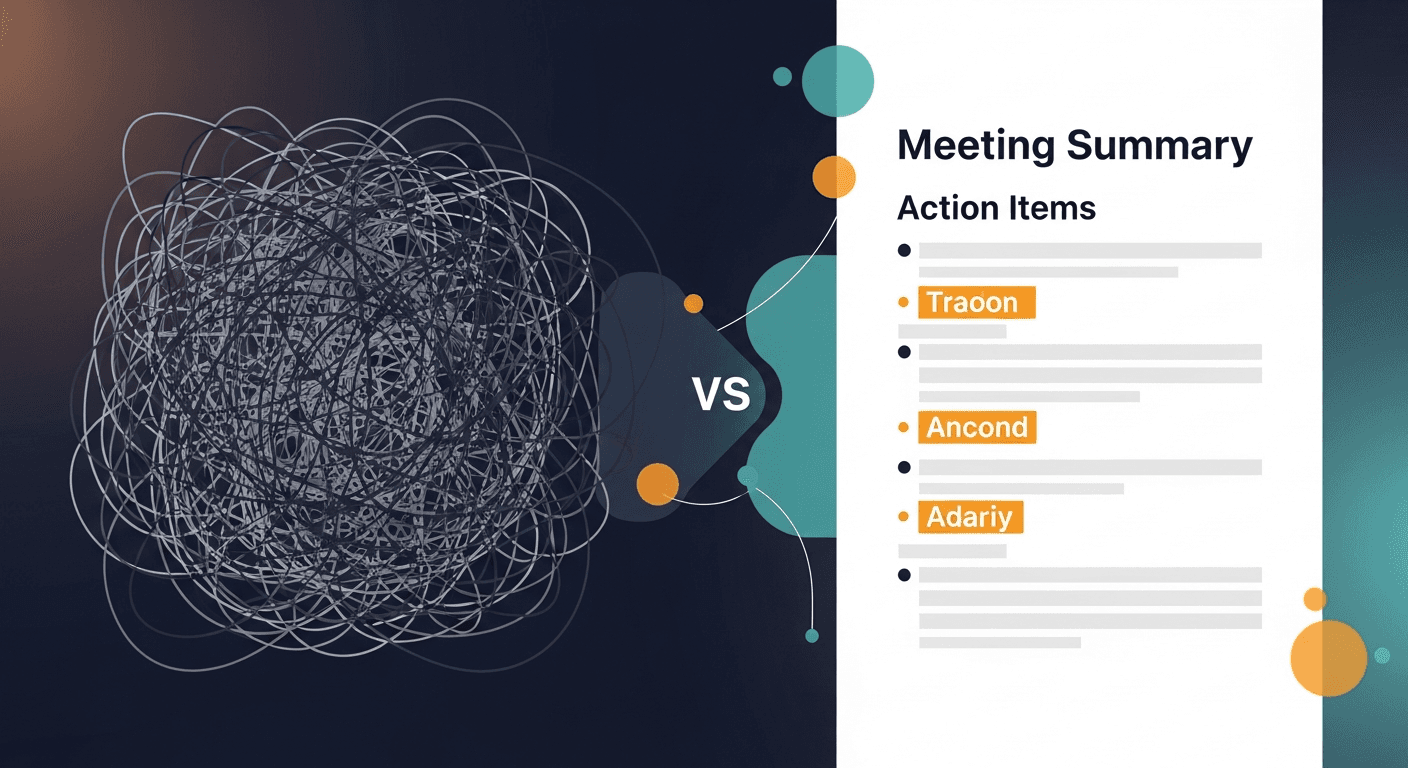
To turn a call transcript into a meeting summary, you need to extract four things: what was discussed, what was agreed, what the next steps are, and who owns them. Most reps already have the raw material sitting in Fireflies, Otter, or Granola: the gap is turning that wall of text into something a prospect actually wants to read.
The average sales rep spends 30–45 minutes per call on post-meeting admin. That's not selling. That's transcription cleanup, email drafting, and CRM logging, tasks that should take five minutes, not an hour.
Why Raw Transcripts Aren't Meeting Summaries
There's a reason your recorder's auto-summary often misses the mark. Transcription tools are optimized to capture everything, every filler word, tangent, and cross-talk. That's their job, and they do it well. But a meeting summary has a completely different job: it needs to be scannable, action-oriented, and written for someone who wasn't on the call.
A raw transcript from a 45-minute discovery call might run 6,000–8,000 words. A good meeting summary? 200–400 words, max. The transformation from one to the other requires judgment, understanding what matters to this prospect, in this deal, at this stage of the pipeline.
Here's what typically gets lost in the gap:
- Pain points buried in conversation: the prospect mentioned budget pressure once, halfway through. A raw transcript won't flag it. A summary should lead with it.
- Implied commitments, "We'd love to see a demo of the reporting module" isn't a formal action item, but it absolutely belongs in your follow-up.
- Tone and sentiment, Was the champion excited? Hesitant about legal review? That context shapes how your follow-up should read.
The Anatomy of a Professional Meeting Summary
Before you can systematize the process, you need to know what "good" looks like. A professional meeting summary for a sales context should include:
1. A One-Line Context Header
Date, attendees, and deal stage. This doubles as CRM documentation and gives the email recipient immediate context.
2. Key Discussion Points (3–5 bullets)
Not a full recap, just the moments that moved the deal forward or revealed something important. Each bullet should be 1–2 sentences.
3. Agreed-Upon Next Steps
Numbered, owner-assigned, deadline-attached. This is the single most important section. If a prospect reads nothing else, they need to walk away knowing what happens next.
4. Open Questions or Blockers
Anything unresolved, technical validation, legal review, stakeholder sign-off. Naming these upfront shows you were listening and builds trust.
5. A Warm, Human Closing Line
Not "Please don't hesitate to reach out." Something specific to the conversation, referencing the prospect's actual goal or a moment of shared context.
Step-by-Step: How to Turn a Call Transcript into a Meeting Summary
Step 1: Pull your transcript from your recorder
After the call ends, Fireflies, Otter, Zoom, or whichever tool you use will process and deliver a transcript, usually within a few minutes. Don't wait for the AI summary your recorder provides. That summary is generic. You need something deal-specific.
Step 2: Skim for the four critical signals
Before processing the transcript, do a 90-second scan for:
- Explicit pain points ("We're struggling with...", "The problem right now is...")
- Budget or timeline signals ("We need this before Q3", "Our budget is locked")
- Stakeholder mentions ("I'll need to loop in our CTO before we move forward")
- Verbal commitments or requests ("Can you send over pricing?", "I'd want to see X before deciding")
Highlighting or noting these before you draft ensures your summary reflects actual deal intelligence: not just a neutral recap of topics covered.
Step 3: Paste or upload your transcript into a summary tool
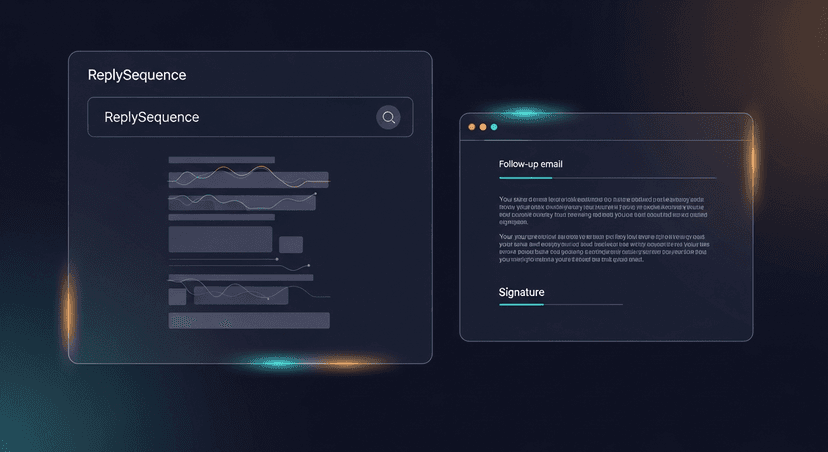
This is where tools like ReplySequence earn their keep. Instead of manually structuring all of the above, you paste or upload the transcript and get back a formatted summary and a ready-to-send follow-up email, pre-populated with the prospect's name, their specific pain points, and your next steps. The whole process takes under 60 seconds.
Step 4: Review for tone and accuracy
No AI tool knows your deal as well as you do. Spend 30 seconds checking:
- Does the summary reflect the emotional temperature of the call? (Enthusiastic vs. cautious?)
- Are the next steps accurate and realistically timed?
- Is the prospect's name spelled correctly and their role accurate?
This review step isn't optional: it's what separates a professional summary from a robotic one.
Step 5: Send within 30 minutes of the call
Response rates on post-meeting follow-ups drop significantly after 2 hours. The prospect is still in the mindset of the conversation. Their inbox is less crowded. Your email feels like a continuation of the call, not a cold artifact from yesterday.
Real-World Scenarios
Scenario 1: The 45-minute enterprise discovery call
An AE finishes a call with a VP of Sales at a 300-person SaaS company. The Fireflies transcript is 7,400 words. There were five stakeholders, three tangent conversations, and one critical moment where the VP said, "Honestly, our biggest issue isn't the tool: it's rep adoption." A generic AI summary misses that. A good meeting summary leads with it: "The primary challenge you shared is driving consistent rep adoption of new tooling: not the platform selection itself." That one sentence makes the follow-up email feel like it was written by someone who was actually listening.
Scenario 2: The quick SDR qualification call
A 15-minute intro call produces a 1,800-word transcript. The SDR needs to hand it off to an AE with full context. Instead of copying and pasting the entire transcript into Slack, they process it into a 150-word summary: current stack, pain point, budget signal, and one clear next step. The AE walks into the discovery call prepared. No meeting, no lengthy Slack thread.
Scenario 3: The multi-stakeholder demo
Four people on the prospect side. The transcript is a maze of questions, side conversations, and feature requests. The rep uses ReplySequence to generate a structured summary that separates what each stakeholder cared about, helping them personalize the follow-up to each contact rather than sending one generic recap to the group.
Common Mistakes That Undermine Your Meeting Summary
- Summarizing chronologically, Nobody cares that you talked about pricing before integration questions. Organize by importance, not by order.
- Vague next steps, "We'll be in touch" is not a next step. "AE to send custom ROI model by Friday, April 11" is.
- Leaving out the "why", Don't just list what was discussed. Include why it matters to the prospect. That's what makes a summary useful.
- Writing for yourself instead of the prospect, Your summary will be forwarded. Write it as if the prospect's CFO is going to read it cold.
- Waiting too long, Every hour you wait, the follow-up feels less timely. Build a system that gets it sent before you close your laptop.
Building the Habit Into Your Workflow
The reps who win on speed don't have more time: they have better systems. The playbook is simple:
- Call ends → open transcript tool
- Transcript arrives → paste into ReplySequence
- Review the generated summary and email → customize in 60 seconds
- Send follow-up → log in CRM
- Total post-call admin time: under 5 minutes
This workflow scales. Whether you're running 3 calls a day or 12, the process is identical. And because the output is consistently structured, your CRM data improves, your handoffs get cleaner, and your prospects experience a more professional version of you after every single call.
Make Every Transcript Count
Your recorder did the hard work of capturing the conversation. The job now is to transform that raw material into something that moves the deal forward. A professional meeting summary isn't just a nice-to-have: it's a signal to your prospect that you were paying attention, that you're organized, and that working with you is going to be easy.
If you're already using Fireflies, Otter, Granola, or any other recorder, you're one step away from making every call transcript into a polished follow-up. Head to replysequence.com, paste in your next transcript, and see what a 60-second turnaround looks like.
Related reading
How ReplySequence handles this
ReplySequence takes any meeting transcript, paste it in from Zoom, Teams, Meet, WebEx, Fireflies, Granola, or wherever, and drafts a context-rich follow-up email in about 8 seconds. You review it, make any edits, and approve. Deal intelligence builds automatically.