 ReplySequence
Sales Automation for Sales Teams: 2026 Guide
Sales automation for sales teams in 2026 looks nothing like it did five years ago. The recording problem is solved. The transcription problem is solved. The part that's still broken — the part that costs deals — is everything that happens in the 30 minutes after the call ends.
Reps have Fireflies, Otter, Gong, Fathom. They've got more recorded meetings than they'll ever review. What they don't have is a reliable system that turns those transcripts into sent follow-up emails and updated CRM records without burning a half hour of focus time per call. That's the gap. That's where sales automation for sales teams needs to go in 2026.
Why Most Sales Automation Misses the Last Mile
Here's the thing about the current automation landscape: it's front-loaded. Teams have invested heavily in automating top-of-funnel — sequences, dialers, lead scoring, intent data. That stuff works. But the moment a meeting ends, most of that automation stops.
The rep closes their Zoom window and sits there staring at a blank email draft. They've got a transcript somewhere — maybe in Fireflies, maybe in their Otter workspace — but turning that into a coherent, deal-specific follow-up still requires 20-30 minutes of manual work. Studies consistently show reps spend 21% of their day writing emails. A big chunk of that is post-meeting follow-up that could be automated.
This is the last mile of sales AI. And it's where deals go to die.
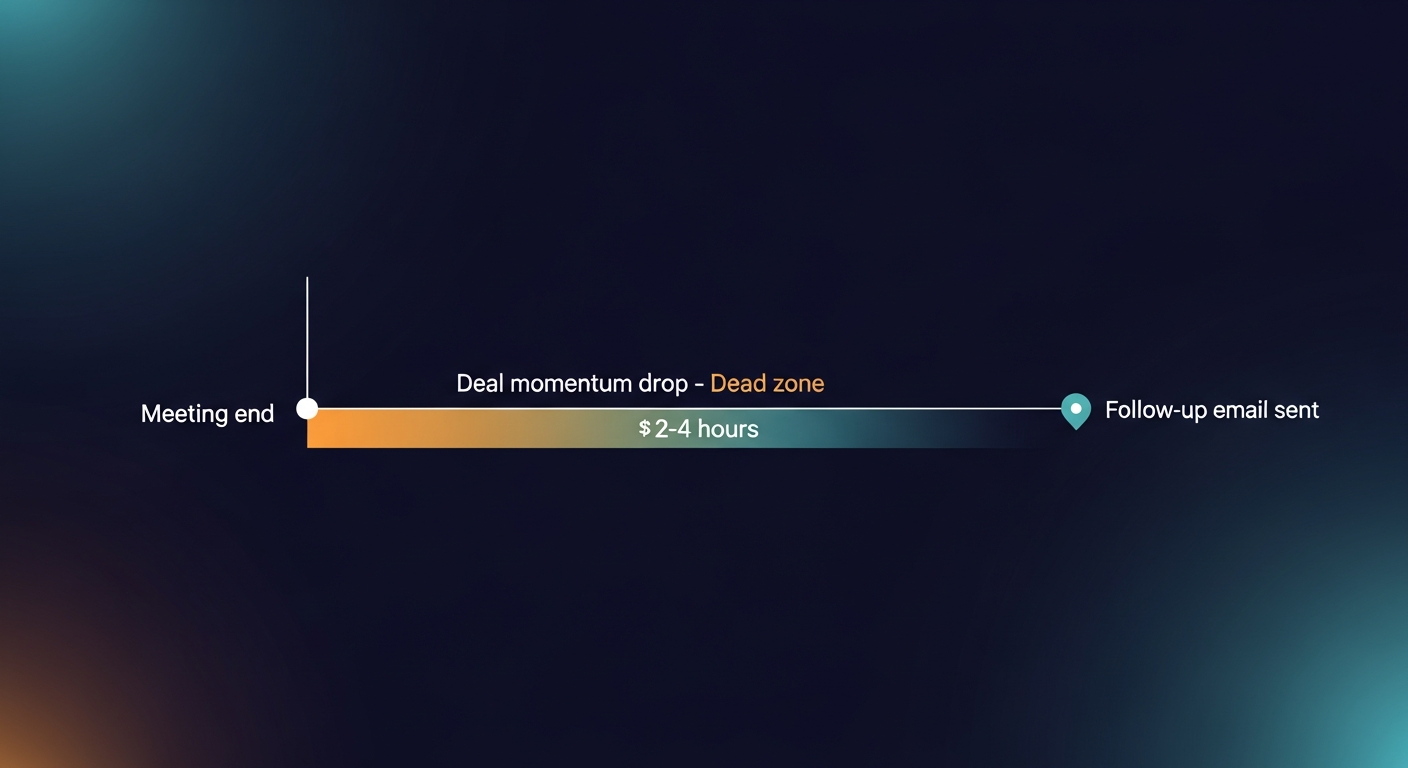
A prospect gets off a great call. They're warm, they're interested, they asked good questions. Then nothing arrives in their inbox for 4 hours. Or worse, they get a generic "Great speaking with you" email that doesn't reference a single thing discussed. The momentum dies. The deal cools. The follow-up gap is real and it costs revenue.
What Sales Automation for Sales Teams Actually Looks Like in 2026
Let me break down what's actually working right now across the stack.
1. Pre-Meeting Automation
This layer is pretty mature. Tools like Clay, Apollo, and LinkedIn Sales Navigator handle the research and sequencing side. CRM enrichment is mostly automated. Meeting scheduling with Calendly or Chili Piper means no back-and-forth. This is mostly solved — not perfect, but solved enough.
2. In-Meeting Automation
Fireflies, Otter, Gong, Fathom, Chorus — they all record, transcribe, and summarize. Some do sentiment analysis. Some flag deal risks. Zoom's AI Companion is now embedded directly in calls. By 2025, over 70% of B2B sales calls were being recorded and transcribed in some form. The recording layer is commoditized.
3. Post-Meeting Automation — The Actual Problem
This is where the stack falls apart. Here's what most reps are still doing manually after every call:
- Writing a follow-up email that recaps the conversation
- Pulling out next steps and action items
- Updating the CRM with notes, stage changes, and deal details
- Sending recap documents or relevant case studies mentioned in the call
- Logging the call activity
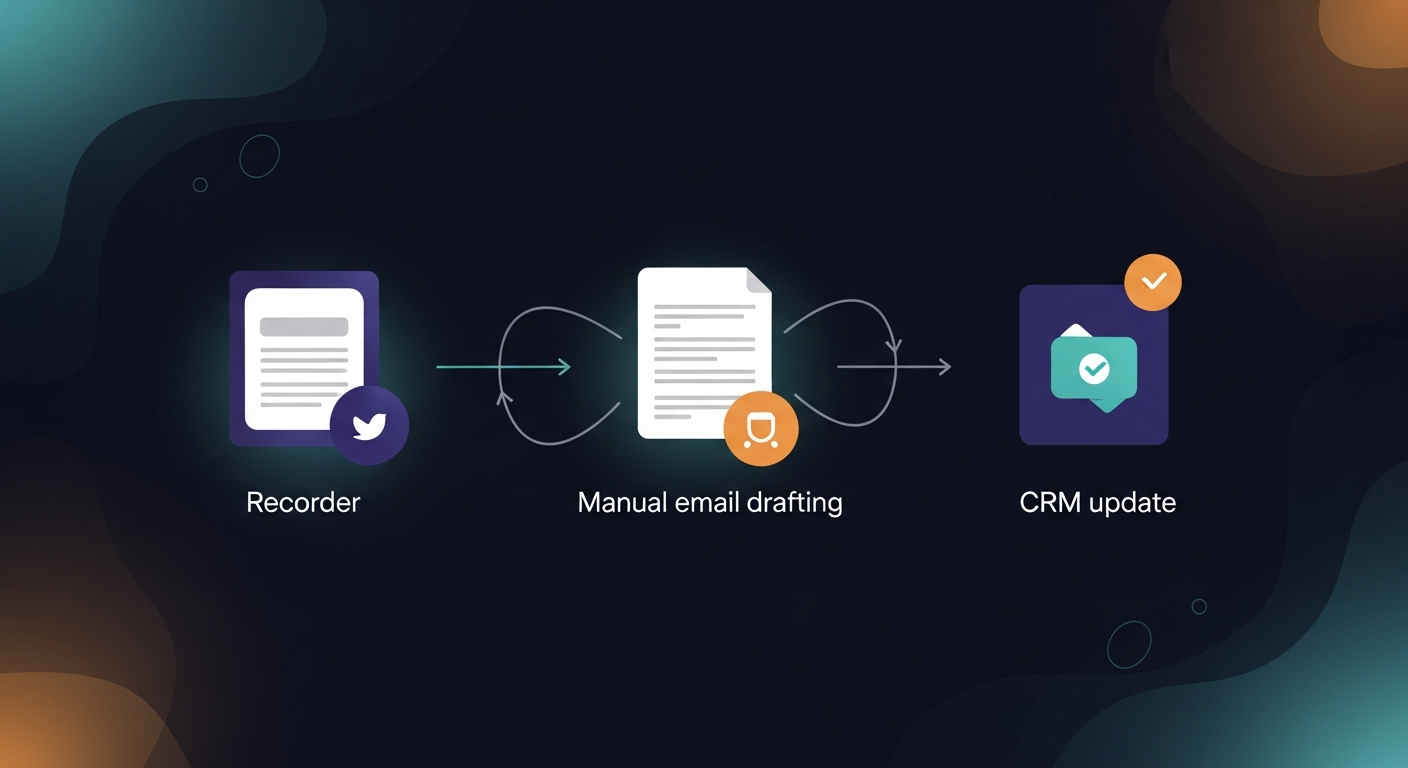
That's 25-45 minutes of administrative work. Per call. If an AE runs 4 calls a day, that's potentially 3 hours of non-selling time — every single day. The automation that exists here is fragmented. CRMs have AI note features now, but they're disconnected from the email layer. The transcript lives in Fireflies but the follow-up gets written in Gmail from scratch.
The problem isn't any individual tool. It's the gap between them.
Three Real Scenarios Where Post-Meeting Automation Saves Deals
Scenario 1: The AE Running 4 Demos a Day
Sarah is an AE at a 50-person SaaS company. She runs 4 product demos daily. Each one goes into Fireflies, transcribed automatically. But after each call, she's manually writing follow-ups, updating Salesforce, and trying to remember which prospect asked about the enterprise tier versus the SMB plan. By call 3, her follow-ups are getting generic. By call 4, she's copy-pasting from previous emails.
With post-meeting automation — paste the transcript, get a draft in 60 seconds — she's sending personalized, deal-specific follow-ups within 5 minutes of hanging up. Her response rate goes up. Her CRM stays clean. She gets 2 hours back per day.
Scenario 2: The SDR Manager Trying to Coach at Scale
Marcus runs a team of 8 SDRs. He wants to review follow-up quality but can't read every email. When his team uses a consistent automation workflow, he can see patterns — which reps are referencing pain points, which are sending generic garbage. The transcript-to-email process creates accountability and a coaching artifact without adding more meetings to Marcus's calendar.
Scenario 3: The Solo Founder Closing Their Own Deals
This one I know personally. When you're the founder and the salesperson and the product manager, you don't have 30 minutes per call to write follow-ups. You have 5 minutes, maybe. The automation isn't a nice-to-have — it's what keeps the pipeline moving while you're also building.
The Tools Actually Worth Using in 2026
Here's how I'd stack the post-meeting automation layer right now:
For transcription (pick one):
- Fireflies.ai — solid for teams, good integrations
- Otter.ai — great for individuals and smaller teams
- Fathom — clean UX, good free tier
- Gong or Chorus — enterprise, revenue intelligence layer included
- Zoom AI Companion — built in, no friction for Zoom-heavy teams
For post-meeting follow-up automation:
- This is where most stacks have a hole. The recorders don't send emails. The CRMs don't write emails. You need a layer that takes the transcript output and turns it into a sent follow-up.
I built ReplySequence to close this specific loop. Paste your transcript from whatever tool you use — Fireflies, Otter, Granola, a Zoom export, anything — and it generates a follow-up email draft in under 60 seconds. It's not auto-sending anything. Draft-first, always. Because the rep needs to own the relationship, not outsource it to a robot. But the heavy lifting — pulling out next steps, matching tone, referencing what actually got discussed — that's done.
For CRM updates:
- Salesforce Einstein, HubSpot AI, or Gong's deal intelligence for larger teams
- For smaller teams, a good Zapier workflow connected to your transcript tool handles the basics
The Differentiation Window Is Closing
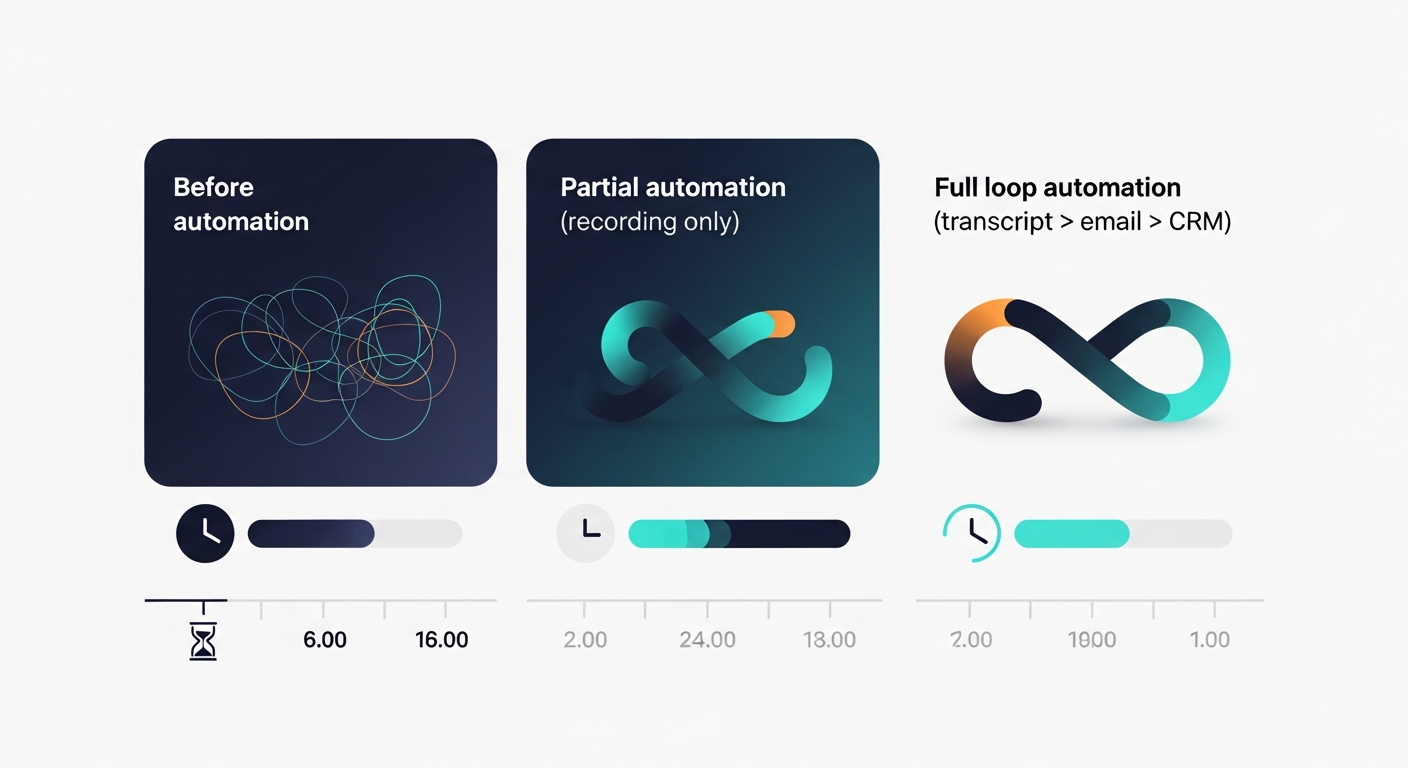
Here's something I think about a lot. Zoom AI Companion is already embedded in most calls. Microsoft Copilot is doing the same inside Teams. These platforms are going to get better at post-meeting automation. The window to build habits and workflows around better tools is probably 12-18 months before the big platforms make "good enough" post-meeting automation standard.
The teams that build systematic post-meeting workflows now will have a structural advantage. Not just in efficiency — in the quality of their follow-ups. Personalization at scale. Consistent next steps. No deals falling through because somebody forgot to send the recap.
The other thing worth noting: the prompts and templates your team builds become institutional knowledge. The way you frame competitive differentiation in a follow-up, the specific language you use for your buyer persona, the structure that gets replies — that's yours. It's portable. It compounds.
How to Audit Your Current Post-Meeting Workflow
If you're reading this and wondering where your team is leaking time, here's a quick audit:
- Time from call end to follow-up sent — pull this from your CRM or email tool. If the average is over 2 hours, you have a gap.
- Follow-up open and reply rates — are your follow-ups getting responses? Generic ones don't.
- CRM hygiene — what percentage of your calls have accurate notes within 24 hours? Low number = manual bottleneck.
- Rep feedback — just ask your AEs what they hate doing after calls. Follow-up emails will be in the top 3. Always.
If any of those numbers are bad, the fix isn't hiring more people or adding more process. It's closing the automation gap between the transcript and the sent email.
The Bottom Line on Sales Automation for Sales Teams in 2026
Sales automation for sales teams has matured significantly on the front end. Top-of-funnel is mostly handled. Recording and transcription are commoditized. The last unsolved problem — the one that actually loses deals — is the post-meeting gap.
The rep who follows up in 5 minutes with a specific, well-written email referencing exactly what was discussed wins. Every time. The automation to make that happen at scale exists now. Most teams just haven't connected the pieces yet.
If you want to see how the transcript-to-follow-up loop works in practice, check out ReplySequence at replysequence.com. Bring your own transcript from whatever recorder you already use. Follow-up out in 60 seconds. The meeting went great — don't let it die in your drafts folder.
How ReplySequence handles this
ReplySequence connects to your Zoom, Teams, or Meet calls, reads the transcript, and drafts a context-rich follow-up email in about 8 seconds. You review it, make any edits, and send from your real inbox. Deal intelligence builds automatically.