 ReplySequence
How to Write a Meeting Recap Email Your Client Will Actually Read
```json
{
"title": "How to Write a Meeting Recap Email Your Client Will Actually Read",
"slug": "how-to-write-a-meeting-recap-email-your-client-will-actually-read",
"excerpt": "Learn how to write a meeting recap email that clients actually open, read, and act on — with templates, real examples, and pro tips for sales teams.",
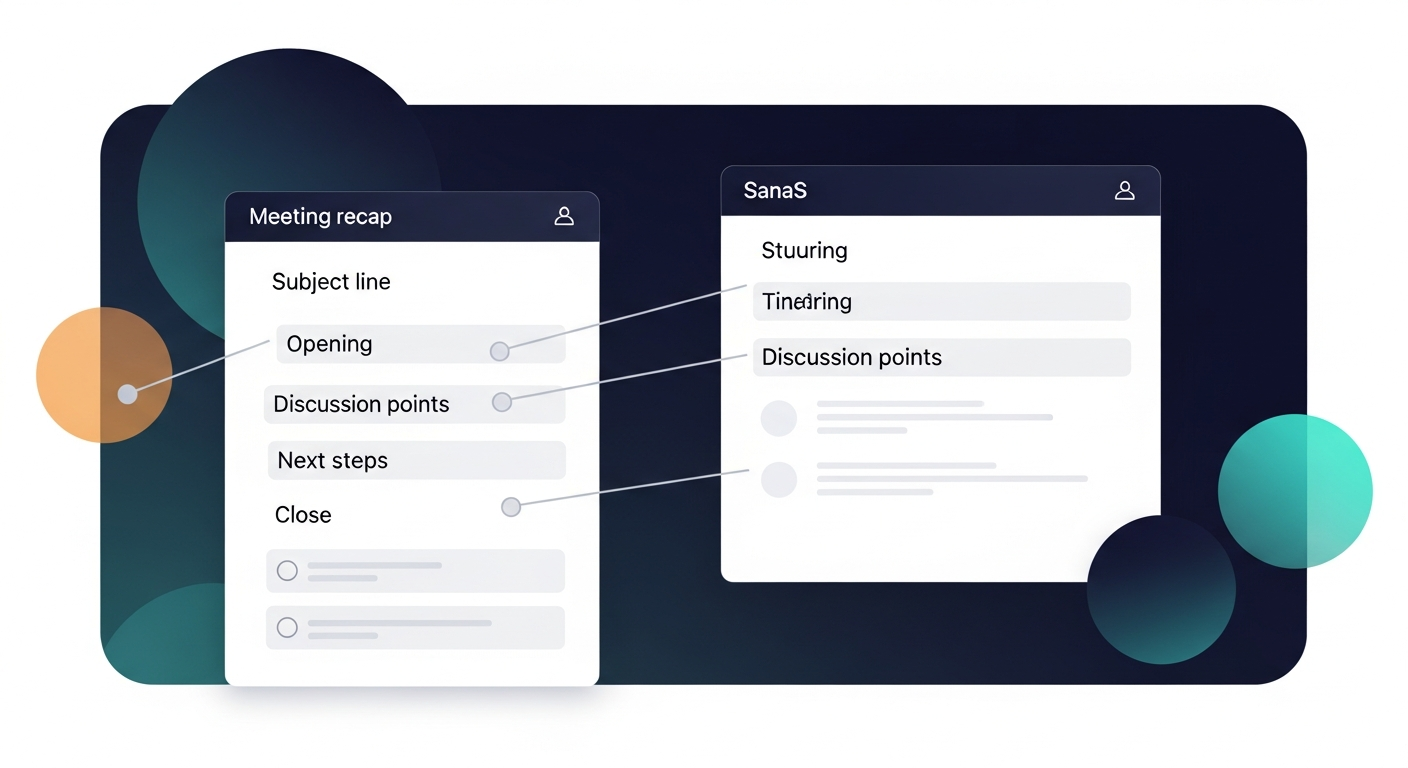
"content": "A great meeting recap email arrives within an hour of the call, leads with the client's priorities, and ends with clear next steps — not a wall of bullet points that reads like internal meeting notes. Done right, your post-meeting summary becomes one of the most powerful tools in your sales process: it builds trust, reduces deal friction, and keeps momentum alive between conversations.\n\nMost salespeople treat the recap email as an afterthought. That's a mistake. Research from HubSpot shows that 80% of sales require five or more follow-ups to close, yet the average rep sends only one or two. A well-crafted client recap email is your first follow-up — and it sets the tone for everything that comes after.\n\n## Why Most Meeting Recap Emails Get Ignored\n\nBefore we get into the how, let's talk about why most meeting notes emails fail to land.\n\nThe most common problems:\n\n- They're sent too late. A recap that arrives 24 hours later feels like homework, not a helpful summary.\n- They lead with admin, not value. Opening with "Per our call today..." or a timestamp of when the meeting happened signals that this email is about you, not the client.\n- They're a brain dump. Pasting your raw notes into an email forces the client to do work to extract what matters.\n- They bury the next steps. If action items are sandwiched between paragraphs of context, they'll be missed.\n- They have no clear owner. Vague phrases like "we'll circle back" or "let's reconnect" leave deals in limbo.\n\nThe goal of a meeting recap email isn't to document what happened — it's to move the deal forward. Keep that as your north star.\n\n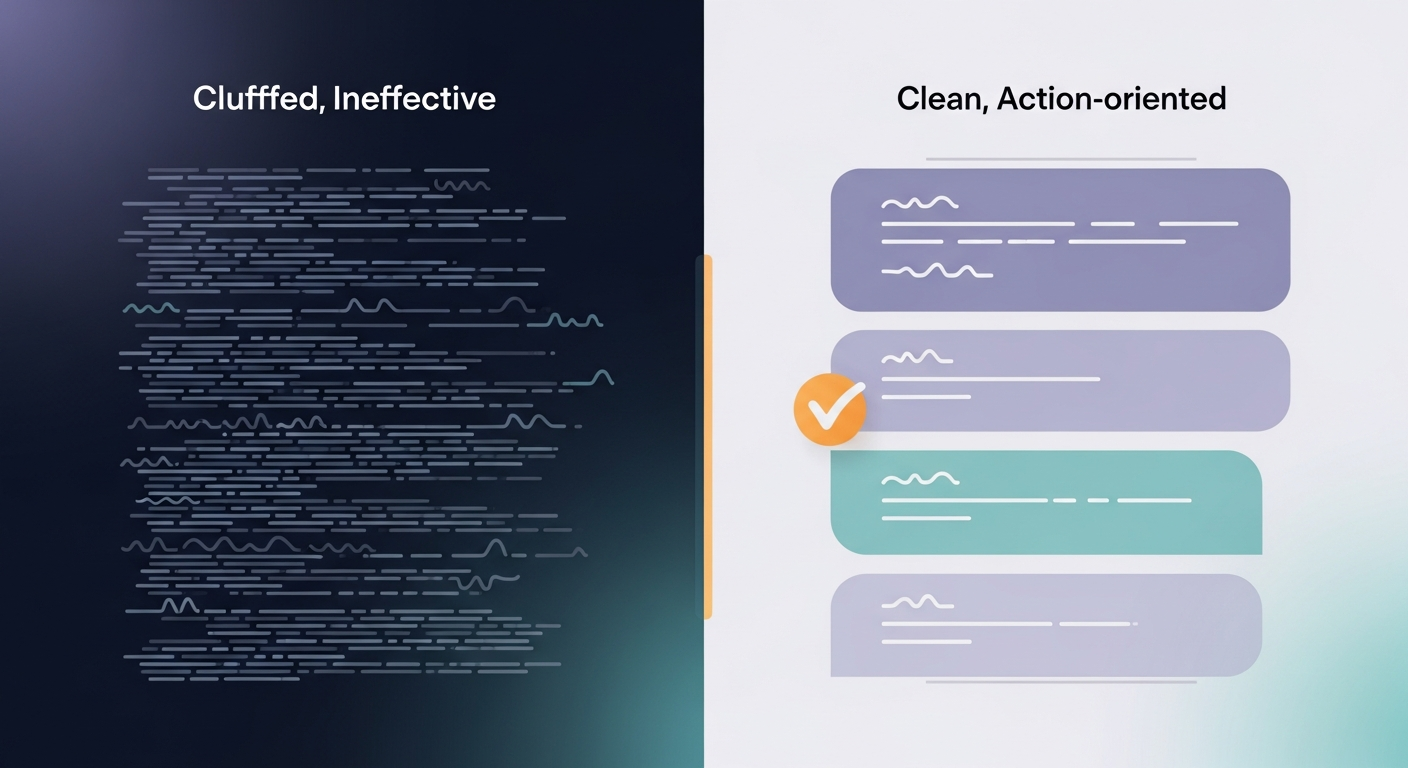 \n\n## The Anatomy of a Meeting Recap Email That Gets Read\n\nHere's the structure that consistently performs well across B2B sales cycles:\n\n### 1. Subject Line: Make It Specific\n\nAvoid generic subject lines like "Follow-up from our call." Instead, reference something specific from the conversation.\n\nStrong examples:\n- Next steps: [Company] + [Your Company] integration timeline\n- Your Q3 rollout plan — recap + action items\n- [First Name] — 3 things from today's call\n\nSpecificity signals that there's real content inside. It also makes the email easy to search later, which clients appreciate when they need to find it in a crowded inbox.\n\n### 2. Opening Line: Lead With Their Priority\n\nSkip pleasantries. Open with a one-sentence reflection of what the client said mattered most to them.\n\n"You mentioned the biggest priority right now is getting your team off spreadsheets before the new fiscal year — everything below is oriented around that."\n\nThis immediately signals: I was listening, and this email is about you.\n\n### 3. What We Discussed: Short and Selective\n\nThis is not a transcript. Pull out 3–5 key discussion points that directly tie to the client's goals or concerns. Use plain language, not jargon.\n\nFormat it as a bulleted list with brief context:\n\n- Current pain point: Manual reporting is costing the team ~6 hours/week and creating version control issues.\n- Evaluation criteria: Ease of onboarding and Salesforce integration are the top two requirements.\n- Timeline: Decision expected before end of Q2; budget already allocated.\n\n### 4. Next Steps: Numbered, Named, and Dated\n\nThis is the most critical section of any post-meeting summary. Every action item needs three things: who, what, and when.\n\n1. [Client name] to share current workflow documentation by April 10\n2. [Your name] to send a customized demo environment by April 8\n3. [Both] to meet again on April 17 to review the demo and discuss contract terms\n\nNo ambiguity. No "we'll be in touch." Specific dates create accountability on both sides.\n\n### 5. One-Sentence Close\n\nEnd with a single line that's warm but purposeful:\n\n"Looking forward to April 17 — let me know if anything changes on your end before then."\n\nThis is not the place for a hard sell. The next steps are already doing that work.\n\n
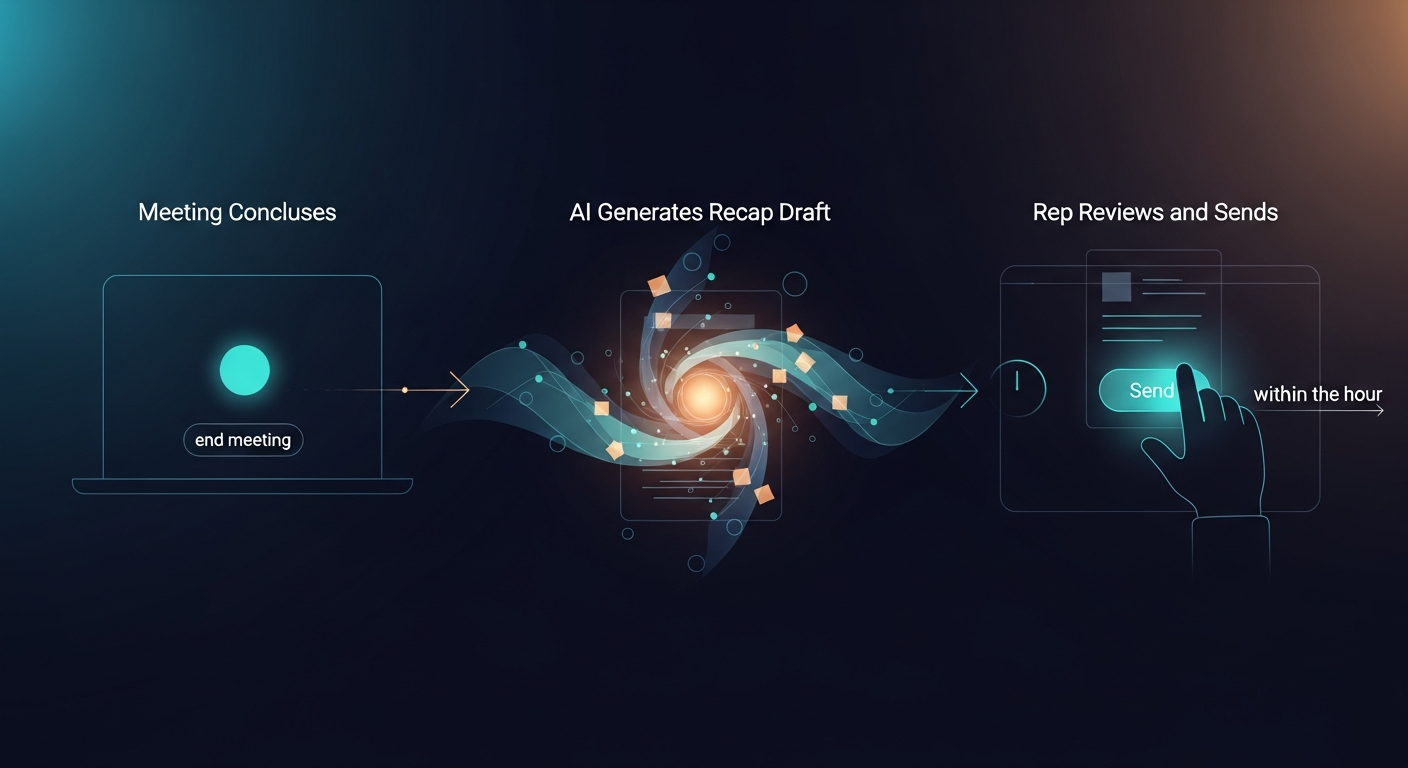
 \n\n## Timing: When to Send Your Client Recap Email\n\nSend your meeting recap email within 60 minutes of the call ending. Not tomorrow morning. Not "later today."\n\nHere's why the timing matters:\n\n- The conversation is still fresh in both parties' minds, so any corrections or additions can happen quickly.\n- A fast recap signals professionalism and follow-through — two qualities clients weigh heavily when choosing a vendor.\n- You'll catch the client while they're still mentally in the meeting, which makes them more likely to confirm next steps.\n\nIf your calendar is packed back-to-back, block 15 minutes immediately after each sales call to write and send the recap. Treat it as part of the meeting itself, not a separate task.\n\nTeams using ReplySequence automate this window with AI-generated first drafts that pull directly from call notes — so the recap is ready to review and send before you've even opened your next calendar invite.\n\n## Real-World Example: What Good Looks Like\n\nHere's a condensed example of a client recap email that works:\n\n—-\n\nSubject: Your team's reporting overhaul — recap + next steps\n\nHi Sarah,\n\nYou made it clear today that reducing manual reporting time before the July audit is the team's top priority — here's a quick summary of where we landed.\n\nWhat we discussed:\n- Current process requires 6+ hours per week of manual data pulling across three systems\n- Your team needs a solution that integrates with Salesforce and doesn't require IT involvement to set up\n- Budget is approved; decision needs to be made by May 15\n\nNext steps:\n1. Sarah to forward current report templates to me by April 7\n2. I'll send a tailored walkthrough video based on your templates by April 10\n3. We'll meet April 14 at 2pm ET to discuss fit and timeline\n\nLooking forward to April 14 — drop me a note if anything shifts before then.\n\n[Your name]\n\n—-\n\nNotice what's not in there: fluff, pleasantries, a sales pitch, or a paragraph about how great the meeting was. Just clarity, context, and momentum.\n\n## Common Mistakes to Cut From Your Recap Template\n\nEven experienced reps fall into these traps. Watch for them:\n\n- "Great meeting!" — Everyone says this. It means nothing.\n- Passive voice everywhere — "It was discussed that..." assigns no ownership. Be direct.\n- Missing deadlines — "Soon" and "shortly" are not dates. Always include a specific day.\n- CC'ing everyone by default — Only include stakeholders who were in the meeting or need to take action. Cluttered threads kill follow-through.\n- Attaching a 20-slide deck unrequested — If they didn't ask for it, don't send it. Reference it briefly if relevant, and offer to share.\n\n## How to Scale This Without Sacrificing Quality\n\nIf you're running 5–10 discovery calls a week, writing a thoughtful meeting recap email for each one is a real time investment. This is where most reps cut corners — and where deals start slipping.\n\nThe practical answer is a combination of a repeatable template and smart tooling. Build a skeleton structure you can fill in quickly, and use AI-powered tools to handle the drafting heavy lifting.\n\nReplySequence is built specifically for this problem. It generates personalized post-meeting summaries based on your call notes, structured around the client's stated priorities and your agreed-upon next steps. Reps using it report saving 30–45 minutes per day on follow-up drafting — time that goes back into actual selling.\n\n
 \n\n## A Note on Personalization vs. Templates\n\nTemplates give you speed. Personalization gives you results. The best approach uses both.\n\nYour structure should be templated. Your content should always reflect this client's specific language, concerns, and goals. If a client used the phrase "we're drowning in data," use that exact phrase back in the recap. It shows you were genuinely listening — and it makes the email feel written for them, not copied from a playbook.\n\nThis is the difference between a meeting notes email that gets skimmed and one that gets forwarded to a VP.\n\n## The meeting recap email is a sales asset — treat it like one\n\nEvery meeting recap email you send is a chance to reinforce your credibility, confirm alignment, and advance the deal. Clients don't close with vendors who are forgettable — they close with vendors who make them feel heard and organized.\n\nLead with their priorities. Keep it tight. Name every next step with a date and an owner. Send it fast.\n\nIf you want to see how ReplySequence can help your team send better post-meeting summaries in a fraction of the time, visit replysequence.com and take a look at what it does for high-volume sales teams.",
"date": "2026-04-02",
"author": "Jimmy Hackett",
"tags": ["meeting recap email", "post-meeting summary", "sales follow-up", "client communication", "email templates"],
"readingTime": 7,
"faqs": [
{
"question": "What should be included in a meeting recap email?",
"answer": "A meeting recap email should include a specific subject line, an opening line that reflects the client's top priority, 3–5 key discussion points in bullet format, and numbered next steps with a named owner and due date for each. Keep it concise — the goal is clarity and momentum, not a full transcript."
},
{
"question": "How soon should you send a meeting recap email after a call?",
"answer": "Send your meeting recap email within 60 minutes of the call ending. A fast recap signals professionalism, keeps the conversation fresh for both parties, and increases the likelihood that the client will confirm next steps while they're still mentally engaged."
},
{
"question": "How do you write next steps in a meeting recap email?",
"answer": "Every next step should include three elements: who is responsible, what the action is, and a specific deadline. Avoid vague phrases like 'we'll follow up soon' — always assign a named owner and a concrete date to each action item."
},
{
"question": "What's the best subject line for a client recap email?",
"answer": "The best subject lines for client recap emails are specific rather than generic. Reference the client's company name, a key topic from the meeting, or the action items inside — for example, 'Your Q3 rollout plan — recap + next steps' rather than 'Follow-up from our call.'"
},
{
"question": "How long should a post-meeting summary email be?",
"answer": "A post-meeting summary email should be short enough to read in under two minutes — typically 150 to 300 words. Focus on the 3–5 most important discussion points and clear next steps rather than documenting everything that was said."
}
]
}
```
How ReplySequence handles this
ReplySequence connects to your Zoom, Teams, or Meet calls, reads the transcript, and drafts a context-rich follow-up email in about 8 seconds. You review it, make any edits, and send from your real inbox. Your CRM updates automatically.