 ReplySequence
How to Write a Multi-Touch Follow-Up Sequence After a Sales Meeting
```json
{
"title": "How to Write a Multi-Touch Follow-Up Sequence After a Sales Meeting",
"slug": "how-to-write-a-multi-touch-follow-up-sequence-after-a-sales-meeting",
"excerpt": "Learn how to build a multi-touch follow-up sequence after a sales meeting that keeps prospects engaged, builds trust, and moves deals forward faster.",
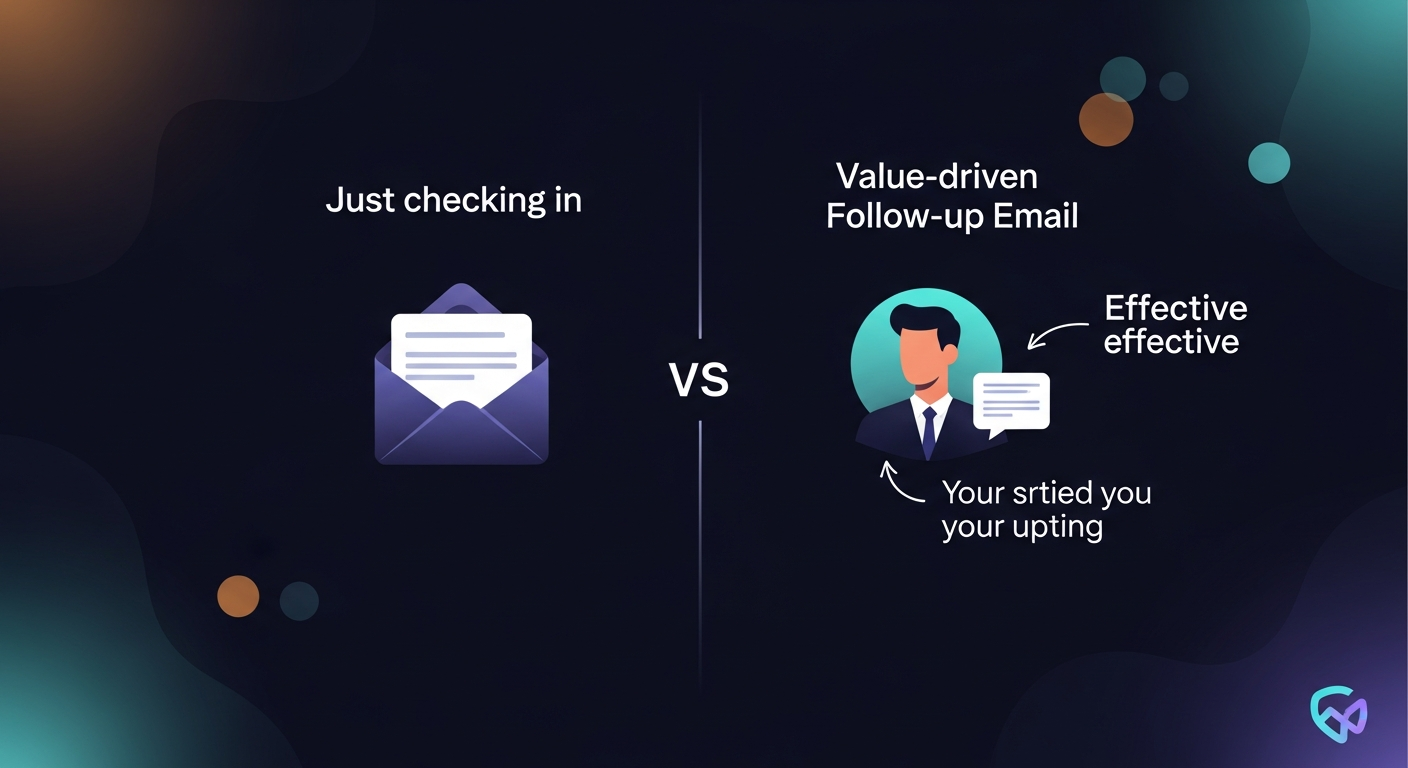
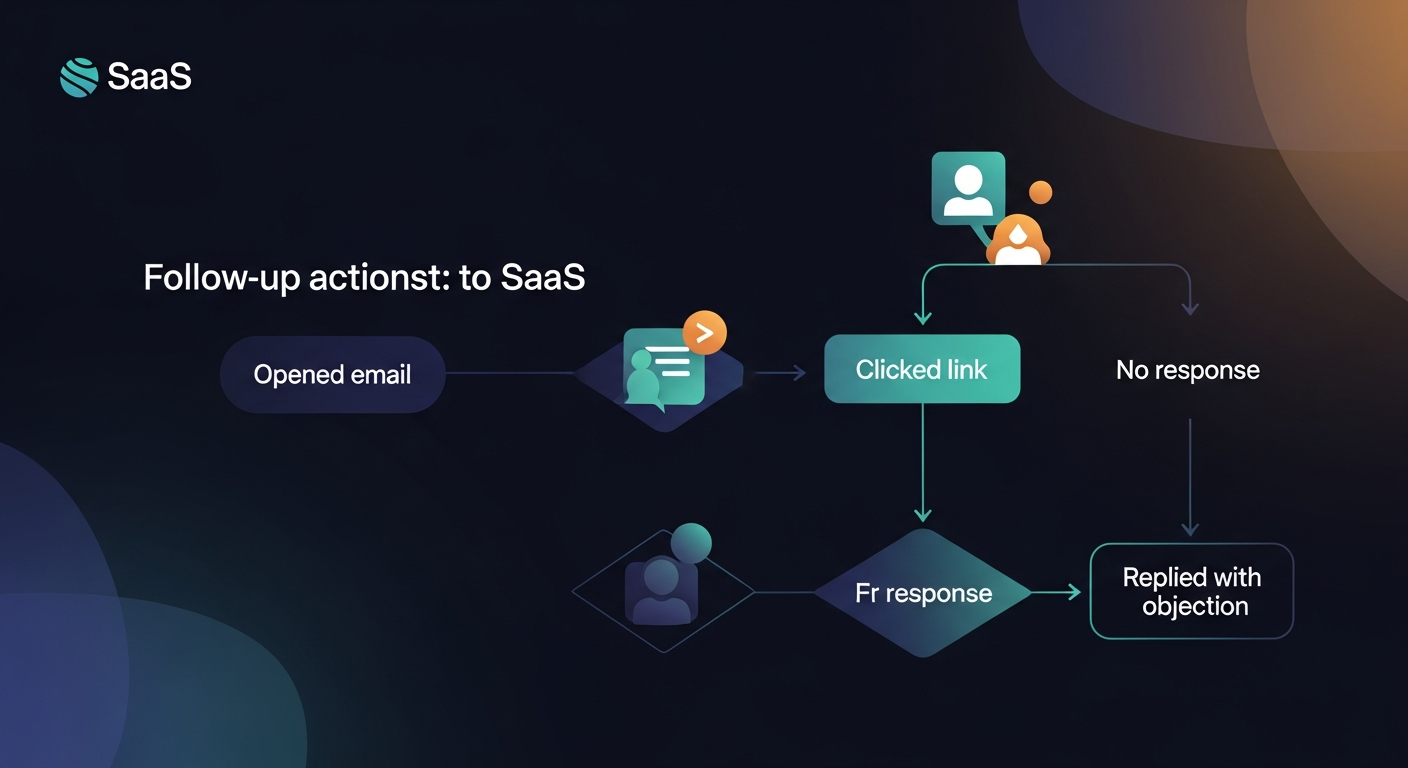
"content": "A multi-touch follow-up sequence after a meeting is a structured series of emails, calls, and touchpoints sent over days or weeks to keep a prospect engaged after an initial sales conversation. Done right, it shortens your sales cycle, reinforces your value proposition, and dramatically increases reply rates compared to sending a single follow-up and hoping for the best.\n\nResearch consistently backs this up: 80% of sales require at least five follow-up touches, yet 44% of salespeople give up after just one. The gap between those two numbers is where deals die — and where a well-designed nurture sequence wins.\n\n## Why a Single Follow-Up Email Isn't Enough\n\nMost sales reps send one recap email after a meeting, wait a week, and then either send a vague \"just checking in\" or go silent altogether. Neither approach works. Prospects are busy. Inboxes are noisy. Your deal is competing with a dozen other priorities on their plate.\n\nA multi-touch follow-up sequence after a meeting solves this by:\n\n- Staying top of mind without being annoying\n- Delivering value at each touchpoint so every email has a reason to exist\n- Guiding the prospect toward a decision through a logical progression\n- Handling objections proactively before they stall the deal\n\nThe key word is sequence. Not random emails. Not spray-and-pray. A deliberate, pre-planned cadence where each message builds on the last.\n\n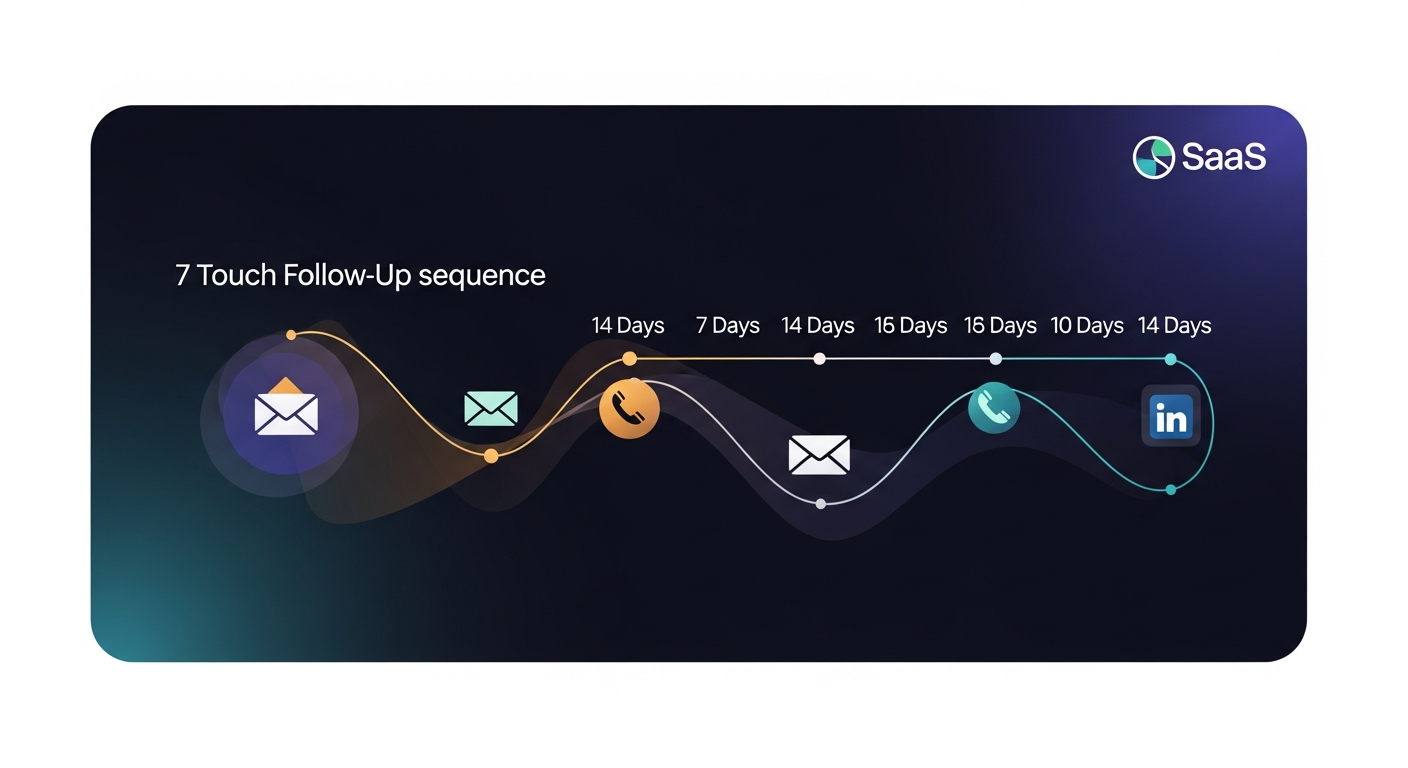 \n\n## The Anatomy of a High-Converting Meeting Follow-Up Cadence\n\nBefore writing a single word, you need a framework. Here's the structure that works for most B2B sales cycles:\n\n### Touch 1: The Recap Email (Within 2 Hours)\n\nThis is your anchor — sent the same day as the meeting, ideally within two hours while everything is fresh. Its job is to:\n\n- Summarize what was discussed\n- Confirm next steps with specific dates and owners\n- Attach any promised resources\n- Reinforce the core problem you're solving\n\nKeep it under 200 words. Use bullet points for the recap section. This email sets the professional tone for everything that follows.\n\nExample scenario: You just demoed your software to a VP of Sales at a mid-market SaaS company. Your recap email bullets out the three pain points she mentioned — manual reporting, slow onboarding, and CRM clutter — and maps each to a feature you showed. You close with: "Next step: I'll send over a custom ROI summary by Thursday. Does 3pm Friday still work for a 20-minute review?"\n\n### Touch 2: The Value-Add Email (Day 2–3)\n\nThis is where most reps drop the ball. They send a recap and then go straight to "did you get a chance to review?" Don't do that.\n\nInstead, send something genuinely useful: a relevant case study, an industry report, a short Loom walkthrough of a feature they asked about, or a custom calculation based on numbers they shared in the meeting.\n\nThe goal is to be the most helpful person in their inbox that day. One sentence connects the resource to something specific from your conversation — this signals that you actually listened.\n\n### Touch 3: The Soft Check-In (Day 5–6)\n\nBy now you've delivered value twice. Touch 3 is a short, direct email asking a forward-moving question:\n\n- "Did the case study address the onboarding concern you raised?"\n- "Any questions come up after reviewing the ROI numbers?"\n- "Is there anyone else on your team I should loop in before our call Friday?"\n\nOne question. Short email. Easy to reply to.\n\n### Touch 4: The Phone Call or Voicemail (Day 7–8)\n\nA multi-touch follow-up sequence after a meeting should include at least one non-email touchpoint. A brief phone call — or even just a voicemail — breaks the pattern and often prompts replies to your previous emails.\n\nYour voicemail script should be under 30 seconds:\n\n> "Hey [Name], Jimmy here from ReplySequence. Sent over a few resources earlier this week — just wanted to make sure they landed okay and see if any questions came up. I'll shoot you a quick email now too. Talk soon."\n\nThen immediately send a one-line email: "Just left you a voicemail — let me know if you have 10 minutes this week."\n\n### Touch 5: The Social Proof Touch (Day 10–11)\n\nAt this stage, a prospect who hasn't replied is either busy, uncertain, or quietly skeptical. The best response is social proof. Share a specific customer story — not a generic testimonial — that mirrors their situation.\n\n"Thought of you when I re-read this case study. [Company] was dealing with the same reporting bottleneck you described, and they cut their close time by 30% in 90 days. Happy to connect you with their RevOps lead if it would help."\n\nPeer validation is powerful. An offer to make a warm introduction is even more powerful.\n\n### Touch 6: The \"Anything Changed?\" Email (Day 13–14)\n\nBy now you've provided genuine value, followed up across multiple channels, and shown consistent interest. If there's still no reply, send a frank, human email:\n\n"Hey [Name] — I've reached out a few times and haven't heard back. Totally understand if priorities have shifted or the timing's off. Has anything changed on your end? Even a quick 'not now' is helpful so I can plan accordingly."\n\nThis email works because it's honest and removes pressure. It often gets replies that re-open the conversation.\n\n
 \n\n## Personalizing Your Sales Sequence Email at Scale\n\nPersonalization is the difference between a nurture sequence that feels like spam and one that feels like a trusted advisor checking in. But personalizing six emails for every prospect manually doesn't scale.\n\nHere's how to do it efficiently:\n\n1. Use meeting notes as your personalization source. The specific words a prospect uses to describe their pain — capture those. Mirror them back in your follow-up emails.\n2. Create modular templates. Build a base template for each touch, then insert one personalized sentence that references something specific from the meeting.\n3. Segment by deal stage, not just by persona. A prospect who's already seen a demo needs different content than someone who just took an intro call.\n4. Automate the cadence, not the voice. Tools like ReplySequence can send your sequence on the right schedule while keeping each email sounding like it came from a human — not a marketing automation platform.\n\nA well-calibrated sales sequence email hits the right person with the right message at the right time. That's the whole game.\n\n## Common Mistakes That Kill Follow-Up Sequences\n\nEven experienced reps make these errors:\n\n- Following up too fast. Sending three emails in 48 hours reads as desperate. Spread your touches out.\n- Every email asking for something. If your only goal is to book a call, prospects feel it. Give before you ask.\n- Writing essays. Long emails get skimmed or ignored. Keep most follow-ups under 150 words.\n- Not referencing the previous message. Each email should logically follow the last. Don't make your prospect rebuild context from scratch.\n- Stopping at two touches. If you quit after touch two, you're leaving most of your pipeline on the table.\n- Ignoring reply signals. If someone opens your email five times and clicks your link but doesn't reply, that's a signal. Pick up the phone.\n\n## How Long Should a Meeting Follow-Up Cadence Run?\n\nFor most B2B deals, a two-week, six-touch cadence covers the critical window after a meeting. After that, move prospects into a longer-term nurture sequence — monthly or bi-monthly value emails — until they're ready to re-engage.\n\nFor high-value enterprise deals with longer sales cycles, extend your initial cadence to 10 touches over 30 days. Include additional social proof, a re-demo offer, and a formal \"proposal review\" touchpoint.\n\nThe right answer always depends on your average sales cycle. If deals typically close in two weeks, compress your cadence. If they close in six months, extend it.\n\n
 \n\n## Putting It All Together With the Right Tools\n\nBuilding a multi-touch follow-up sequence after a meeting manually is possible — but it's also error-prone, inconsistent, and time-consuming when you're managing 20 active deals at once.\n\nThat's exactly what ReplySequence was built to solve. It automatically generates personalized follow-up sequences based on your meeting notes, maps touchpoints across email and phone, and tracks engagement so you know when to push and when to wait. Reps using structured follow-up sequences through ReplySequence report 2x higher reply rates and significantly fewer deals that simply go quiet after the first meeting.\n\n## Start Writing Better Follow-Up Sequences Today\n\nThe framework is straightforward: lead with a strong recap, follow up with genuine value, include at least one phone touch, add social proof when momentum stalls, and end with an honest re-engagement email. That's a meeting follow-up cadence that respects your prospect's time while making sure your deal doesn't get buried.\n\nIf you're ready to stop losing deals to silence and start building multi-touch follow-up sequences that actually convert, visit replysequence.com to see how the right system makes this repeatable — every meeting, every time.",
"date": "2026-04-02",
"author": "Jimmy Hackett",
"tags": ["multi-touch follow-up sequence", "sales sequence email", "meeting follow-up cadence", "nurture sequence", "sales outreach"],
"readingTime": 8,
"faqs": [
{
"question": "What is a multi-touch follow-up sequence after a sales meeting?",
"answer": "A multi-touch follow-up sequence after a meeting is a structured series of emails, calls, and touchpoints sent over days or weeks to keep a prospect engaged after an initial sales conversation. Each touch delivers value and moves the prospect closer to a decision."
},
{
"question": "How many follow-up touches should you send after a sales meeting?",
"answer": "For most B2B deals, a six-touch cadence spread over two weeks covers the critical window after a meeting. Research shows 80% of sales require at least five follow-up touches, yet most reps give up after just one or two."
},
{
"question": "What should the first follow-up email after a sales meeting include?",
"answer": "The first follow-up email should be sent within two hours of the meeting and include a bullet-point recap of what was discussed, confirmed next steps with specific dates, any promised resources, and a clear question to advance the deal."
},
{
"question": "How do you personalize a follow-up sequence at scale?",
"answer": "Use your meeting notes as a personalization source, capturing the specific words prospects use to describe their pain. Build modular templates with one personalized sentence per email, and use automation tools to send on the right schedule while keeping the tone human."
},
{
"question": "What should you do when a prospect doesn't reply to multiple follow-ups?",
"answer": "After several unanswered touches, send an honest re-engagement email acknowledging the silence and asking if priorities have changed. This low-pressure approach often gets replies that reopen the conversation because it removes the prospect's obligation to justify their delay."
}
]
}
```
How ReplySequence handles this
ReplySequence connects to your Zoom, Teams, or Meet calls, reads the transcript, and drafts a context-rich follow-up email in about 8 seconds. You review it, make any edits, and send from your real inbox. Your CRM updates automatically.