 ReplySequence
Sales Meeting Follow-Up Automation in 2026
Sales meeting follow-up automation in 2026 means one thing: your transcript goes in, a personalized follow-up email comes out, and the CRM gets updated — all before the prospect has finished their next Slack message. The tools to do this exist right now. Most sales teams just aren't using them right.
I've sat in over a thousand sales calls across my career. The pattern that kills deals isn't a bad pitch or the wrong pricing. It's silence. The meeting goes great, everybody's nodding, there's genuine momentum — and then the rep spends 40 minutes staring at a blank draft trying to summarize what just happened. By the time the email lands, the prospect has moved on.
That's the problem sales meeting follow-up automation is supposed to solve. Here's what the landscape looks like in 2026, what's actually working, and where most tools still fall short.
The Follow-Up Gap Is Still Killing Deals
This isn't a new problem. But the data keeps getting harder to ignore.
44% of salespeople give up after one follow-up. One. Meanwhile, 80% of sales require five or more touchpoints after the initial meeting to close. The math on that is brutal. Most reps know the follow-up matters. They're just drowning in the manual work of actually doing it.
The average AE spends 31 minutes per call writing follow-up emails, updating the CRM, and logging next steps — according to research from Salesforce's State of Sales report. For an SDR running 8 discovery calls a day, that's four hours of administrative drag. Every single day.
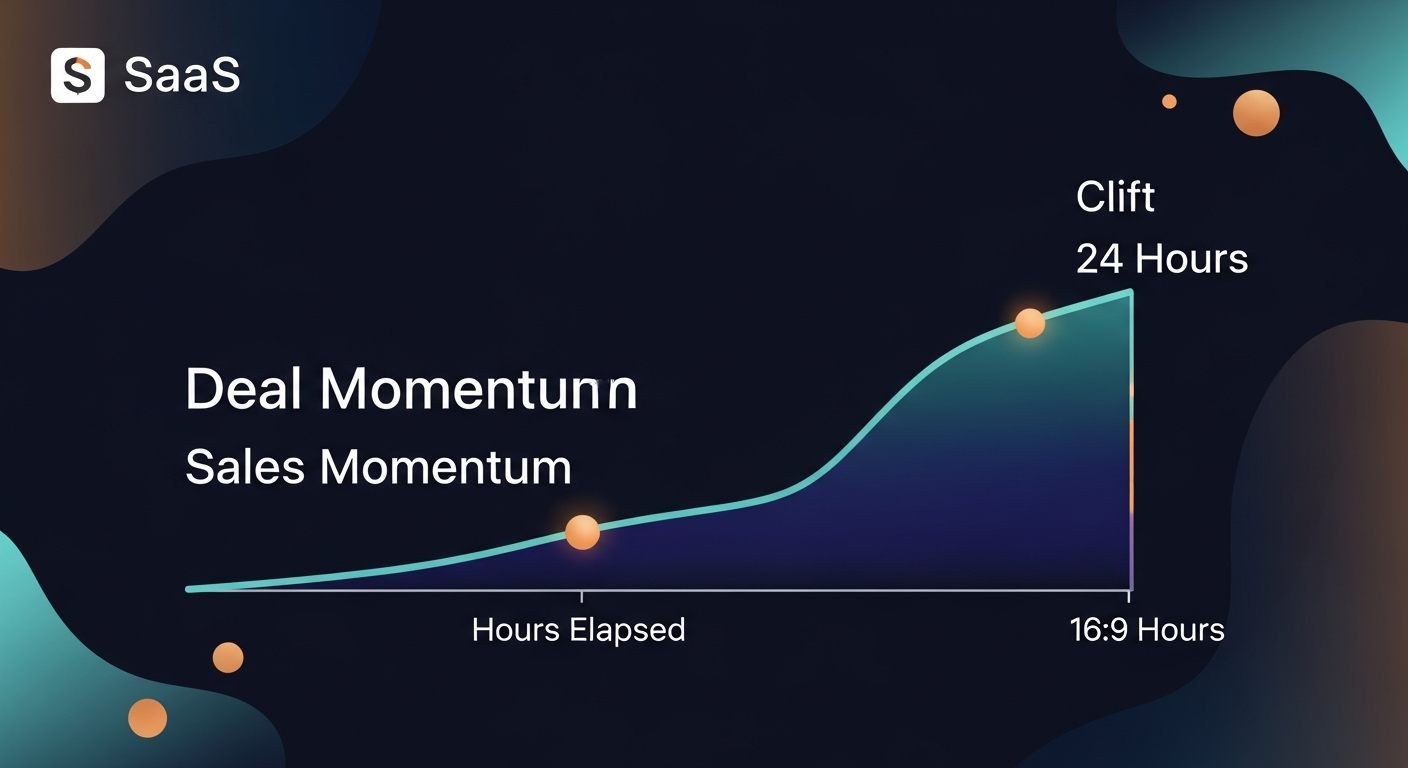
And the window matters. Leads contacted within 5 minutes of expressing interest are 100x more likely to convert than those contacted after 30 minutes, per InsideSales research. The same principle applies post-meeting. A follow-up that lands 20 minutes after the call while the conversation is still fresh hits differently than one that shows up the next morning.
Deals die in silence. Always have. The question in 2026 is whether you've automated your way out of that silence — or you're still manually typing.
Why Most Sales Meeting Management Software Misses the Mark
Here's the honest problem with most sales meeting management software in 2026: it records everything and sends nothing.
Every major recorder — Fireflies, Otter, Gong, Chorus, Zoom AI Companion — has gotten genuinely good at transcription. Meeting summaries have improved. Action item extraction is decent. But the output of all that intelligence is almost always a document that sits in a dashboard somewhere, waiting for a human to do something with it.
The workflow looks like this:
- Call ends
- Transcript appears in your recorder's dashboard
- Rep opens the transcript
- Rep opens Gmail or Outlook
- Rep stares at a blank email for 20 minutes
- Rep types something mediocre and hits send
- CRM update happens never, or at end of day, or not at all
That's not automation. That's just digitized manual work with extra steps.
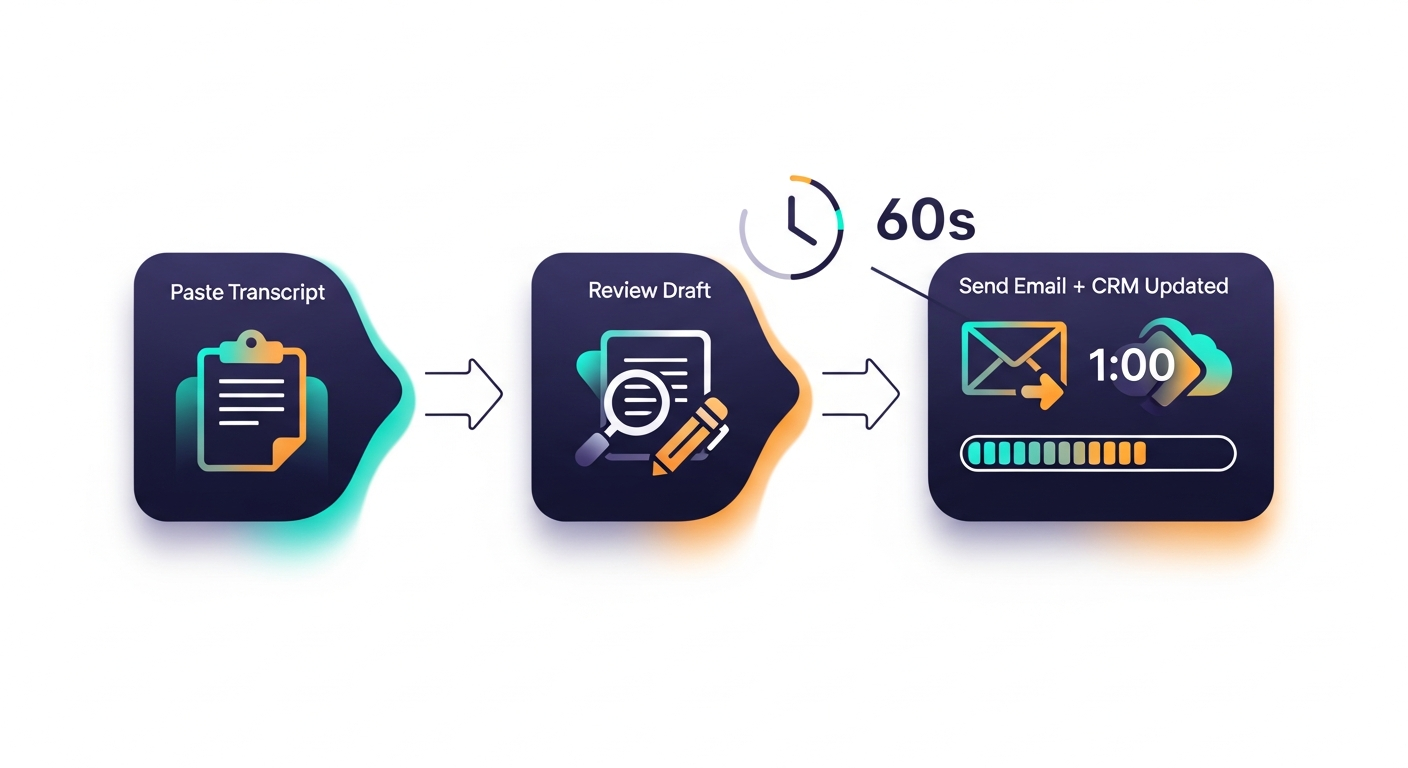
The other failure mode is auto-send. A few tools have tried fully automated follow-up emails — the transcript processes, the email fires, done. Sounds great in a demo. Terrible in practice. Reps don't trust it. And they shouldn't. Every call is different. The tone, the specific objections raised, the next steps agreed on — these need a human eye before they go to a prospect. Draft-first is non-negotiable. The goal is to get from transcript to a ready-to-review draft in under 60 seconds, not to remove the human from the loop entirely.
The third miss: tools that require their own bot in the meeting. If I have to choose between my Fireflies bot and your follow-up tool's bot, I'm not switching my stack. The best post-meeting sales automation in 2026 is BYOT — bring your own transcript. Whatever recorder you're already using, paste the transcript and move on.
What Good Sales Meeting Follow-Up Automation Actually Looks Like
The right system has three components. They're not complicated. Most teams just don't have all three connected.
1. Transcript in, draft out — fast
The core workflow should take under 60 seconds from call end to draft email sitting in your outbox. You paste your transcript (from Fireflies, Granola, Otter, Zoom, Teams, wherever). The system reads it, identifies the key context — prospect's pain points, what was promised, objections raised, agreed next steps — and generates a follow-up email that sounds like you wrote it, not like a robot summarized a document.
The output should be a complete, ready-to-send email. Not bullet points. Not a summary. An actual email, in your voice, addressed to the right person, with specific references to what was actually discussed.
2. CRM update in the same motion
Every piece of call intelligence that goes into the follow-up email should also populate the CRM — deal stage, next steps, key objections, stakeholders mentioned. If you're updating Salesforce or HubSpot manually after every call, you're doing it wrong in 2026. The CRM update should be a byproduct of the follow-up workflow, not a separate task.
3. Rep review, always
Draft-first. The rep reads it, tweaks what needs tweaking (which is usually very little), and hits send. This is the step that makes the whole system trustworthy. Reps will actually use automation they feel in control of. They'll route around automation that makes them nervous.
Real Scenarios Where This Changes the Math
The AE running 5 demos a week
Sarah closes mid-market SaaS deals averaging $28k ARR. She runs five demos a week. Before automating follow-up emails after sales meetings, she spent 30-40 minutes per call on the recap email and CRM update. That's 2.5-3 hours a week of administrative work after demos alone — not counting discovery calls, check-ins, or renewal conversations. After plugging in a post-meeting automation workflow, that's down to 10 minutes a week. She's not spending the saved time on more admin. She's booking more calls.
The SDR manager with a team of eight
Dave manages eight SDRs. Each runs 6-8 discovery calls daily. Follow-up quality is all over the map — some reps send sharp, specific emails within 20 minutes, some send generic garbage two days later. When the whole team pastes their transcripts into a shared follow-up automation tool with a consistent prompt structure, quality floors out. The worst emails on the team get better. Response rates across the team went up 23% in the first month. Not because the AI wrote something magical — because it forced consistency and speed that the manual process couldn't maintain.
The founder doing their own sales
This one's personal. When I was doing early customer discovery for ReplySequence, I was running 4-6 calls a day and trying to build at the same time. The follow-up emails were the first thing that slipped. I'd remember I forgot to send one at 11pm. By then the context was gone. Once I built the first version of the workflow I was trying to sell, the calls-to-email lag dropped from hours to minutes. The conversations that turned into beta users were almost all ones where the follow-up landed fast and referenced something specific from the call. That's not a coincidence.
Where This Is Headed (And What to Watch)
Zoom AI Companion is a real threat to standalone post-meeting tools. If you're already in Zoom all day, the path of least resistance is using their native follow-up features. Same with Teams Copilot for Microsoft shops. I don't pretend otherwise.
The window where a focused, best-in-class post-meeting automation tool can win on quality is probably 12-18 months before the platform players catch up to good-enough. The bet is that good-enough won't be good enough — that a tool built specifically for the follow-up workflow, that works across every recorder and every communication channel, will hold a meaningful quality advantage.
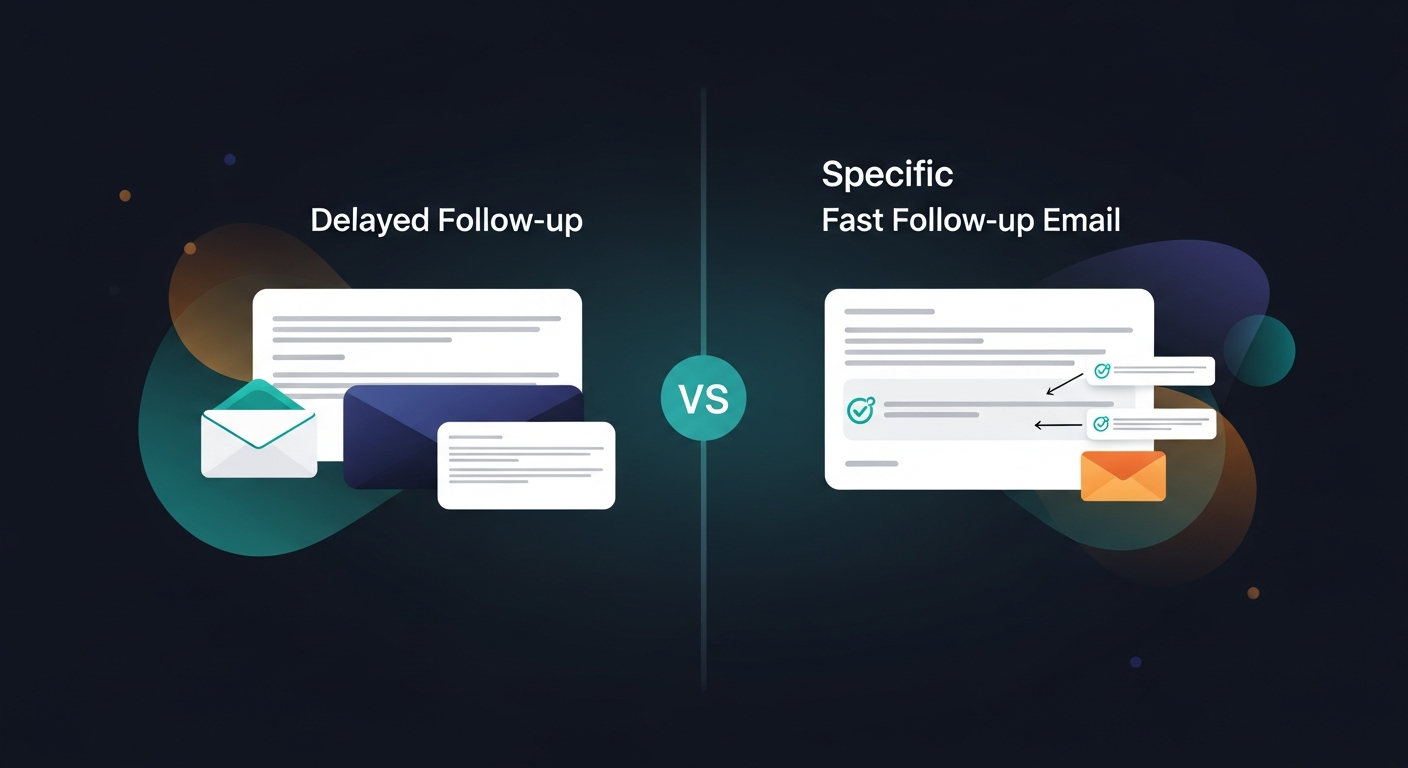
What I'm confident about: the reps and founders who nail sales meeting follow-up automation in the next 12 months will build habits and response rate baselines that are genuinely hard to unwind. Speed and specificity in follow-up compound over time. The reps who send better emails faster close more deals. That doesn't change regardless of which tool gets them there.
The Practical Setup for 2026
If you're starting from zero, here's the stack that works:
- Recording and transcription: Keep whatever you already use — Fireflies, Otter, Granola, Gong, Zoom AI Companion. Don't switch.
- Post-meeting follow-up automation: You need something that takes the transcript output from your recorder and turns it into a ready-to-send email. That's the gap. That's the last mile.
- CRM: HubSpot or Salesforce. Make sure your follow-up tool can log to it automatically, or you're still doing manual CRM hygiene.
- Email: Gmail or Outlook. The follow-up should land in your drafts, not in a third-party dashboard you have to log into.
The whole point of automate follow-up emails after sales meetings is to close the loop without adding steps to the rep's day. If the automation creates new tabs to open and new dashboards to check, it's not automation — it's just different manual work.
Close the Loop or Lose the Deal
Sales meeting follow-up automation in 2026 isn't a nice-to-have. It's the difference between deals that move and deals that die in silence. The technology is there. The recorders are transcribing everything. The gap is the last mile — getting from transcript to sent email in under 60 seconds, with the CRM updated, without removing the rep from the loop.
That's exactly what I built ReplySequence to do. Paste your transcript from Fireflies, Otter, Granola, or wherever — get a ready-to-review follow-up email in under a minute. Review it, tweak it, send it. Done. No new meeting bot required, no calendar connection, no switching your stack.
If you're running sales calls and manually writing follow-up emails after every one, try it at replysequence.com. First few calls are free. The ROI math takes about one closed deal to become obvious.
How ReplySequence handles this
ReplySequence connects to your Zoom, Teams, or Meet calls, reads the transcript, and drafts a context-rich follow-up email in about 8 seconds. You review it, make any edits, and send from your real inbox. Deal intelligence builds automatically.