
How We Built an AI That Turns Transcripts Into Emails
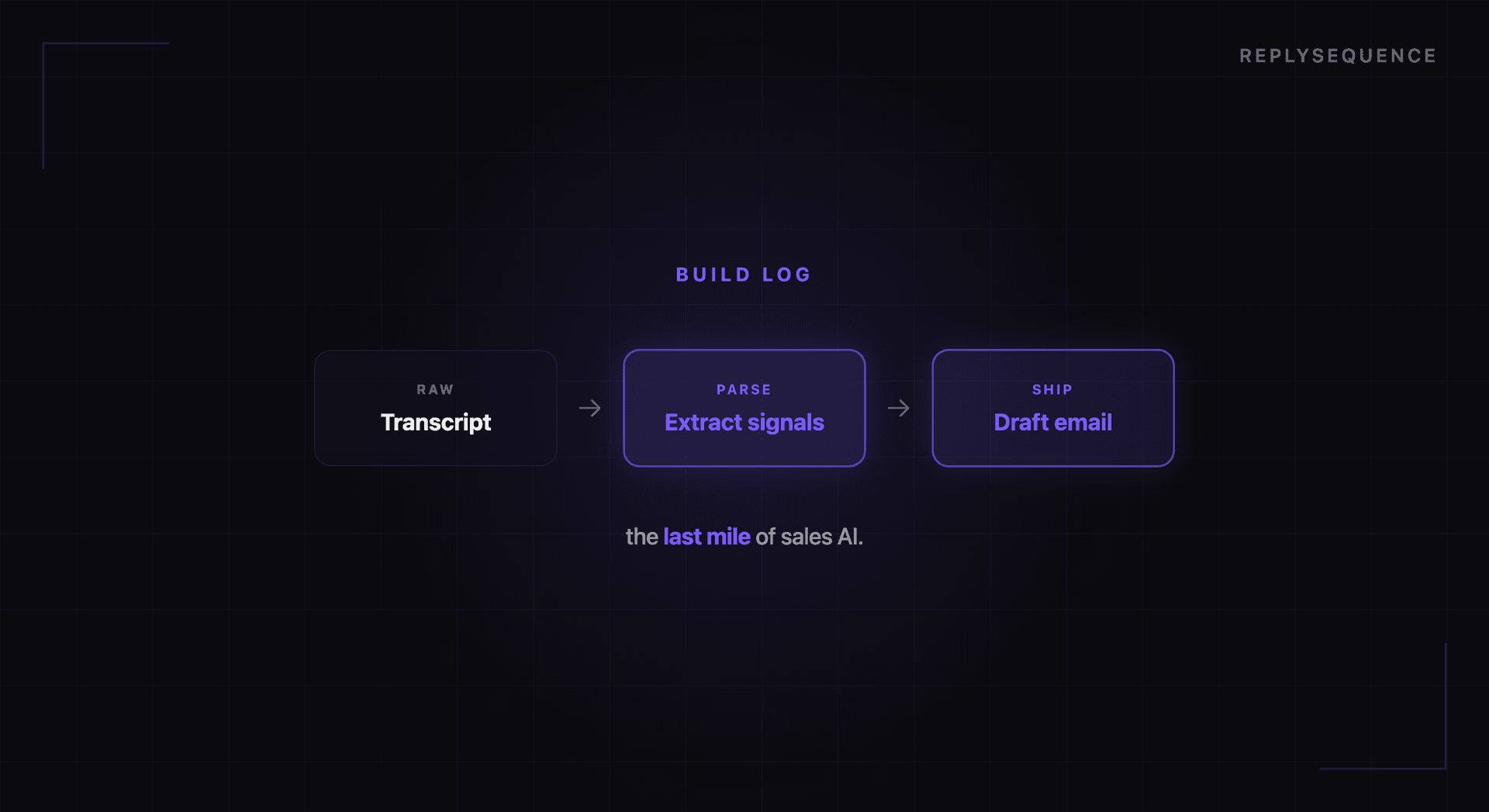
When we started building ReplySequence, the pitch was simple: take a meeting transcript, feed it to an AI, and get a follow-up email back. The prototype worked in a weekend. Making it production-ready took months.
This is a behind-the-scenes look at the engineering challenges we solved along the way. If you are building with AI, some of these lessons might save you time.
Challenge 1: Transcript Quality Is Inconsistent
The first thing you learn when working with meeting transcripts is that they are messy. Zoom, Teams, and Meet all produce VTT (Web Video Text Tracks) format transcripts, but the quality varies significantly.
Speaker identification is the biggest variable. Some transcripts include speaker names ("Jimmy Daly: Thanks for joining"). Others just have timestamps with no attribution. Some platforms identify speakers inconsistently, merging or splitting speakers mid-conversation.
Our VTT parser handles this by normalizing all transcripts into a consistent format with speaker labels, timestamps, and text segments. When speaker names are missing, we assign numbered labels (Speaker 1, Speaker 2) and use conversational patterns to maintain consistency. It is not glamorous work, but getting this right is essential because speaker attribution directly affects the quality of the follow-up email. The AI needs to know who said what to reference the prospect's words, not your own.
Challenge 2: Meeting Type Detection
A sales demo follow-up should read very differently from an internal team sync or a client onboarding session. We needed the AI to detect the meeting type automatically so it could apply the right email format.
Our approach uses the transcript itself as the signal. We prompt the AI to classify the meeting into one of several categories: sales call, discovery meeting, internal sync, client check-in, onboarding session, or general meeting. The classification is based on conversational patterns: sales calls tend to have demo-related language and pricing discussions, internal syncs reference project updates and team assignments, onboarding sessions involve setup steps and training.
This classification step happens before the email is generated. The meeting type then influences the email structure, tone, and content emphasis. A sales demo follow-up highlights features discussed and proposes a next meeting. An internal sync follow-up lists action items and owners. An onboarding follow-up confirms what was set up and suggests next steps.
Challenge 3: The Right Level of Detail
Early prototypes produced follow-up emails that were essentially compressed meeting transcripts, every topic discussed, every tangent explored, every detail included. These emails were accurate but way too long. Nobody wants to read a 500-word follow-up email.
The fix was adding specificity constraints to our prompts. We instruct the AI to identify the three to five most important discussion points, extract concrete action items, and keep the email under 200 words. We also added a quality scoring system that evaluates each draft on specificity (does it reference actual discussion points?), actionability (does it include clear next steps?), and brevity (is it under 200 words?).
Drafts that score below our threshold get regenerated with additional guidance. In practice, the first generation passes the quality bar about 85% of the time. The quality scoring acts as a safety net for the other 15%.
Challenge 4: Speed on Serverless
Our backend runs on Vercel's serverless infrastructure. This gives us excellent scalability but introduces a hard constraint: function execution timeouts. A meeting transcript can be 10,000+ words. Processing it through an AI model, generating a draft, scoring it, and storing the result needs to happen within the timeout window.
We optimized this in several ways. Transcript preprocessing (parsing VTT, cleaning formatting, extracting metadata) happens synchronously and is fast. The AI generation step uses streaming to start processing the response before the full generation is complete. We also implemented retry logic with exponential backoff for the rare cases when the AI API is slow or returns an error.
The result is that most drafts are generated within 8-15 seconds of the transcript being received. For a process that replaces 15-20 minutes of manual work, that is a meaningful improvement.
Challenge 5: Handling Edge Cases
Real-world meetings are weird. People join late, leave early, have sidebar conversations, go off-topic, discuss sensitive subjects, or spend half the meeting troubleshooting audio issues. The AI needs to handle all of these gracefully.
Some edge cases we have solved:
Very short meetings (under 5 minutes): Often indicate a technical issue or a quick check-in. We detect these and adjust the email format to be appropriately brief.
Meetings with no clear action items: Not every meeting produces next steps. When the AI cannot identify concrete action items, it focuses the email on summarizing key discussion points and asks the recipient to confirm if anything was missed.
Sensitive content: If the transcript includes discussion of layoffs, legal issues, or personal matters, the follow-up should not reference these directly. Our content filtering step identifies potentially sensitive topics and excludes them from the generated email.
Multiple participants: When a meeting has more than two parties, the follow-up needs to address the right audience. We detect meeting participants and generate the email from the perspective of the meeting organizer, addressed to external participants.
What We Learned
Three lessons from building this system:
Prompting is engineering, not magic. Getting consistent, high-quality output from an AI model requires the same rigor as any other engineering work: clear specifications, systematic testing, edge case handling, and iteration. Our email generation prompt has been rewritten at least a dozen times.
Preprocessing matters more than the model. The quality of the generated email depends more on how well we parse and structure the transcript than on which AI model we use. Clean input produces clean output. Garbage in, garbage out still applies in the AI era.
Users want control, not automation. We initially considered sending follow-ups automatically, without human review. Users overwhelmingly told us they want a draft they can edit and approve, not an email sent on their behalf. The human-in-the-loop step is not a limitation. It is a feature.
Building AI products is as much about understanding the workflow you are improving as it is about the AI itself. The transcript-to-email pipeline only works because we obsessed over every step between receiving a transcript and presenting a draft that a human would actually send.
Related reading
How ReplySequence handles this
ReplySequence takes any meeting transcript, paste it in from Zoom, Teams, Meet, WebEx, Fireflies, Granola, or wherever, and drafts a context-rich follow-up email in about 8 seconds. You review it, make any edits, and approve. Deal intelligence builds automatically.

