
Why the Best Sales Emails Start With the Transcript
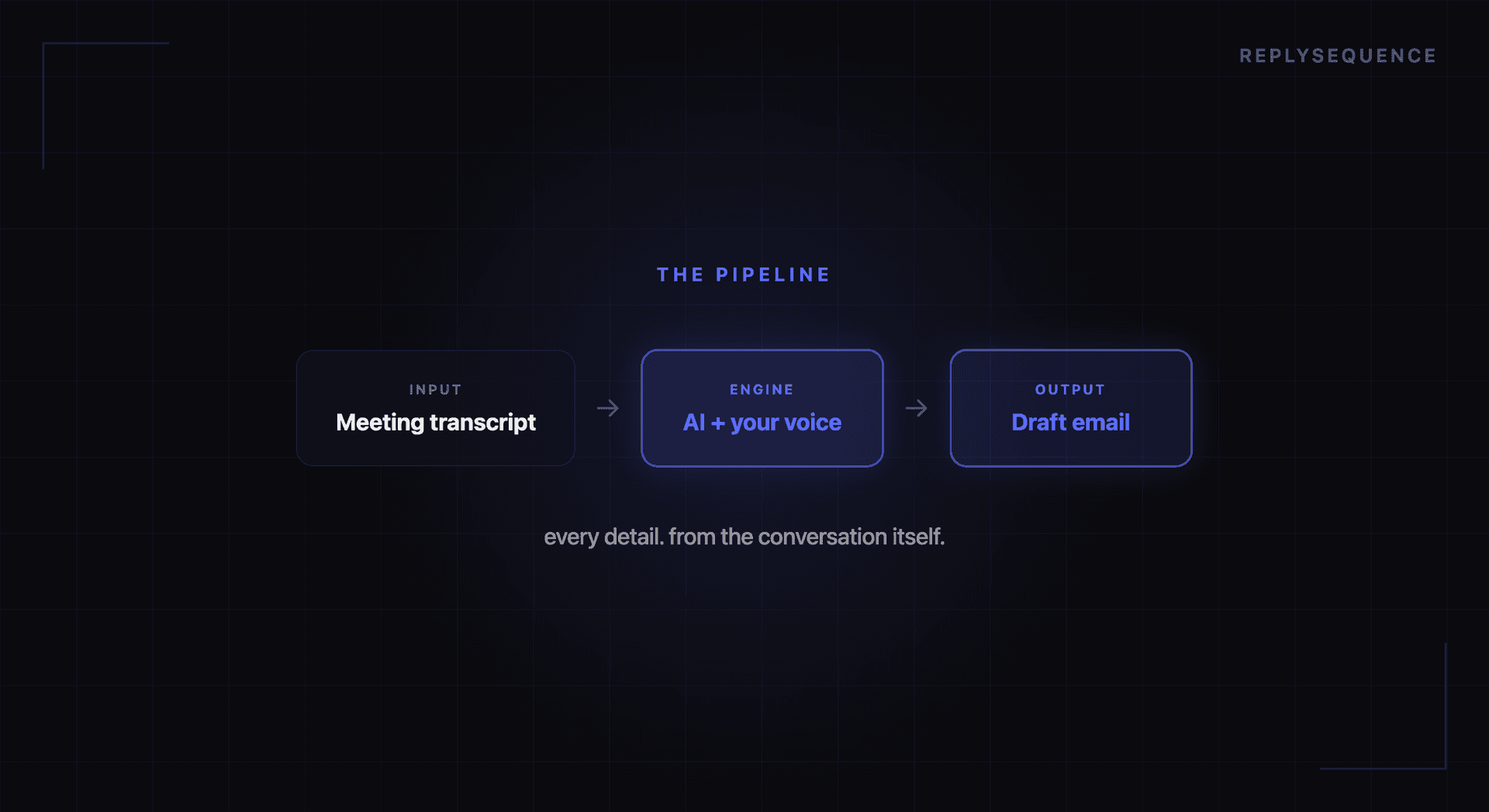
AI-powered email writing has exploded in popularity. Tools like ChatGPT, Jasper, and dozens of others can generate sales emails in seconds. But there is a problem most users discover quickly: the output is generic. "I hope this email finds you well" followed by a pitch that could apply to anyone. Prospects recognize AI-generated emails instantly, and they delete them just as fast.
The issue is not the AI. It is the input. When you ask an AI to write a follow-up email with nothing more than a prospect's name and company, you get exactly what you would expect: a surface-level message with no real substance. But when you feed that same AI a full meeting transcript, everything changes.
Context Is the Missing Ingredient
Consider two scenarios. In the first, you prompt an AI: "Write a follow-up email to Sarah at Acme Corp after our sales demo." The result is a polished but hollow email that could have been sent by anyone who has never met Sarah.
In the second scenario, the AI has your meeting transcript. It knows that Sarah mentioned her team wastes two hours per week on manual CRM entry. It knows she asked about your Salesforce integration specifically. It knows her boss needs to approve purchases over $15K and that Q2 budget is already allocated but Q3 is open. Now the AI can write a follow-up that references these exact points, suggests a Q3 start date, and highlights the Salesforce integration with a link to the relevant docs.
Same AI, radically different output. The difference is context.
What Makes Transcript-Based Drafts Better
Meeting transcripts give AI something no other data source provides: the actual words your prospect used. This matters for several reasons:
Specificity builds trust. When your follow-up references exactly what was discussed, prospects know you were listening. "As you mentioned, your team's biggest bottleneck is the handoff between your SDRs and AEs" is infinitely more compelling than "I think our tool could help your sales team."
Action items are captured accurately. Transcripts contain the commitments both sides made. The AI can extract these and present them clearly, reducing the risk that important next steps fall through the cracks.
Tone matching becomes possible. When the AI can see how a conversation flowed, whether it was casual or formal, technical or high-level, it can match the tone of the follow-up accordingly. A buttoned-up enterprise prospect gets a different email than a startup founder who spent half the meeting cracking jokes.
The Workflow That Works
The most effective workflow for AI-generated follow-up emails looks like this:
- Your meeting platform records and transcribes the call. Zoom, Teams, and Meet all offer transcription. Third-party tools like ReplySequence can capture these automatically.
- AI processes the transcript immediately after the meeting. The system identifies participants, action items, key discussion points, and the overall meeting type (sales call, check-in, onboarding, etc.).
- A draft email is generated within seconds. This draft references specific conversation points, lists agreed-upon next steps, and matches the appropriate tone.
- You review, edit if needed, and send. The AI does 90% of the work. Your job is the final 10%: adding any nuance the AI missed and hitting send.
This entire process takes under two minutes compared to the 15-20 minutes a manual follow-up requires. More importantly, it happens while the conversation is still fresh, both for you and your prospect.
What to Look for in AI Email Draft Tools
Not all AI email tools are created equal. When evaluating options, prioritize these capabilities:
- Direct transcript integration: The tool should pull from your meeting platform automatically, not require you to paste in text.
- Meeting type detection: A sales demo follow-up should read differently from an internal sync or a client check-in.
- Editable drafts: You should always have the ability to review and modify before sending. No AI should send emails on your behalf without your approval.
- CRM integration: The best follow-up workflows also log the interaction to your CRM, keeping your pipeline data accurate without extra manual work.
The era of "Dear [First Name], I hope this finds you well" is ending. The future of sales email is contextual, specific, and generated in seconds from the conversations that matter most.
Related reading
How ReplySequence handles this
ReplySequence takes any meeting transcript, paste it in from Zoom, Teams, Meet, WebEx, Fireflies, Granola, or wherever, and drafts a context-rich follow-up email in about 8 seconds. You review it, make any edits, and approve. Deal intelligence builds automatically.

