How AI Meeting Assistants Work (Plain English)
AI meeting assistants work in three stages: record audio, convert speech to text, then run that text through a large language model to produce summaries and action items. That's the whole pipeline. Everything else (the bots, the integrations, the "AI insights") is built on top of those three steps.
If you've ever wondered what's actually happening when Fireflies or Otter joins your Zoom call, this is the plain-English breakdown.
Stage 1: Getting the Audio
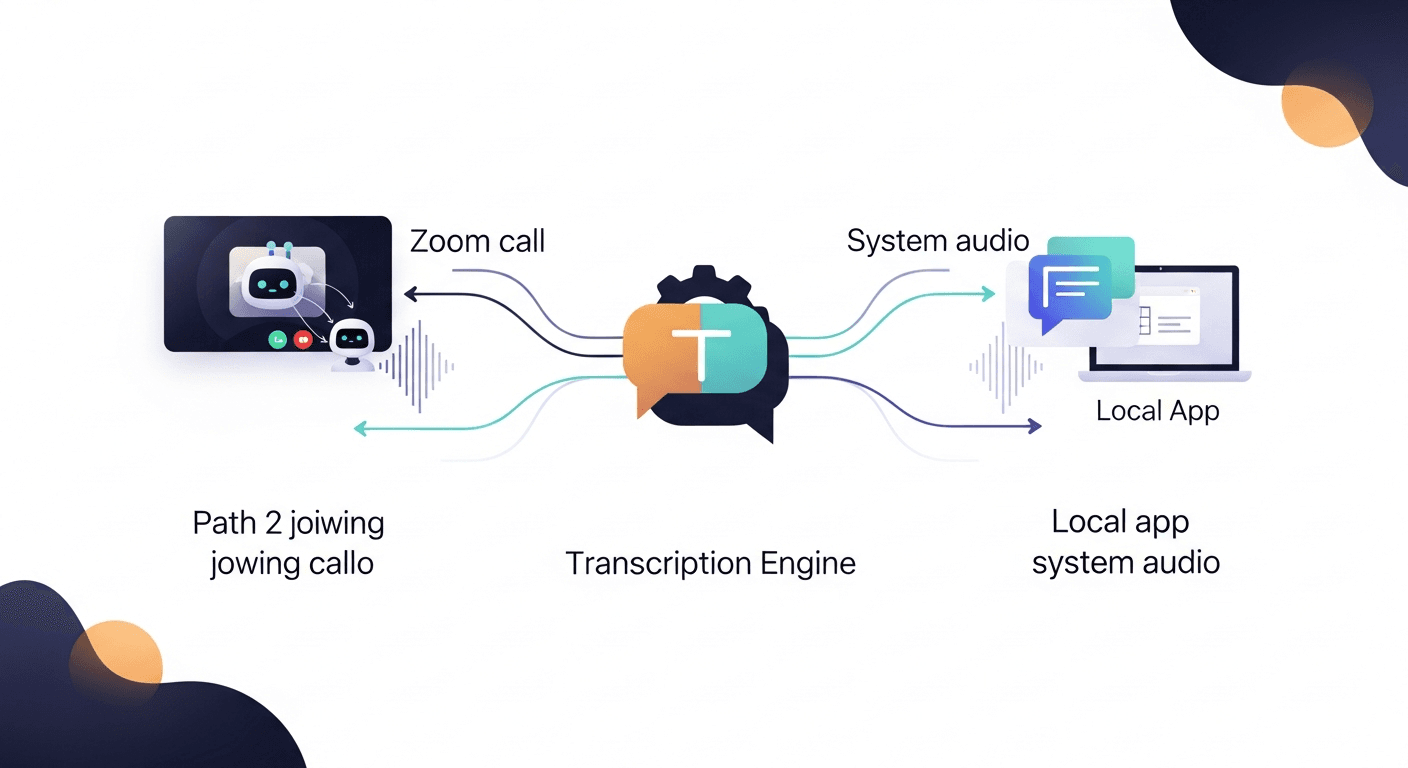
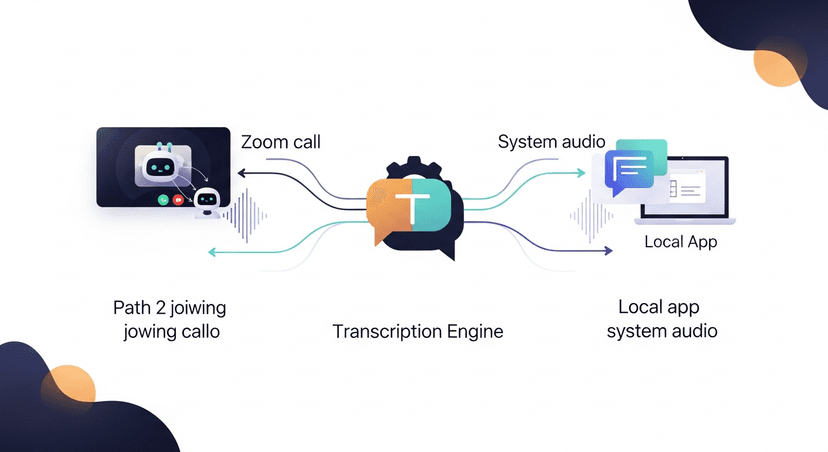
Before any AI can touch your meeting, something has to capture the audio. There are two main approaches:
The bot method. Tools like Fireflies, Fathom, and Otter send a virtual participant into your Zoom, Teams, or Meet call. This bot joins as a regular attendee, records the audio stream from the call's server, and uploads it for processing. You've seen this: it's the "Notetaker has joined the meeting" message that makes half the room suddenly nervous.
The local method. Some tools (Granola is a good example) run software on your machine that captures audio directly from your system's output: no bot required. Same result, different capture path. More private, slightly more friction to set up.
Either way, you end up with a raw audio file. That's step one.
Stage 2: Speech-to-Text Transcription
This is where the actual AI heavy lifting starts. The audio gets fed into an automatic speech recognition (ASR) model, most tools are running on OpenAI Whisper, Google Speech-to-Text, or a proprietary variant.
Here's what the ASR model is doing:
- Chopping the audio into small chunks (typically 30-second windows)
- Running a neural network trained on hundreds of thousands of hours of human speech to map audio patterns to words
- Producing a raw text transcript with timestamps
- Attempting speaker diarization, figuring out who said what, usually by detecting shifts in voice characteristics
Speaker diarization is the hard part. Research from NIST (National Institute of Standards and Technology) consistently shows diarization error rates spike in multi-speaker environments with overlapping speech or similar vocal profiles. That's why your transcript sometimes shows "Speaker 2" saying something you definitely said: the model got confused.
The output of this stage is a timestamped text transcript. Messy, raw, full of filler words and crosstalk. But it's readable text now, which means language models can work with it.
Stage 3: The Language Model Layer
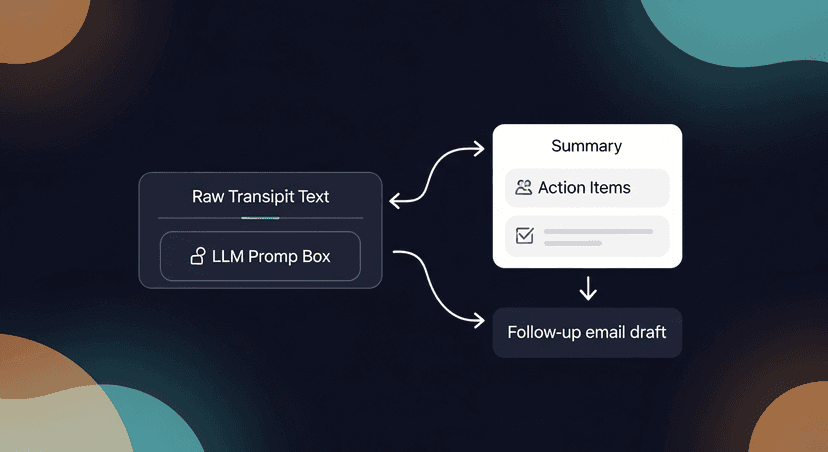
This is the part most people conflate with "the AI." Once you have a transcript, a large language model (LLM) (typically GPT-4 or a fine-tuned variant) reads it and generates outputs based on prompts the tool has pre-written.
Common prompt patterns:
- "Summarize this transcript in 5 bullet points"
- "Extract all action items and who owns them"
- "Identify the key topics discussed"
- "Write a follow-up email summarizing the call"
The LLM doesn't "understand" your meeting the way a human does. It's pattern-matching against enormous amounts of training data to produce text that statistically looks like a good summary or action list. When it works, it's genuinely impressive. When it hallucinates a commitment nobody made, it's a liability.
This is why most tools show you a draft and ask you to review it. The AI is fast, but it's not infallible.
ReplySequence does this automatically, paste any transcript, get a branded follow-up sequence back in 60 seconds.
What AI Meeting Assistants Are Actually Good At
Once you understand the pipeline, it's obvious where these tools shine:
- Verbatim recall. Humans forget details. The transcript doesn't. If someone said "we'll have budget approved by Q3," it's in there.
- Speed. Processing a 60-minute transcript takes seconds, not 30 minutes of manual note-taking.
- Consistent formatting. Every summary looks the same, useful when you're running 20 discovery calls a week and need to compare notes.
- Searchability. Full-text search across all your past transcripts. Underrated feature.
Where the Pipeline Breaks Down
Honest take on the failure modes:
Transcription accuracy degrades with accents, crosstalk, and bad audio. A headset in a quiet room gets you to 90%+ accuracy. A laptop mic in an open office with construction outside gets you something closer to 70%. The downstream summaries are only as good as the transcript feeding them.
Speaker attribution is still imperfect. Diarization models are improving fast, but they're not solved. If your follow-up email draft misattributes a key objection to the wrong person, that's a problem.
LLMs hallucinate. Not often, but enough to matter. An LLM summarizing a 45-minute sales call might invent a next step that was never discussed. Always review AI-generated follow-up content before it goes out. Draft-first is non-negotiable.
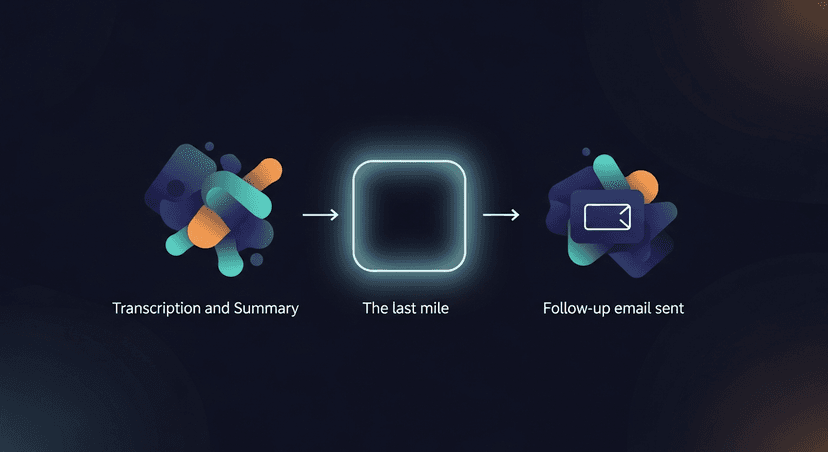
The last mile is still manual. Nearly every tool on the market (Fireflies, Otter, Fathom, Gong) stops at the summary. They transcribe. They summarize. They do not send the follow-up email. That gap is why I built ReplySequence, transcript in, follow-up out, from your own inbox.
A Quick Walk-Through: Three Scenarios
A solo founder after a discovery call. She uses Granola for local transcription. Granola produces a clean transcript. She pastes it into ReplySequence, which runs it through the LLM layer with her voice-fingerprint preferences applied, and gets a personalized follow-up draft back in under a minute. She reviews, tweaks one line, sends. Total time: 3 minutes.
An SDR running 12 demo calls a week. He's got Fireflies connected to Zoom. After every call, Fireflies produces a transcript and a summary. He still has to manually write follow-up emails, which takes him 25-35 minutes per call, per rough industry estimates on sales rep admin time (Salesforce "State of Sales" report puts admin work at 28% of a rep's week). The summary is done. The follow-up is not.
A recruiter doing candidate screens. She doesn't want a bot in the room, feels awkward. She uses Otter on her phone, set to local capture. Gets a transcript, pastes it in, generates a follow-up for the candidate and a separate internal summary for the hiring manager. BYOT (bring your own transcript) means the source doesn't matter.
The Technical Stack, Compressed
If you want to understand what's running under the hood of most AI notetakers:
- ASR: OpenAI Whisper (open-source, widely adopted), Google Speech-to-Text, AWS Transcribe, or proprietary models
- Diarization: pyannote.audio is the open-source standard; enterprise tools use proprietary variants
- LLM: GPT-4 / GPT-4o, Claude, or fine-tuned models optimized for meeting content
- Infrastructure: Cloud-based audio processing pipelines (AWS, GCP, or Azure), with some tools offering on-prem for enterprise privacy requirements
None of this is magic. It's a well-engineered pipeline of existing technologies. The differentiation is in the prompting, the UX, and what the tool does after the transcript exists.
The Question Nobody Asks
Everyone asks "how does it transcribe?" Nobody asks "what happens after?"
The transcript is step one. The summary is step two. The follow-up email (the actual artifact that moves a deal forward, schedules the next step, confirms what was agreed) that's step three. And almost nothing automates step three well.
That's the gap. Transcript in, follow-up out. That's what I built.
—-
Start free at replysequence.com, 10 drafts/month, no credit card required. Paste a transcript from Fireflies, Otter, Fathom, Granola, or anywhere else, and get a branded follow-up sequence back in 60 seconds. 14-day Pro trial also available if you want voice-fingerprint and unlimited drafts.
Get the weekly ReplySequence newsletter for more post-meeting follow-up tactics, subscribe at replysequence.com/newsletter.
Related reading
- AI Email Drafts: Why the Best Sales Emails Start with Your Meeting Transcript
- How We Built an AI That Turns Meeting Transcripts into Emails
- Turn Call Transcripts into Professional Meeting Summaries
—-
What you should do next…
Depending on where you're at, here are three ways to keep going:
- Subscribe to the newsletter, weekly notes on sales follow-up workflows and the AI tooling that actually helps. No pitch.
- Try it with your own transcript, paste any meeting transcript, get a drafted follow-up in 30 seconds. No signup, no OAuth.
- Talk directly with Jimmy, 15-min intro or 30-min walkthrough. Founder-led, no sales team.
How ReplySequence handles this
ReplySequence takes any meeting transcript, paste it in from Zoom, Teams, Meet, WebEx, Fireflies, Granola, or wherever, and drafts a context-rich follow-up email in about 8 seconds. You review it, make any edits, and approve. Deal intelligence builds automatically.