Fathom Alternatives When You Need More Than Notes
If you're looking for a Fathom alternative, the answer depends on what Fathom isn't doing for you. If you want a different notetaker, Otter, Fireflies, and Granola are all solid. But if the problem is that Fathom records the meeting brilliantly and then nothing happens afterward (the follow-up still falls on you) that's a different gap entirely.
Fathom is genuinely good at what it does. The recording quality is clean, the AI summaries are accurate, and the free tier is hard to beat. I'm not here to trash it. I built ReplySequence because tools like Fathom exist: they solve the during-meeting problem, and they solve it well. The problem they don't solve is the last mile: turning that transcript into a sent follow-up email before your prospect's attention moves on.
Let's break down when to stick with Fathom, when to switch notetakers, and when the real answer is to add a post-meeting layer on top of whatever recorder you're already using.
When Fathom Actually Is the Problem
There are legitimate reasons to look at Fathom competitors. Not every complaint is a "Fathom alternative" search in disguise.
You're not on Zoom. Fathom's bot works best on Zoom. If your team lives in Google Meet or Microsoft Teams, the experience gets clunkier. Otter and Fireflies have broader meeting platform support and might just work more cleanly in your stack.
You want deeper CRM sync. Fathom has HubSpot and Salesforce integrations, but they're fairly lightweight. If you need rich field mapping, deal stage updates, or custom object logging, Gong or Chorus are built for that, though you'll pay for it.
You need call analytics at scale. Fathom isn't a conversation intelligence platform. If you're an SDR manager who wants talk ratios, filler word counts, and rep coaching dashboards, you're in Gong/Chorus/Salesloft territory. Fathom isn't trying to be that.
You hate the bot joining your calls. Some prospects find it awkward. Granola is a popular no-bot alternative: it runs locally on your Mac and captures audio without putting a robot in the waiting room.
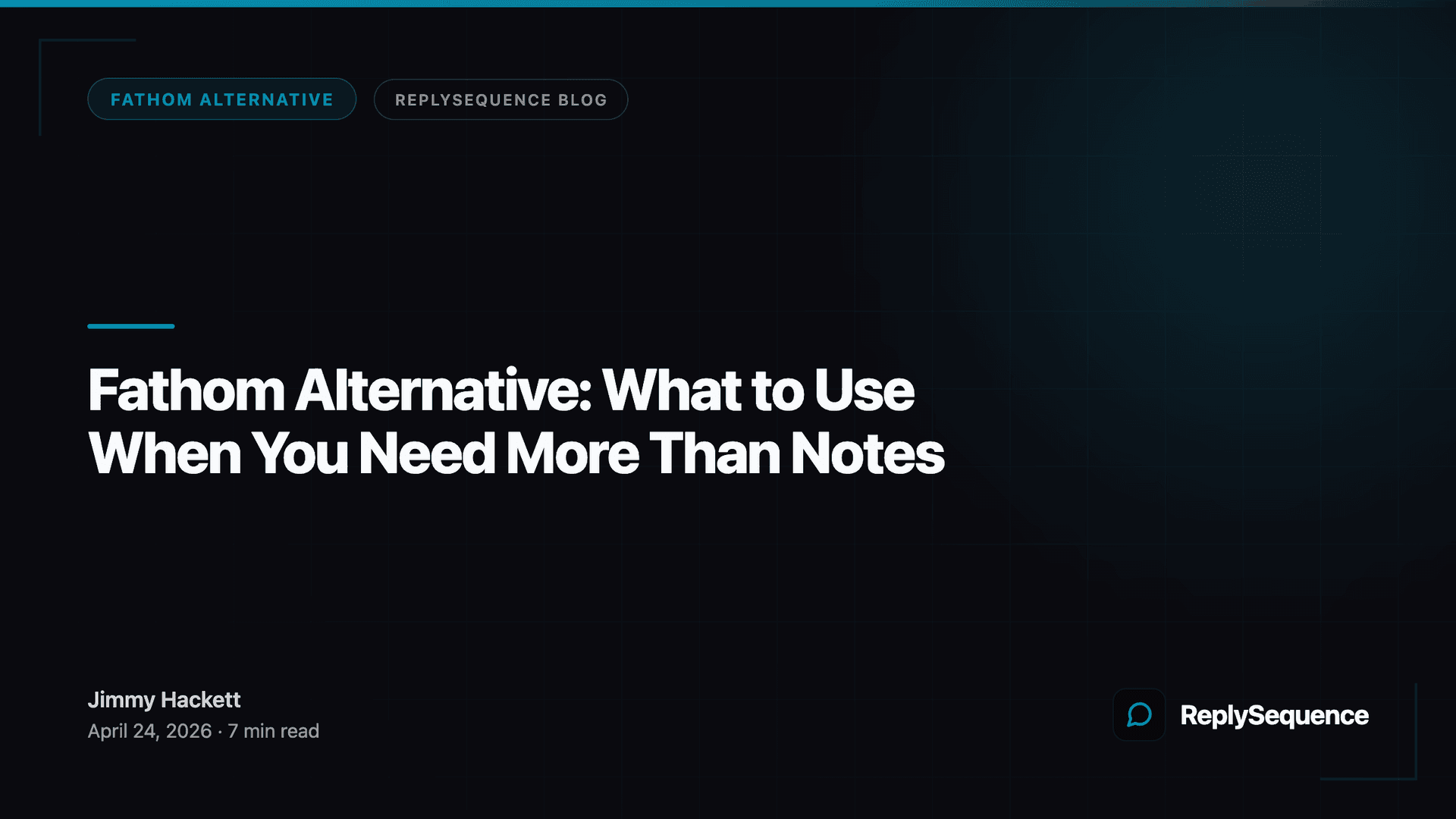
For pure notetaking alternatives to Fathom, here's how the main options stack up:
- Otter.ai, solid transcription, works across platforms, good free tier, popular with solos and small teams
- Fireflies.ai, strong Zoom/Meet/Teams support, decent CRM integrations, team-friendly pricing
- Granola: no bot, local Mac app, clean notes, growing fast among AEs who want something lightweight
- Otter vs Fathom, Otter is cheaper at scale; Fathom's free tier is more generous per-meeting
- tl;dv, good for async video clips, useful for teams that review calls internally
- Avoma, more structured than Fathom, better for coaching workflows
When the Notetaker Isn't the Problem
Here's the thing I noticed when I was researching this space: the average sales rep spends 21% of their time on email and administrative tasks, according to HubSpot's State of Sales research. A huge chunk of that is post-meeting follow-up, writing the recap, drafting next steps, personalizing the "great to meet you" email so it doesn't sound like a template.
Fathom gives you a great transcript. It gives you a summary. It might even push a note to your CRM. But it doesn't write the follow-up email. That part still takes 20-30 minutes if you're doing it right. Multiply that by 5-10 calls a week and you've got a real time problem, and a deal velocity problem, because research from Velocify found that contacting a lead within 5 minutes of a meeting makes conversion significantly more likely than waiting even an hour.
So if your Fathom search is really about "why do I still spend half my afternoon writing follow-up emails after calls where Fathom gave me perfect notes": you're not looking for a Fathom alternative. You're looking for what comes after Fathom.
ReplySequence does this automatically, paste any transcript, get a branded follow-up sequence back in 60 seconds.
The Post-Meeting Stack: Fathom + Something Else
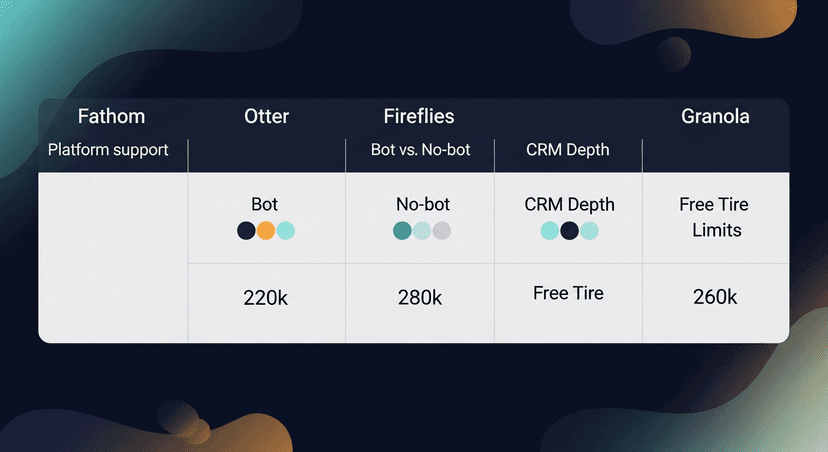
The smartest setup I've seen isn't replacing Fathom: it's extending it. Your recorder handles the during-meeting layer. A post-meeting tool handles the follow-up layer. They don't compete; they hand off.
Here's what that workflow looks like in practice:
Scenario 1: The AE running 6 discovery calls a week
Fathom records and transcribes. After the call, they paste the transcript into ReplySequence. A personalized follow-up sequence (recap, next steps, a value prop callback, a nudge if the prospect goes quiet) comes back in under a minute. They review, tweak if needed, hit send. Done before the next call starts.
Scenario 2: The solo founder doing their own sales
No sales ops, no SDR to hand off to. They use Granola (no bot, cleaner for 1:1 prospect calls). After the call, they paste the Granola notes into ReplySequence, BYOT, bring your own transcript, works with anything. The follow-up sounds like them, not like GPT defaults, because the voice-fingerprint feature learns from their edits over time.
Scenario 3: A recruiter after a candidate screen
They use Otter because Teams is their platform. Otter transcribes. They paste into ReplySequence, get a candidate follow-up that covers the key points from the screen, next steps, and timeline. The whole thing takes 90 seconds instead of 20 minutes.
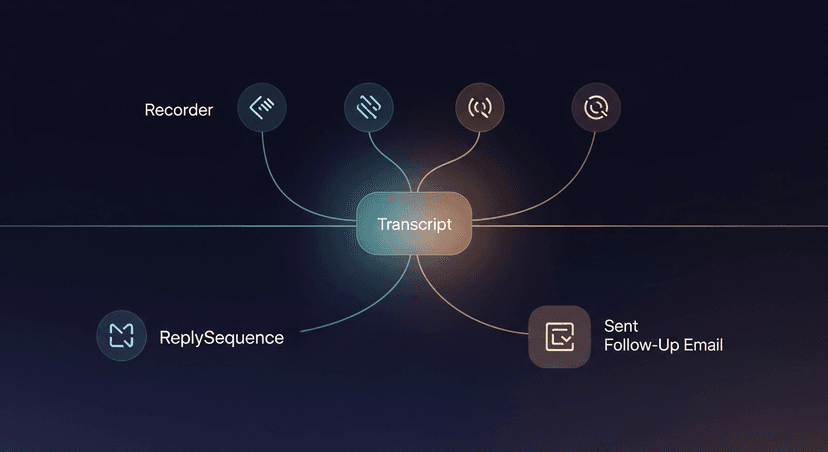
The key point: none of these people replaced Fathom. They added a layer. The recorder does the recording. The follow-up tool does the follow-up. That's the separation of concerns that the market hasn't caught up to yet.
What About Tools That Do Both?
Fair question. Gong and Salesloft both have post-meeting capabilities, Gong can surface action items, Salesloft has cadence tools. But they come with a cost and complexity ceiling that makes them hard to justify outside of 50+ rep enterprise teams.
HubSpot Sequences is another one people ask about. If you're already in HubSpot Sales Hub Pro, sequences are built in. But Sales Hub Pro starts at $90/seat/month (and realistically $450+/month for a small team once you factor in the minimum seat counts). That's a lot to pay just to run post-meeting follow-up sequences when you already have a recorder you like.
ReplySequence is the wedge for teams that don't want to buy HubSpot Sales Hub Pro just to run a sequence after a call. Sequences without the enterprise CRM tax.
Pricing for context:
- Free tier: 10 drafts/month, no credit card
- Pro: $29/month, unlimited drafts, voice-fingerprint, sequences, CRM log
- Pro+: $59/month, advanced sequences, integrations, priority support
- Team: $39/user/month (3-seat minimum), shared templates, team voice profiles, admin controls
The Honest Summary
Looking for a Fathom alternative? Here's the decision tree:
- Platform issues (not on Zoom, Teams/Meet heavy) → try Fireflies or Otter
- No-bot preference → try Granola
- Need deep conversation analytics and coaching → look at Gong or Avoma (budget accordingly)
- Need enterprise CRM sequences and already in HubSpot → Sales Hub Pro or Salesloft
- Fathom is fine, follow-up is the actual problem → don't replace Fathom, add ReplySequence after it
Fathom does the during-meeting layer well. Most of the "Fathom alternative" searches I've come across are really people who've realized that transcription was never the hard part. The hard part is what you do with the transcript. That's the gap I built RS to fill.
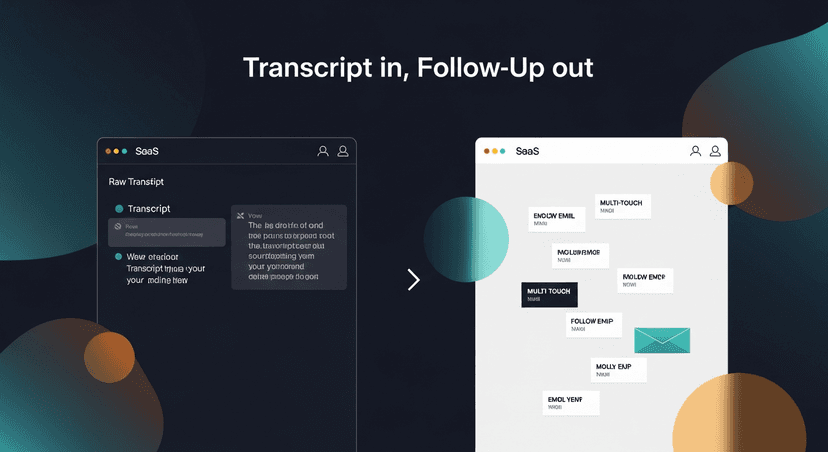
Transcript in. Follow-up out. That's the whole pitch.
—-
If the follow-up problem is the real issue, try ReplySequence free at replysequence.com, 10 drafts a month, no credit card, works with any transcript you already have.
Get the weekly ReplySequence newsletter for more post-meeting follow-up tactics, subscribe at replysequence.com/newsletter.
Related reading
- Grain Alternative: Tools That Go Further Than Video Highlights
- ReplySequence vs Fireflies: Feature Comparison for Sales Teams
- tl;dv Alternative: When You Need Follow-Up, Not Just Recordings
- Bring Your Own Transcript: How the BYOT Model Works
—-
What you should do next…
Depending on where you're at, here are three ways to keep going:
- Grab the free playbook, "The 8-Second Follow-Up Playbook" lands in your inbox. You'll also get Close The Loop, weekly notes on post-meeting follow-up (unsubscribe anytime, no pitch).
- Try it with your own transcript, paste any meeting transcript, get a drafted follow-up in 30 seconds. No signup, no OAuth.
- Talk directly with Jimmy, 15-min intro or 30-min walkthrough. Founder-led, no sales team.
How ReplySequence handles this
ReplySequence takes any meeting transcript, paste it in from Zoom, Teams, Meet, WebEx, Fireflies, Granola, or wherever, and drafts a context-rich follow-up email in about 8 seconds. You review it, make any edits, and approve. Deal intelligence builds automatically.