How SaaS AEs Should Follow Up After Every Demo
The best SaaS demo follow-up email isn't a recap. It's a next step. Most AEs send the wrong one, and that's where deals go quiet.
If you're a SaaS account executive, you know the pattern: demo goes great, prospect is engaged, you hang up feeling good. Then you spend 40 minutes staring at a blank email trying to capture everything without sounding like a robot. By the time you send it, the moment has passed. According to research from Velocify, leads contacted within five minutes of a trigger are 100x more likely to connect than those contacted 30 minutes later. The same logic applies to follow-up after a demo, speed signals that you're serious.
Here's how to structure a post-demo follow-up that actually moves the deal.
The Core Problem With Most AE Follow-Up Emails
Most post-demo emails fail for one of three reasons:
- They recap instead of advance. "Great to connect today, here's a summary of what we covered...", nobody asked for meeting notes. The prospect was there.
- They lack specificity. Generic lines like "let me know if you have questions" put the work on the prospect.
- They take too long to send. If your follow-up lands the next morning, you've already lost momentum.
Research from HubSpot consistently shows that 80% of deals require five or more follow-ups, yet most reps stop after one or two. The follow-up email after a demo is your foundation. Get it wrong and the sequence collapses.
Let's fix that.
What a High-Converting Post-Demo Email Actually Contains
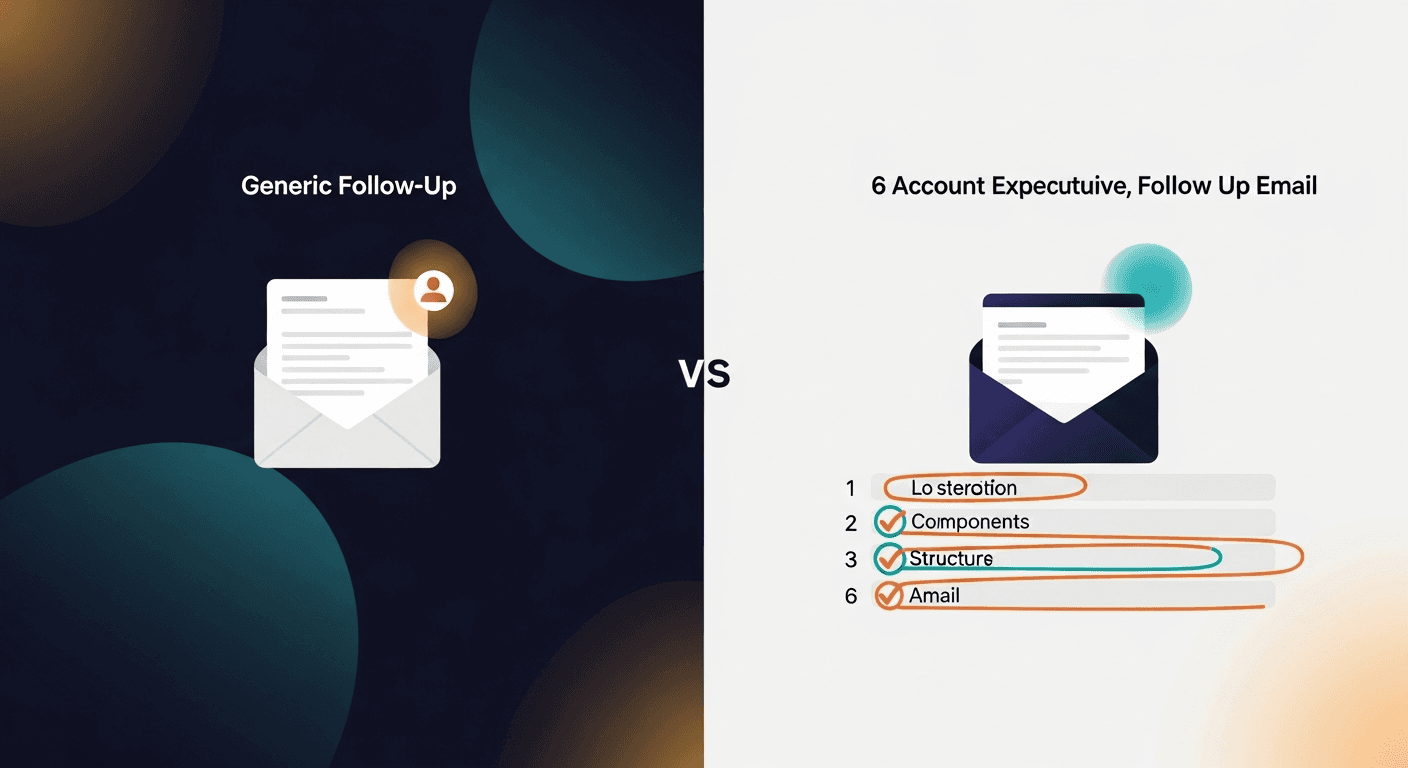
A good SaaS AE follow-up email after a demo has six components. Not a wall of text, six targeted pieces of content that move the prospect forward.
1. A Subject Line That References the Deal, Not the Meeting
Avoid: "Follow-up from today's demo"
Try: "[Their company] + [Your product], next steps" or "Recap + [specific pain point they mentioned]"
The subject line is the first filter. Make it feel like it's about their outcome, not your pipeline.
2. One Sentence That Acknowledges the Specific Pain
This is where most AEs go generic. Instead of "Thanks for the time today," write: "You mentioned that your team is spending a lot of time manually logging call outcomes in HubSpot: that's exactly the problem [product] fixes."
Reflect their words back. Specificity is trust. It proves you were listening.
3. A Tight Summary of What You Showed (Three Bullets Max)
Not everything. Not a transcript. Three bullets covering the features you demoed that mapped to their stated problems. This is the only recap that earns its place in the email.
- What you showed
- Why it maps to their situation
- What the outcome looks like for them
4. Answers to Objections They Raised
If they asked about security, address it here. If they flagged pricing, acknowledge it and point to the right resource. Don't make them chase you. Objections raised in a demo and left unanswered in the follow-up are deal killers.
5. A Clear, Time-Bound Next Step
Not "let me know if you have any questions." Instead: "I'll send over the security documentation by EOD Thursday. Can we block 30 minutes next Tuesday to walk through it with your IT lead?"
One ask. Specific date. Clear handoff.
6. A Relevant Resource (Optional, But Earned)
If you have a case study, ROI calculator, or one-pager that maps to what they told you, drop it here. One link. Not five. Not a folder. One resource that answers the question they'll have after they re-read your email.
How to Write It in 60 Seconds Instead of 40 Minutes
Here's the part most SaaS AE follow-up guides skip: the drafting problem.
You know what goes in the email. The structure above isn't complicated. But you're writing it from memory, post-call, probably between your next meeting and a Slack thread. That's why it takes 40 minutes and still comes out flat.
The fix is using the transcript. Every modern demo runs through Zoom, Teams, Fathom, Fireflies, or Granola, and every one of those tools gives you a transcript. That transcript has the exact words your prospect used, the exact objections they raised, and the exact moment they leaned in. It's all there.
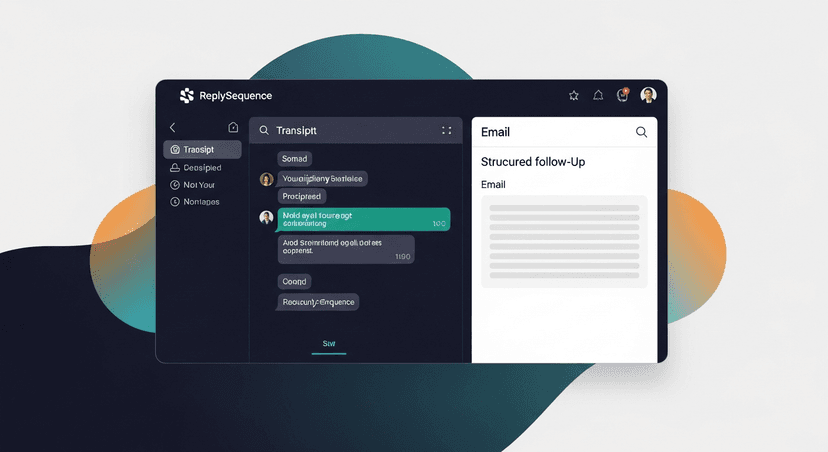
ReplySequence does this automatically, paste any transcript, get a branded follow-up sequence back in 60 seconds.
The workflow looks like this:
- Demo ends
- Grab the transcript from your recorder (Fireflies, Fathom, Otter, Zoom, whatever you use)
- Paste it in
- Review the draft, make any tweaks, send
You're not outsourcing the judgment. You're outsourcing the blank-page problem. The voice-fingerprint feature means the more you edit and refine drafts, the more RS learns your tone: so drafts start sounding like you, not like generic GPT output.
Timing: When to Send the Follow-Up
Same day. Always.
If the demo ended at 2pm, your follow-up should be in their inbox by 4pm. Not tomorrow morning with a "great chatting yesterday."
Research from RAIN Group found that 82% of buyers say they accepted meetings with sellers who reached out first. The same urgency applies post-demo. Being first in their inbox after the call (with a relevant, specific email) signals professionalism and momentum.
A few practical notes on timing:
- Send same day, ideally within two hours of the call ending
- If the demo ran late and it's now 5pm on a Friday, send it anyway, people check email over the weekend, especially in SaaS
- Don't schedule it for "Tuesday morning for open rates": that's newsletter logic, not deal logic
- If you haven't heard back in 48 hours, send your first follow-up in the sequence (more on that below)
The Sequence: What Happens After the First Email
One email is not a follow-up strategy. It's a starting point.
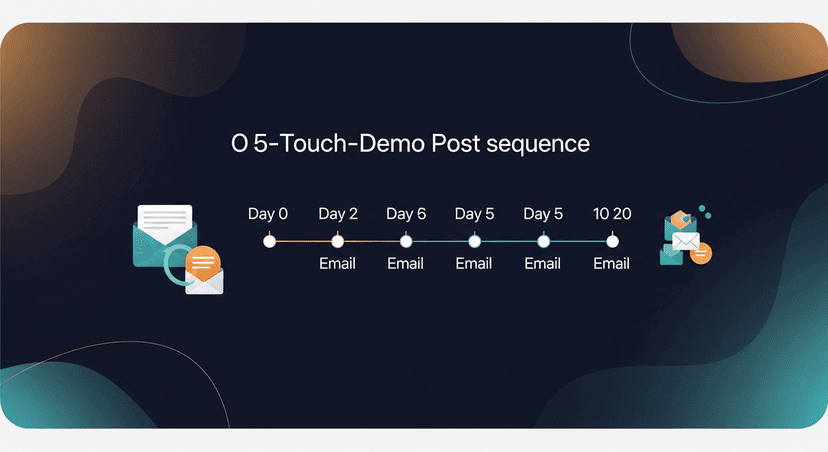
A realistic SaaS AE post-demo sequence looks like this:
- Day 0 (same day): Demo recap email, specifics, next step, one resource
- Day 2: Check-in, did they review the resource? Any questions from the team?
- Day 5: Add value: a relevant case study, a short Loom walking through a feature they asked about, or a stat that maps to their pain
- Day 10: Soft re-engage, "Happy to answer any questions async or jump on a quick call. What's blocking the decision?"
- Day 20: Breakup email, short, respectful, leaves the door open
Five touches. Each one shorter than the last. Each one with a specific prompt rather than a generic ask.
The mistake most AEs make is treating touch two through five as reminders. They're not reminders: they're new pieces of value. Each follow-up in the sequence should give the prospect one more reason to move.
Real-World Scenarios
Scenario 1: The multi-stakeholder enterprise demo. You demoed to three people: the champion, the IT lead, and a finance rep who barely spoke. Your follow-up should acknowledge all three audiences. Address the IT objection in the email body, give your champion language they can use internally, and give finance a path to the pricing page or ROI documentation.
Scenario 2: The solo founder you demoed who's evaluating three tools. They're moving fast and comparing on their own. Your follow-up needs to differentiate fast: one specific reason why your approach beats the status quo for their exact use case. No fluff. Two paragraphs max.
Scenario 3: The demo that went sideways. They raised a blocker: a feature gap, a pricing concern, a timing issue. Don't ignore it in the follow-up. Address it directly: "You flagged [X] as a concern, here's how other teams in your situation have handled that, and here's what we can do about it."
One Note on Tools
If you're at a company that doesn't have HubSpot Sales Hub Pro, Outreach, or Salesloft (and most teams under 200 people don't) you're probably managing sequences in your personal Gmail or Outlook with a lot of manual effort. Enterprise cadence tools are powerful, but they come with enterprise price tags ($450+ per seat per month in some cases).
ReplySequence sits in that gap: sequences without the enterprise CRM tax. Pro plan is $29/mo. You get unlimited drafts, voice-fingerprint, sequences, and CRM logging. You're not buying a platform: you're buying the last mile of your demo workflow.
The Bottom Line
A great demo is table stakes. The SaaS account executives who consistently close are the ones who treat the follow-up as part of the demo itself: not an afterthought.
Structured email. Same-day send. Specific next step. Five-touch sequence. That's the playbook.
Start free at replysequence.com, 10 drafts/month, no credit card required. Paste your next demo transcript and see what your follow-up looks like in 60 seconds.
Get the weekly ReplySequence newsletter for more post-meeting follow-up tactics, subscribe at replysequence.com/newsletter.
Related reading
- Video vs Phone vs Email Follow-Up: What Works Best?
- How to Follow Up After a Virtual Sales Meeting on Zoom or Teams
- How to Write a Sales Follow-Up Email After a Meeting (With Templates)
—-
What you should do next…
Depending on where you're at, here are three ways to keep going:
- Grab the free playbook, "The 8-Second Follow-Up Playbook" lands in your inbox. You'll also get Close The Loop, weekly notes on post-meeting follow-up (unsubscribe anytime, no pitch).
- Try it with your own transcript, paste any meeting transcript, get a drafted follow-up in 30 seconds. No signup, no OAuth.
- Talk directly with Jimmy, 15-min intro or 30-min walkthrough. Founder-led, no sales team.
How ReplySequence handles this
ReplySequence takes any meeting transcript, paste it in from Zoom, Teams, Meet, WebEx, Fireflies, Granola, or wherever, and drafts a context-rich follow-up email in about 8 seconds. You review it, make any edits, and approve. Deal intelligence builds automatically.