Recruiter Follow-Up Email Templates
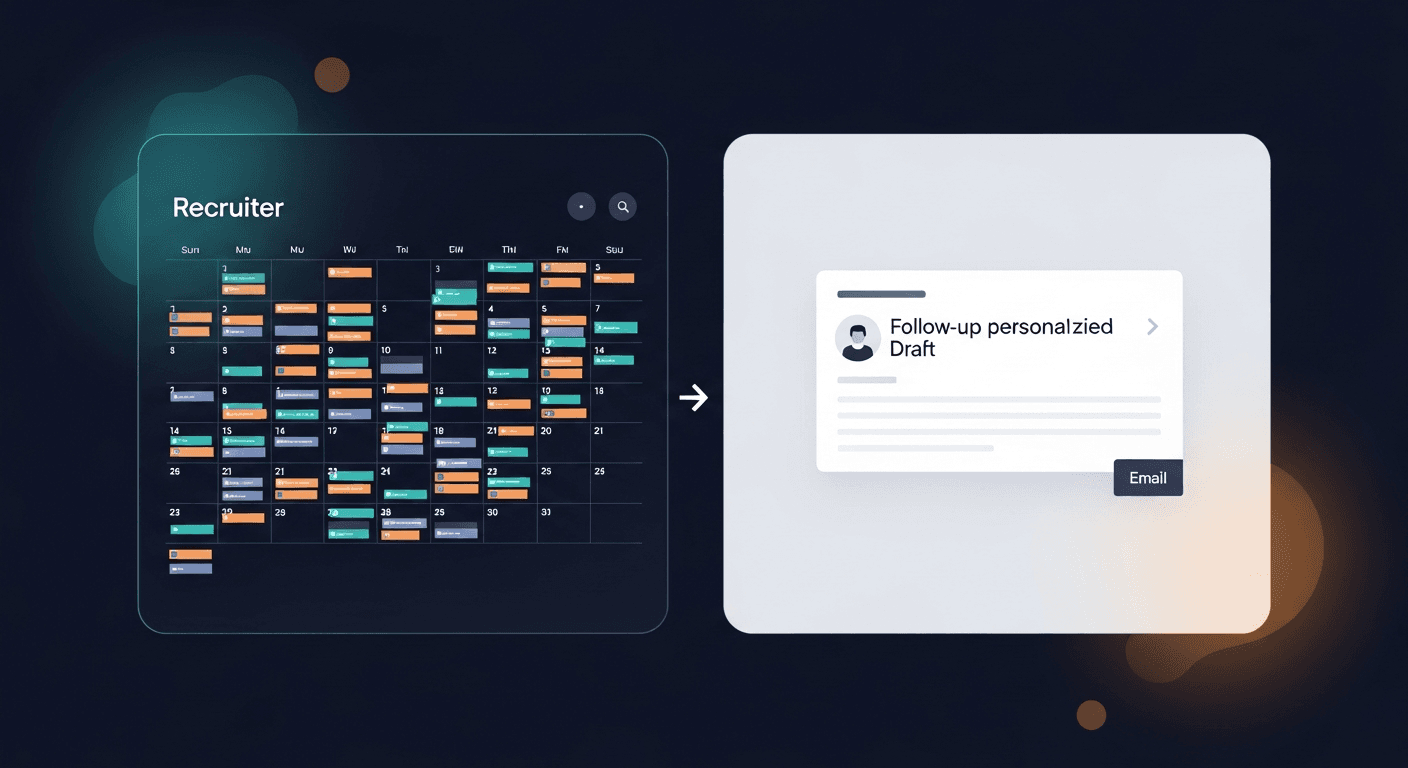
The best recruiter follow-up email after an interview is the one that actually gets sent, within 24 hours, sounds human, and moves the process forward. Most don't. Not because recruiters are lazy, but because writing a personalized follow-up for every candidate after a full day of screens is a grind that compounds fast.
Here's a set of templates that cover the most common post-interview scenarios, plus a framework for making them sound like you instead of a generic HR portal.
Why Recruiter Follow-Up Emails Break Down
The numbers here are rough but consistent across industry research: the average recruiter conducts somewhere between 10 and 30 screening calls per week. Even at 15 minutes per follow-up email, that's 2.5 to 7.5 hours of writing per week, time that doesn't exist in a full recruiting desk.
So what happens? Templates get recycled verbatim. Candidates get "We'll be in touch" and nothing else. The follow-up slips to day three, day five, never. According to a 2023 LinkedIn Talent Trends report, 62% of candidates say a slow or absent post-interview follow-up negatively affects their perception of the company. That's candidate experience eroding in real time.
The fix isn't writing better from scratch every time. It's having a set of solid templates you can personalize in 60 seconds flat, swapping in the specific role, a detail from the conversation, the next step. That's the whole game.
The Core Templates (Copy and Use)
1. Post-Phone Screen, Moving Forward
Use this after an initial screen when you want to advance the candidate.
—-
Subject: Next steps, [Role] at [Company]
Hi [First Name],
Really enjoyed our conversation today. Your background in [specific area they mentioned] is exactly what [Hiring Manager Name / the team] is looking for right now.
I'd like to move you forward to [next stage, e.g., a panel interview / a technical screen / a call with the hiring manager]. I'll send over a scheduling link shortly, but does [general timeframe, e.g., later this week or early next week] work on your end?
Let me know if you have any questions about the process in the meantime.
[Your name]
—-
What makes this work: It names something specific from the call. "Your background in X" takes ten seconds to fill in and makes the email feel one-to-one instead of batch-sent.
2. Post-Phone Screen: Not Moving Forward (Respectful Rejection)
This one gets avoided most. Don't avoid it. Candidates remember the ghosters.
—-
Subject: Re: [Role] at [Company]
Hi [First Name],
Thank you for taking the time to speak with me today: I genuinely appreciated hearing about your experience.
After reflecting on the conversation, we're going to move forward with candidates whose background is a closer match for where this role is focused right now. This isn't a reflection of your skills: it's a fit question for this specific position.
I'll keep your profile on file, and if something more aligned comes up I'll reach out directly. I wish you the best in your search.
[Your name]
—-
Note: Skip the "we wish you all the best in your future endeavors" boilerplate. It reads as form rejection. The line "it's a fit question for this specific position" is more honest and lands better.
3. Post-Panel / Final Round, Advancing to Offer Stage
—-
Subject: Update on [Role], great news
Hi [First Name],
Wanted to reach out after your interview with [panel members / the team]: the feedback was strong across the board.
We'd like to move forward with an offer. I'm working through the details with [HR / the team] now and will have something concrete to share by [specific date or timeframe]. I just wanted to make sure you heard from me first.
Are you still firm on [role / start date / any specifics discussed]? Want to make sure we're aligned before I put numbers in front of you.
[Your name]
—-
What makes this work: The last paragraph does two things: it respects the candidate's agency and pre-empts awkward surprises at offer stage. One sentence saves a lot of back-and-forth later.
4. Post-Final Round: Not Selected
Hard email to write. Still has to happen.
—-
Subject: [Role] at [Company]: an update
Hi [First Name],
I wanted to reach out personally rather than let this sit. After the final round, the team has decided to move forward with another candidate whose specific experience in [area] was the deciding factor for them at this stage.
I want to be straightforward: it was a close decision, and your interviews were strong. This came down to a narrow fit call, not a question of your capability.
I'll be in touch if we open a role that's a better match. Thank you for the time and energy you put into this process: it didn't go unnoticed.
[Your name]
—-
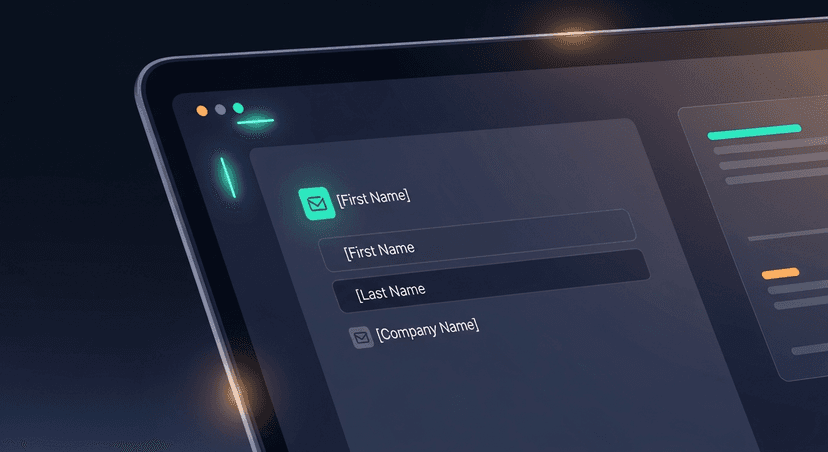 and [specific area] highlighted, visualizing the personalization layer on top of a template]
5. Post-Offer Call, Confirming Next Steps
After a verbal offer, the follow-up email locks in what was discussed before the formal offer letter lands.
—-
Subject: Confirming our conversation, [Role] offer
Hi [First Name],
Great talking with you just now. To recap what we covered:
- Role: [Job Title]
- Compensation: [Salary / range discussed]
- Start date: [Target date]
- Next step: [Formal offer letter arriving by X date / background check / etc.]
If anything doesn't match what you understood from our call, flag it now, better to catch it early. The formal offer letter will follow from [HR / DocuSign / etc.] by [date].
Looking forward to getting this across the finish line.
[Your name]
—-
Why the bullet recap matters: Verbal offers are fuzzy. People remember numbers differently. A written summary 10 minutes after the call is one of the highest-leverage things a recruiter can do to prevent offer-stage fallout.
6. The "Keep Warm" Follow-Up, Silver Medalists
For strong candidates who didn't get this role but are worth keeping in your pipeline.
—-
Subject: Staying in touch, [Your Company]
Hi [First Name],
I know we weren't able to make it work on the [Role] position, and I wanted to follow up directly.
Your background (particularly [specific skill or experience]) stuck with me. We have [another role in the pipeline / a potential opening later this quarter / similar work coming up], and I'd like to keep in touch if you're open to it.
No pressure and no timeline on my end. Just didn't want to lose the thread entirely.
[Your name]
—-
ReplySequence does this automatically, paste any transcript from your screening call or interview debrief, and get a branded follow-up sequence back in 60 seconds.
How to Personalize at Speed Without Starting From Scratch
The templates above give you the skeleton. The personalization is what separates a 40% reply rate from a 12% one. Here's the fast framework:
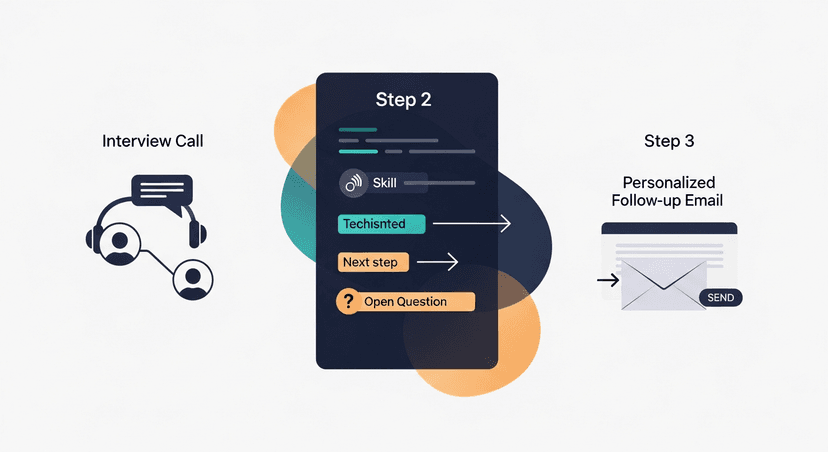
Three things to pull from every call:
- One specific detail they mentioned (a project, a company, a transition they're making)
- The exact next step with a date or timeframe attached
- Any open question or uncertainty you want to address proactively
That's it. Swap those three things into the template and you have a personalized email in under a minute.
The bigger unlock: if you're already transcribing your calls with Fireflies, Fathom, Otter, or any other tool: those three details are sitting right there in your transcript. You don't even need to dig through notes. Paste the transcript, pull the context, drop it into the template.
The Timing Problem
Templates solve the writing problem. Timing is the other half.
Industry research consistently points to a 24-hour window as the threshold for post-interview follow-up. After that, candidate perception of the company drops and competing offers have more room to land.
For recruiters running 5+ screens a day, same-day follow-up on every candidate sounds impossible. It isn't, but only if the writing time is close to zero. A template you can personalize in 60 seconds can be sent before the next call starts.
That's the actual goal: compress the gap between call ends and email sends. The content matters. The timing matters more than most people acknowledge.
A Note on Voice
One thing these templates can't do for you: sound exactly like you. If you're a recruiter who texts candidates on WhatsApp and talks like a human being, a stiff "We appreciate your time and look forward to next steps" is going to read as off-brand to every candidate who's had a real conversation with you.
That's where voice-fingerprint comes in, after enough edits, ReplySequence learns the way you actually write and adjusts drafts accordingly. The base templates stop sounding like a generic ATS portal and start sounding like the person candidates already had a good call with. That continuity matters more than most recruiters realize.
Wrapping Up
The recruiter follow-up email after an interview isn't a nice-to-have. It's where candidate experience is won or lost, where pipelines warm or go cold, and where silver medalists either stay warm or walk into a competitor's process. The gap isn't effort: it's that writing seven personalized emails after a full day of screens is genuinely hard.
These templates give you a starting point for every scenario. Personalize the three things that matter. Send within 24 hours. And if you're already transcribing your calls, the context you need is already written down: you just have to use it.
—-
Start free at replysequence.com, 10 drafts/month, no credit card required. Paste a transcript from any interview call and get your follow-up sequence back in 60 seconds. Pro trial is 14 days, no credit card needed.
Get the weekly ReplySequence newsletter for more post-meeting and post-interview follow-up tactics, subscribe at replysequence.com/newsletter.
Related reading
- How to Write a Sales Follow-Up Email After a Meeting (With Templates)
- Post-Meeting Email Templates That Close Deals in 2026
- Follow-Up Emails That Create Urgency Without Pressure
—-
What you should do next…
Depending on where you're at, here are three ways to keep going:
- Grab the free playbook, "The 8-Second Follow-Up Playbook" lands in your inbox. You'll also get Close The Loop, weekly notes on post-meeting follow-up (unsubscribe anytime, no pitch).
- Try it with your own transcript, paste any meeting transcript, get a drafted follow-up in 30 seconds. No signup, no OAuth.
- Talk directly with Jimmy, 15-min intro or 30-min walkthrough. Founder-led, no sales team.
How ReplySequence handles this
ReplySequence takes any meeting transcript, paste it in from Zoom, Teams, Meet, WebEx, Fireflies, Granola, or wherever, and drafts a context-rich follow-up email in about 8 seconds. You review it, make any edits, and approve. Deal intelligence builds automatically.