Free Meeting Notetaker vs Paid: When to Upgrade
The free tier of most meeting notetakers is genuinely good, until it isn't. If you're hitting storage caps, losing transcripts, or spending 30 minutes writing follow-ups that a paid plan would automate, you've already crossed the line where free costs more than paid.
Here's how to know which side of that line you're on.
What Free AI Notetakers Actually Give You
Most of the major players (Fireflies, Otter, Fathom, Granola, Zoom AI Companion) offer a free tier. And they're not fake-free. You get real transcription, real summaries, real value. The free tiers have gotten genuinely competitive over the last two years as AI costs dropped.
What you typically get on a free plan:
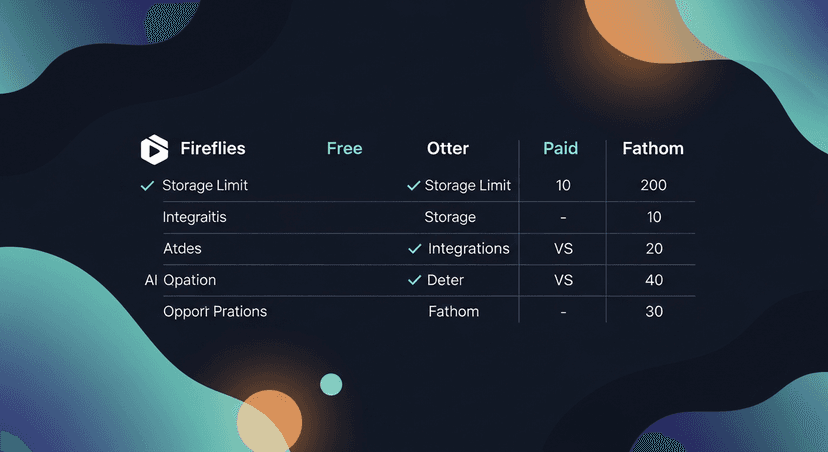
- Transcription for a limited number of meetings per month (Fireflies free caps at 800 minutes of storage; Otter free is 300 minutes/month)
- AI summaries, basic action items and key points
- Search across your transcripts, sometimes limited
- Playback with speaker labels
- Integrations, usually Zoom, Meet, Teams at minimum
For someone doing 3-4 calls a month, that's plenty. A consultant who hops on two discovery calls a week and reviews them later, free is probably fine.
But the caps bite fast once volume picks up.
Where Free Tiers Break Down
This is where it gets real. Free plans are designed to convert you: they're not designed to scale with you. The friction is intentional.
Storage and history limits. Otter's free plan gives you 300 minutes of transcription per month. Fireflies free stores 800 minutes total: not per month, total. If you're an AE doing 5 calls a week, you'll hit that ceiling in three weeks. Old transcripts get archived or deleted. That's not a minor inconvenience; that's losing the paper trail on active deals.
No CRM logging. Free tiers almost never include native CRM push. That means you're manually copying transcript snippets into HubSpot or Salesforce after every call. Studies on sales rep time allocation consistently find that reps spend more time on administrative tasks than on selling, and manual CRM entry is one of the biggest culprits. (HubSpot's own research has cited this repeatedly.)
Bot fatigue and brand perception. Some free-tier bots join every call with a watermarked name, "Fireflies Notetaker (Free)" or similar. In a high-stakes enterprise demo, that reads as scrappy in a bad way. Paid plans let you customize the bot name or skip the bot entirely.
No team features. Shared templates, team libraries, manager visibility, all paid. If you're running a small SDR team and everyone's taking notes in their own free accounts, you have no consistency and no visibility.
The follow-up gap. Here's the one nobody talks about. Every notetaker (free or paid) gives you a transcript and maybe a summary. None of them send the follow-up email. That last mile is still on you. The meeting went great, the transcript is clean, and then... you spend 25 minutes drafting a recap email that should take 60 seconds.
ReplySequence closes that gap, paste any transcript from any notetaker and get a branded follow-up sequence back in 60 seconds.
The Real Cost of Staying on Free
This is the math people skip. Free plans feel like $0. But the actual cost is time.
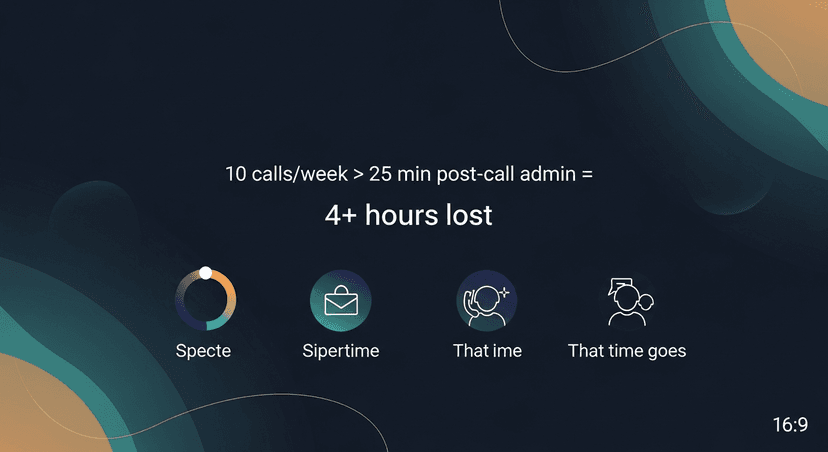
Let's say you're an AE doing 10 discovery calls a week. After each one, you spend 20-30 minutes:
- Re-reading the transcript to pull key points
- Writing a follow-up email from scratch
- Logging notes into your CRM manually
- Digging up the right case study or next-step resource to attach
That's 3-5 hours a week on post-call admin. At any reasonable hourly rate for a quota-carrying rep, that's a significant number. A paid notetaker plan at $18-25/month is a rounding error against that time cost. A paid notetaker plus a tool that handles the follow-up layer gets you most of those hours back.
Research from McKinsey and others consistently finds that sales reps spend less than 30% of their time actually selling. The admin overhead is the culprit. Every minute you recover from post-call busywork is a minute that can go toward pipeline.
When to Stay on Free
Not everyone needs to upgrade. Be honest with yourself.
Stay on free if:
- You're doing fewer than 8-10 recorded calls per month
- You're in a low-stakes context where CRM logging isn't required
- You're evaluating tools before committing to a stack
- You're a solo operator who writes great follow-ups fast and doesn't mind the manual work
- You're using BYOT, pasting transcripts from any source into a tool that handles the follow-up, which means the notetaker itself is just capturing, not doing heavy lifting
The free tier of Fathom in particular is notably generous, unlimited recordings, just limited AI features. If you're a solo founder using Fathom to record and then pasting transcripts into a follow-up tool, you might be set without paying for a premium notetaker plan at all.
When to Upgrade Your Notetaker Plan
Upgrade when the free tier is actively slowing you down or creating risk.
Clear signals it's time:
- You're hitting storage limits and losing transcripts on open deals
- You're on a team and need shared templates or manager visibility
- CRM logging is required and you're doing it manually every time
- You're in enterprise sales where a watermarked free-tier bot in your Zoom looks unprofessional
- You need integrations (Salesforce, HubSpot, Slack) that are paywalled
- Your follow-up quality is inconsistent because you're rushing the post-call email
That last one is worth pausing on. Inconsistent follow-ups are a deal-risk, not just a productivity issue. A study often cited in sales training research (including by Yesware and HubSpot) shows that 80% of sales require 5+ follow-up touches, but most reps give up after 1-2. The notetaker isn't the problem there: the follow-up workflow is.
How to Think About the Full Stack
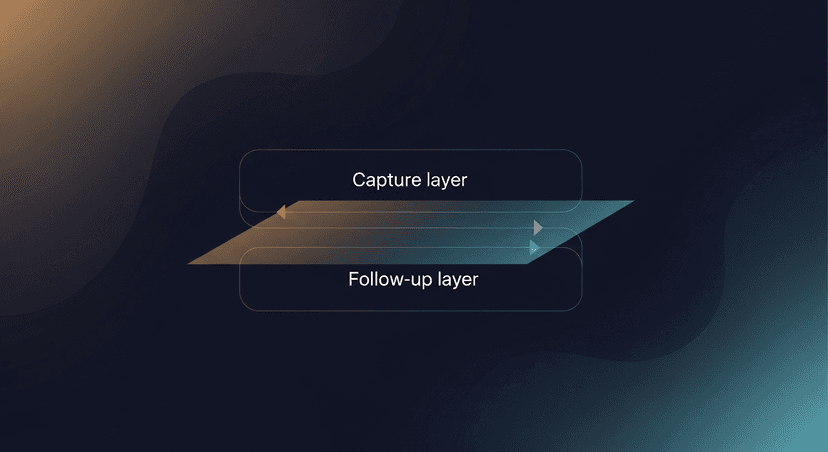
Here's the frame I'd use. There are two jobs in post-meeting workflow:
- Capture and transcribe, what happened, who said what, action items
- Follow up and advance the deal: the email, the sequence, the CRM log
Most people optimize for job #1 (notetaker) and completely ignore job #2. A paid notetaker plan helps with job #1. But if you're still manually drafting follow-up emails after every call, you haven't actually solved the problem: you've just gotten a cleaner transcript to stare at.
The upgrade question isn't just "free vs paid notetaker." It's "what does my full post-meeting stack look like?"
A solo AE running discovery calls might be totally fine on Fathom's free tier for transcription, and then use ReplySequence (starting at $29/month for Pro, or free for 10 drafts/month with no credit card) to handle the follow-up layer. That's a cheaper stack than upgrading to a premium notetaker plan that still doesn't send the email.
The Upgrade Decision, Simplified
Free meeting notetaker vs paid comes down to three questions:
- Are you hitting limits that cause you to lose data or access on active deals?
- Are you on a team that needs shared features and visibility?
- Is the admin time you're spending post-call worth more than the plan costs?
If any of those is yes, upgrade. The math is almost always in favor of the paid plan once you're doing real volume.
If the bottleneck isn't the transcript (if the transcript is fine and the problem is the 25 minutes you spend writing the follow-up) that's a different upgrade. That's the last mile of sales AI, and that's the gap I built ReplySequence to close.
—-
Start free at replysequence.com, 10 drafts/month, no credit card required. Bring a transcript from any notetaker, get a branded follow-up sequence back in 60 seconds.
Get the weekly ReplySequence newsletter for more post-meeting follow-up tactics, subscribe at replysequence.com/newsletter.
Related reading
- ReplySequence vs Fireflies: Feature Comparison for Sales Teams
- Best Gong Alternative for Small Sales Teams
—-
What you should do next…
Depending on where you're at, here are three ways to keep going:
- Grab the free playbook, "The 8-Second Follow-Up Playbook" lands in your inbox. You'll also get Close The Loop, weekly notes on post-meeting follow-up (unsubscribe anytime, no pitch).
- Try it with your own transcript, paste any meeting transcript, get a drafted follow-up in 30 seconds. No signup, no OAuth.
- Talk directly with Jimmy, 15-min intro or 30-min walkthrough. Founder-led, no sales team.
How ReplySequence handles this
ReplySequence takes any meeting transcript, paste it in from Zoom, Teams, Meet, WebEx, Fireflies, Granola, or wherever, and drafts a context-rich follow-up email in about 8 seconds. You review it, make any edits, and approve. Deal intelligence builds automatically.