How to Share Meeting Notes With Your Whole Sales Team
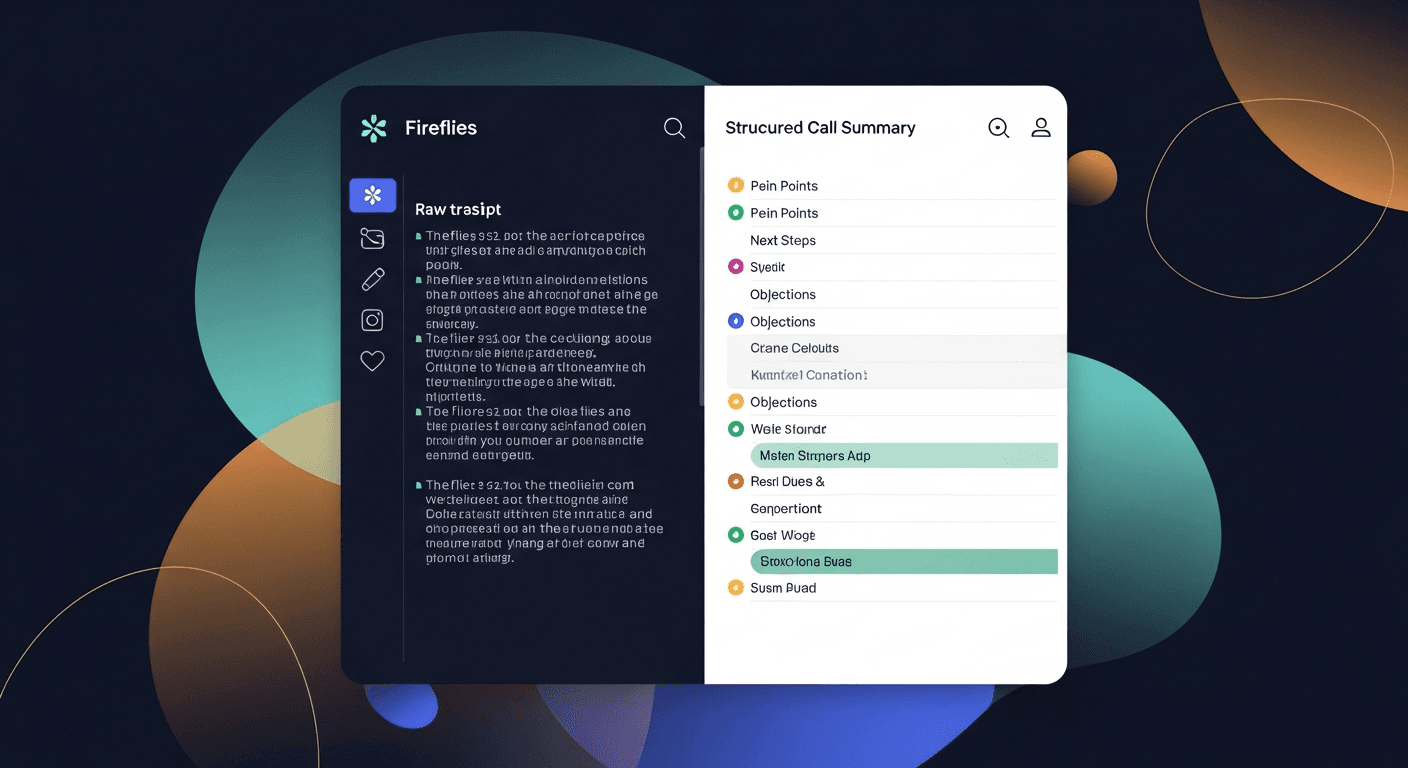
The fastest way to share meeting notes with your sales team is to standardize the format, store it in one place everyone already checks, and send a follow-up email within the hour. That's it. Everything else is logistics.
Most teams fail at this because the notes live in whoever-took-them's laptop, in three different formats, with no clear owner. This post fixes that.
Why Call Notes Collaboration Breaks Down
Here's what usually happens. The AE runs a great discovery call. The prospect said something important about their budget cycle. The SDR who booked the call has no idea. The manager reviewing the pipeline has no idea. The AE wrote it down in Notion, or maybe in the Fireflies auto-summary, or maybe just in their head.
Research from HubSpot consistently shows that poor internal handoff and communication is one of the top reasons deals stall after the first meeting. It's not a talent problem. It's an information architecture problem.
The failure modes are predictable:
- Notes stay in the recorder app (Fireflies, Otter, Fathom) and nobody goes back to read them
- Notes get pasted into Slack, where they're buried in 48 hours
- Notes live in the rep's personal Notion and die with their laptop
- No follow-up email goes to the prospect, so the external record doesn't exist either
- Different reps use completely different note formats, so nothing is comparable or searchable
Fix the system, not the rep.
The Four-Layer System for Sharing Team Meeting Notes
This is the structure I'd build if I were setting up a 5-15 person sales team from scratch. Four layers. Each one has a job.
Layer 1: Capture — Standardize the Transcript Source
Every call needs a transcript. Not notes — a transcript. A recorder like Fireflies, Fathom, Otter, or Gong handles this. The recorder's job is one thing: produce a clean transcript.
Pick one tool and make it the standard. Doesn't matter which one. What matters is that every call produces a transcript in a consistent format. No transcript = no record = no team visibility.
For teams where a bot in the meeting is awkward (executive calls, sensitive conversations, recruiting screens), BYOT — bring your own transcript — is the escape hatch. Copy the auto-generated transcript from Zoom, Teams, or Meet and paste it in manually. Same output.
Layer 2: Structure — Extract What the Team Actually Needs
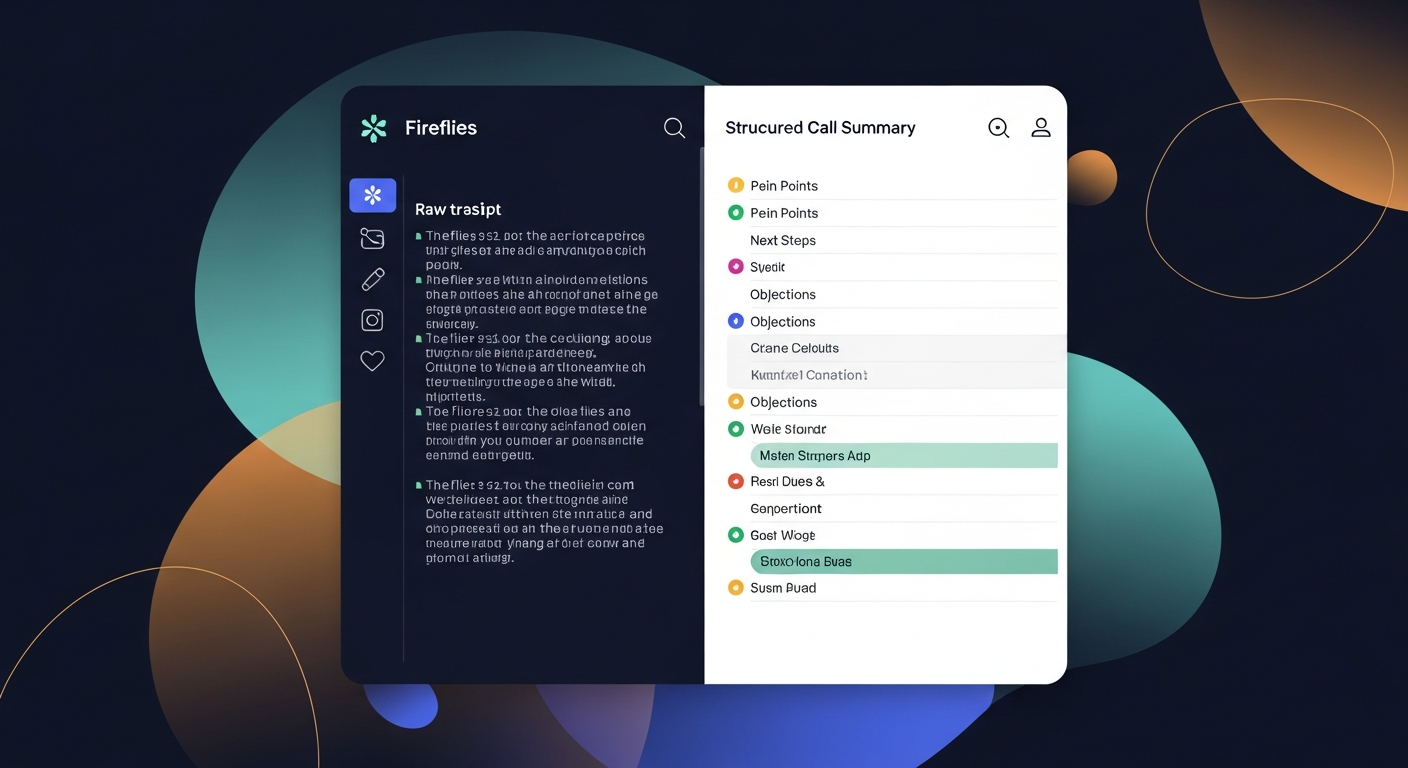
Raw transcripts are 6,000 words long. Nobody reads them. What the team needs is the structured extract:
- Pain points mentioned (in the prospect's own words)
- Next steps agreed to (specific, with dates if possible)
- Objections raised (and how they were handled)
- Budget / authority / timeline signals
- Competitive mentions
This structured extract is what gets shared. Not the raw transcript. The raw transcript lives in the recorder tool for reference.
ReplySequence does this automatically — paste any transcript, get a branded follow-up sequence back in 60 seconds.
Layer 3: Store — Put It Somewhere the Team Already Lives
The best storage system is the one your team actually opens every day. That's usually one of:
- Your CRM (HubSpot, Salesforce, Pipedrive) — log the call notes directly on the contact/deal record. This is the gold standard because it's searchable by deal, by rep, by stage.
- A shared Notion or Confluence page — works for smaller teams, but needs a consistent template or it devolves into chaos fast.
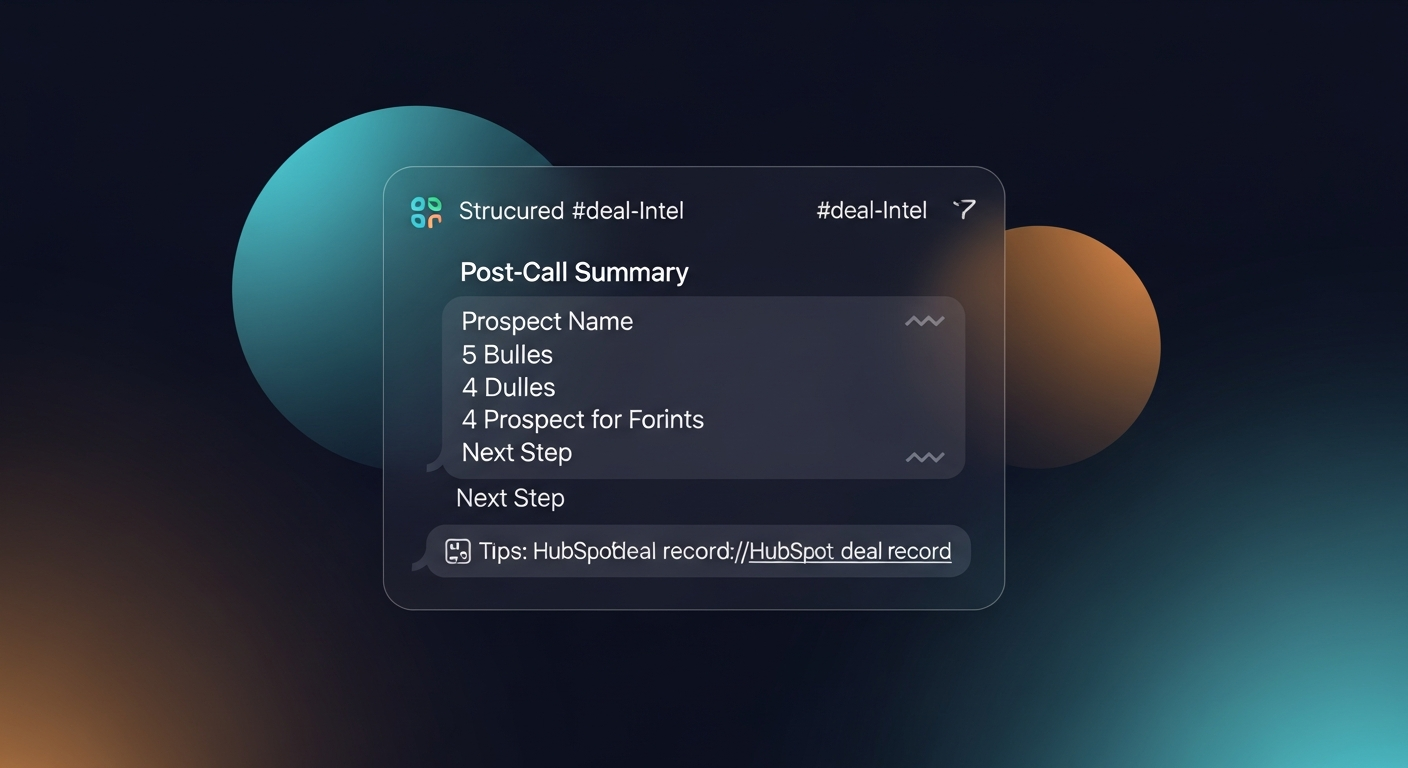
- A dedicated Slack channel (#call-notes or #deal-intel) — low-friction posting, but bad for retrieval. Use this as a broadcast layer, not a storage layer.
If you're on a CRM: log the structured extract as a note on the deal record. Every time. Non-negotiable. This is what gives your manager pipeline visibility without a weekly stand-up interrogation.
If you're not on a CRM yet: a shared Google Doc with a consistent template per deal is better than nothing. Create a folder per prospect. Name files consistently ([Company]-[Date]-[Call Type]). It's not pretty but it works.
Layer 4: Broadcast — Close the Loop with the Team
Storage isn't enough. People don't check the CRM proactively unless something forces them. You need a broadcast step.
Options, in order of friction:
- Auto-log to CRM (best) — if your recorder or follow-up tool can log directly, set it up once and forget it. Every call note lands on the deal record automatically.
- Post a summary to a dedicated Slack channel — one message, structured format, link to the full CRM note. Keep it under 150 words or nobody reads it.
- Include the internal summary in your follow-up email thread — forward the prospect follow-up to your internal channel with a one-liner about what happened and what the rep needs.
The broadcast step also creates accountability. When notes are visible, reps write better notes. Visibility improves quality.
Practical Scenarios
Scenario 1: AE at a 12-person SaaS company
Alex closes discovery calls and immediately pastes the Fathom transcript into ReplySequence. The follow-up email goes to the prospect. The structured summary — pain points, next steps, objections — gets logged to the HubSpot deal record. The SDR who sourced the deal can see exactly what happened without asking Alex. Manager reviews pipeline in HubSpot and sees the notes inline.
Scenario 2: Solo founder running their own sales
No SDR, no manager, just you and a Notion CRM. After every call, you paste your Otter transcript into a structured template: pain, next step, signals. You email the prospect the follow-up. You log the summary to the deal page. Two weeks later when you're prepping for the next call, everything you need is in one place.
Scenario 3: Recruiter or consultant with a small team
Three people, no formal CRM. After every candidate or client call, the structured extract goes into a shared Notion database (one row per conversation, tagged by type). A Slack notification fires to the team channel with the key points. Everyone stays current without a standing sync.
The Follow-Up Email Is Part of the Shared Record
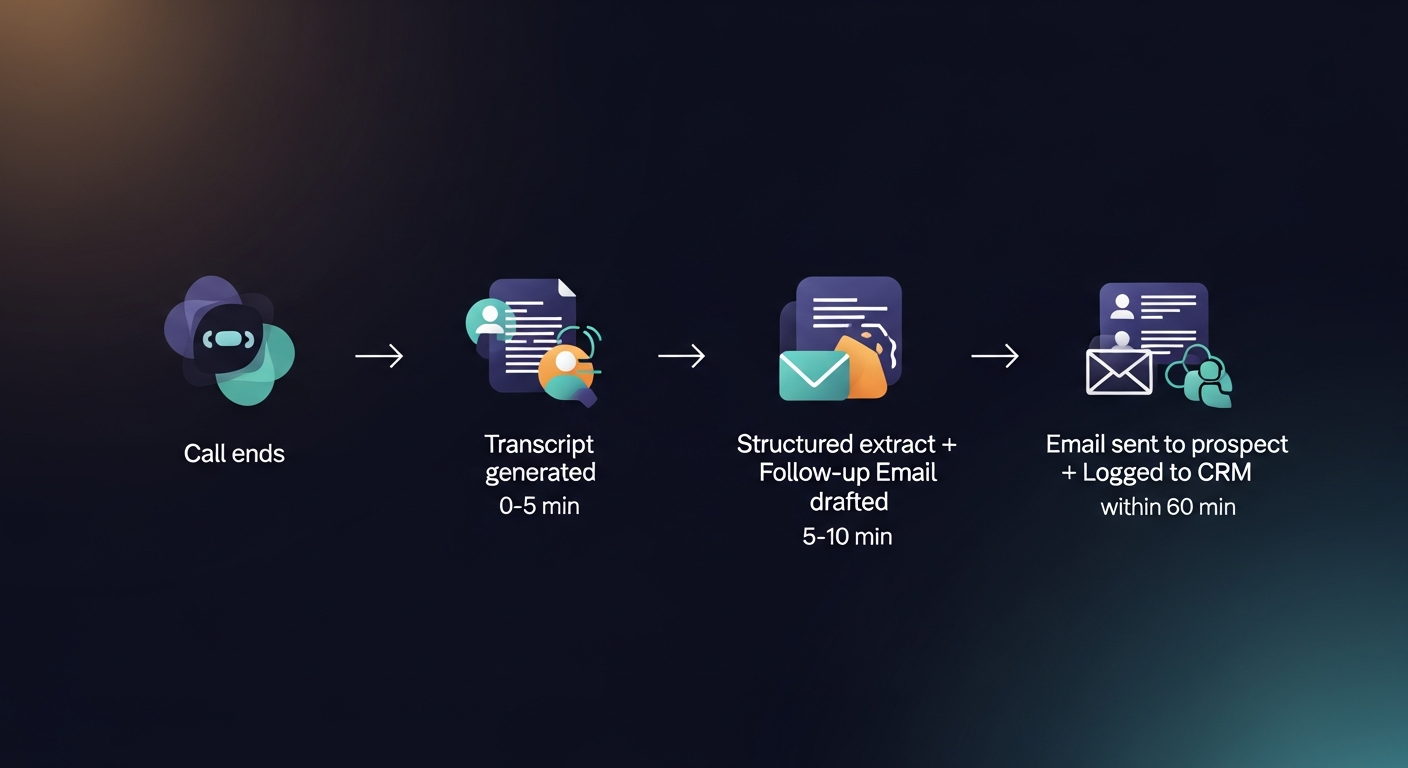
Here's the piece most teams miss: the follow-up email you send the prospect is also a team meeting note. It documents what was discussed, what was agreed to, and what happens next — in writing, with a timestamp.
When that email is logged back to the CRM (via BCC or direct integration), the whole thread becomes part of the deal record. Every rep who touches that deal later can see exactly what was said, in exactly the language you used.
This is why the follow-up email matters beyond just nudging the prospect. It's your shared, external-facing record of what happened in that meeting.
Industry research (Yesware, HubSpot) consistently shows that follow-up emails sent within an hour of a meeting get significantly higher response rates than those sent the next day. Speed matters for both the prospect relationship and the internal record.
Shared Templates Are the Force Multiplier
Once you have a system, templates are how you scale it without adding overhead.
A shared follow-up template library means:
- New reps ramp faster because they have models to work from
- Messaging is consistent across the team (same value props, same tone)
- Managers can review and improve templates over time instead of editing individual emails
For teams using ReplySequence, the Team plan ($39/user/mo, 3-seat minimum) includes shared templates and team voice profiles — so the whole team's follow-ups sound like your brand, not like six different people with six different styles.
The Short Version
Sharing meeting notes with your sales team comes down to four things:
- Every call produces a transcript — pick a recorder and standardize
- Extract the structured summary — pain, next steps, objections, signals
- Log it to your CRM or shared doc — the place your team actually checks
- Broadcast it — Slack post, auto-log, or internal thread forward
The follow-up email to the prospect is part of the record too. Get it out within the hour. Log it back to the deal.
Do those four things consistently and your team will have more sales visibility than 90% of companies your size — without a new tool, a new process, or a weekly sync just to share what happened on calls.
—-
If you want to collapse steps 2 and 4 into one — extracting the structured summary AND sending the follow-up email in the same action — that's exactly what I built ReplySequence to do. Paste any transcript, get a branded follow-up sequence back. Start free at replysequence.com — 10 drafts/month, no credit card required.
Get the weekly ReplySequence newsletter for more post-meeting follow-up tactics — subscribe at replysequence.com/newsletter.
Related reading
- How to Share Meeting Notes With Your Whole Sales Team
- How to Use Meeting Notes to Coach Your Sales Team on Deals
- How to Track Every Commitment Made in a Sales Meeting
—-
What you should do next…
Depending on where you're at, here are three ways to keep going:
- Subscribe to the newsletter — weekly notes on sales follow-up workflows and the AI tooling that actually helps. No pitch.
- Try it with your own transcript — paste any meeting transcript, get a drafted follow-up in 30 seconds. No signup, no OAuth.
- Talk directly with Jimmy — 15-min intro or 30-min walkthrough. Founder-led, no sales team.
How ReplySequence handles this
ReplySequence takes any meeting transcript — paste it in from Zoom, Teams, Meet, WebEx, Fireflies, Granola, or wherever — and drafts a context-rich follow-up email in about 8 seconds. You review it, make any edits, and approve. Deal intelligence builds automatically.