 ReplySequence






How to Run Effective Sales Meetings on Video Calls (And Follow Up Right After)
```json
{
"title": "How to Run Effective Video Sales Meetings (+ Follow Up Fast)",
"slug": "how-to-run-effective-sales-meetings-on-video-calls-and-follow-up-right-after",
"excerpt": "Run tighter video sales meetings and send a killer follow-up in 60 seconds. Practical structure, Zoom tips, and the post-call workflow most reps skip.",
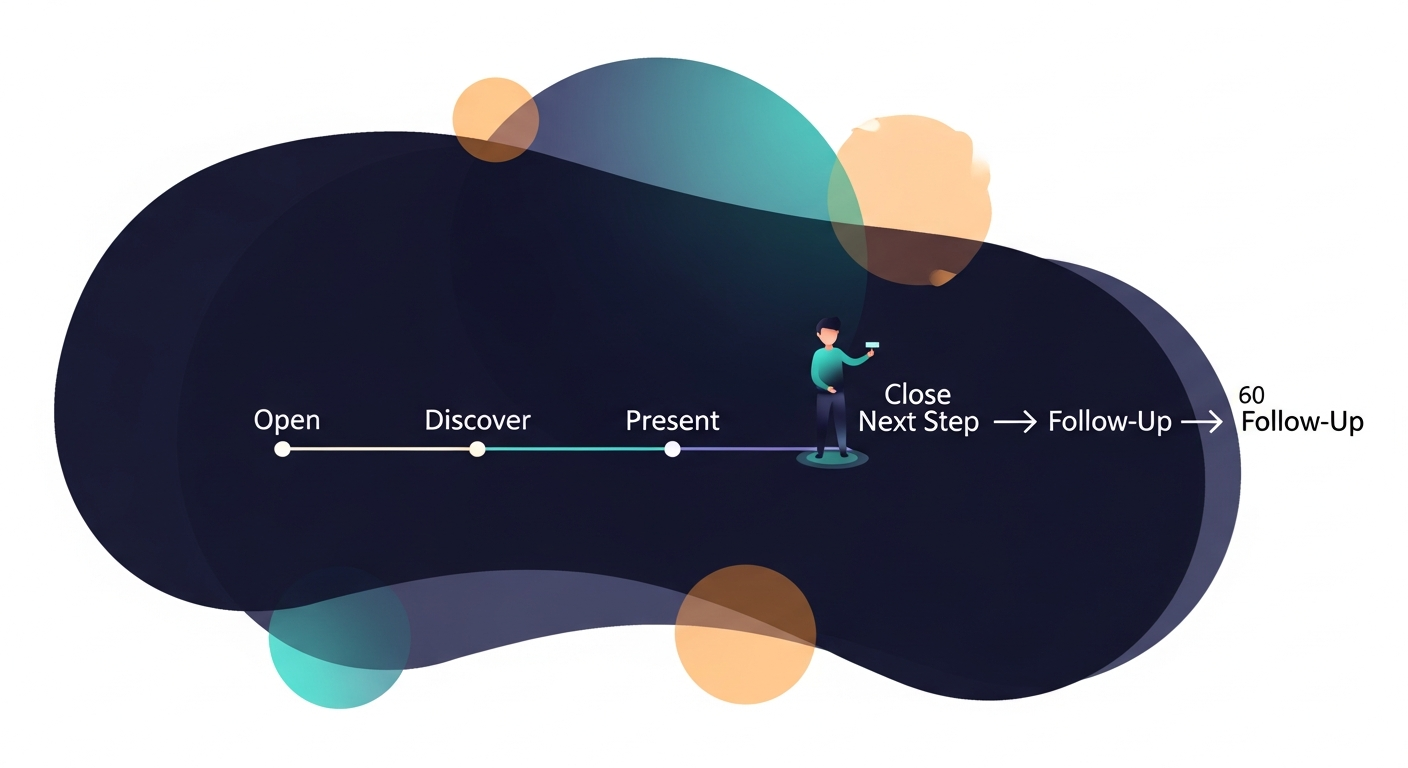
"content": "Effective video sales meetings follow-up starts with two things: a structured call that produces a clean transcript, and a follow-up email out the door before the prospect opens Slack. Most reps nail one and fumble the other. Here's how to do both.\n\n## Why Video Sales Calls Break Down (And Where the Deal Actually Dies)\n\nVideo calls are now the default. Gartner found that by 2025, 80% of B2B sales interactions would happen in digital channels — and most of those are Zoom, Teams, or Meet. Reps have adapted. They've figured out lighting, backgrounds, muting. What they haven't figured out is what happens in the 30 minutes after they hang up.\n\nResearch from HubSpot consistently shows that following up within an hour of a sales meeting increases response rates dramatically compared to next-day or next-week emails. Yet the average rep spends 30-45 minutes after a call just writing the follow-up. By the time they hit send, the prospect has mentally moved on.\n\nThe meeting structure matters. But the follow-up is where deals actually die — or don't.\n\n \n\n## How to Structure a Video Sales Call That Sets Up a Great Follow-Up\n\nThe best follow-up emails aren't written after the call. They're set up during it. Here's the structure that works.\n\n### 1. Open With Context, Not Small Talk\n\nFirst two minutes. Don't ask about the weather. Confirm the agenda:\n\n- "We've got 30 minutes — here's what I want to cover, does that work for you?"\n- State the goal of the call explicitly: discovery, demo, proposal review, whatever it is\n- Get their version of the goal too — "What would make this call a win for you?"\n\nThis isn't just good manners. It gives you a defined scope to reference in your follow-up.\n\n### 2. Run a Tight Discovery Loop\n\nFor every pain they mention, get three things: the problem, the impact, and the timeline. Not because you're filling out a form — because those three things become the subject line and opening paragraph of your follow-up email.\n\n- "What's the current process for X?"\n- "What does that cost you — in time, money, or deals?"\n- "Is there a reason you're looking at this now versus six months ago?"\n\nIf you're recording with Fireflies, Otter, Fathom, or Granola — good. That transcript will have every word of this. You'll use it in 60 seconds after the call.\n\n### 3. Demo or Present to the Pain You Just Uncovered\n\nDon't run the standard deck. Map your demo back to what they told you in the discovery loop. Call it out explicitly:\n\n- "You mentioned X is the bottleneck — let me show you how we handle that specifically."\n\nThis makes your follow-up email easier to write too. You're not summarizing a generic pitch — you're summarizing a conversation that was already personalized.\n\n### 4. Nail the Next-Step Close Before You Hang Up\n\nDon't end with "I'll send over some info." End with a specific next step:\n\n- A date for the next call\n- A name of who else needs to be in the room\n- A decision timeline\n- One clear action for them before you talk again\n\nSay it out loud. "So I'll send the recap today, and we'll talk again Thursday the 8th at 2pm — does that work?" Get a verbal yes. Then your follow-up email just confirms what both people already agreed to.\n\n
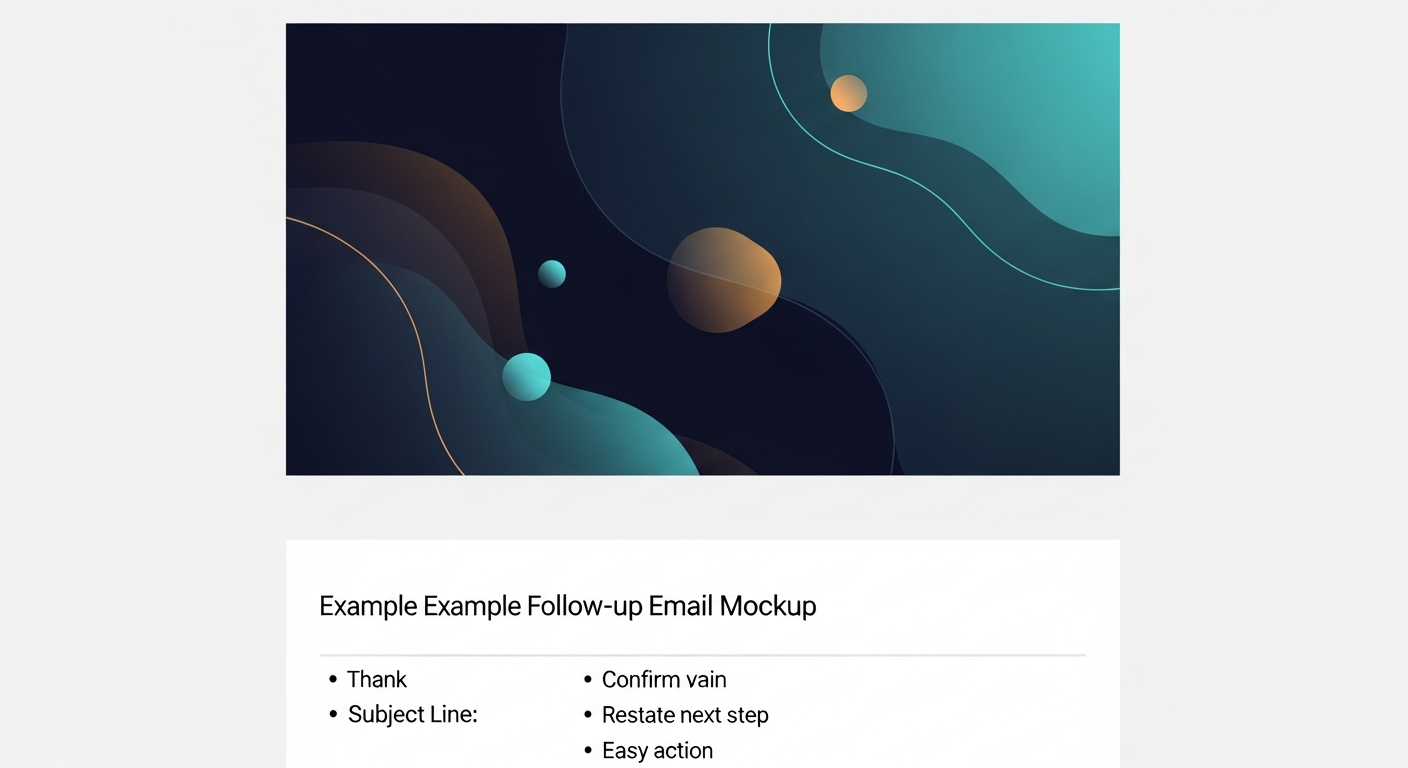
 \n\n## The Follow-Up Problem Nobody Talks About\n\nHere's the thing nobody says out loud: the meeting structure advice is everywhere. The follow-up tooling is basically nonexistent.\n\nEvery major recorder — Zoom AI Companion, Fireflies, Fathom, Otter, Granola — will give you a transcript and a summary. Some will even suggest action items. But none of them send the follow-up. That last step — turning a transcript into a branded, personalized, ready-to-send email sequence — is still mostly manual.\n\nThat's the gap I built ReplySequence to fill. Paste any transcript, get a branded follow-up sequence back in 60 seconds. It works after any recorder, or even a pasted Word doc — that's the BYOT (Bring Your Own Transcript) approach. Transcript in, follow-up out.\n\n## The Post-Call Follow-Up Workflow (Step by Step)\n\nThis is the workflow that keeps deals moving. Do this before you do anything else after hanging up.\n\n### Step 1: Get Your Transcript (1-2 minutes)\n\nIf you used a recorder:\n- Fireflies — grab the transcript from the Fireflies dashboard\n- Fathom — it's in your Fathom recap\n- Otter — export from the Otter conversation view\n- Granola — copy from your Granola note\n- Zoom — pull from Zoom's transcript tab if you have it enabled\n- No recorder? Open your notes, paste them into a doc\n\nDon't have a recorder at all? Jot bullet points of the 5-6 key things you heard and paste those. Even rough notes are enough to generate a solid follow-up.\n\n### Step 2: Build the Follow-Up Email (60 seconds)\n\nA great post-meeting follow-up email hits five things:\n\n1. Thank them — one sentence, not a paragraph\n2. Mirror their pain back — use their words, not yours\n3. Confirm the value prop you showed — tied to their specific problem\n4. Restate the next step — the one you agreed on verbally\n5. Give them one easy action — reply, book a slot, forward to their boss\n\nThat's it. Not a three-page recap. Not a PDF attachment. Five beats, 150-200 words, out the door within an hour.\n\nIf you're using a voice-fingerprint tool, your draft should sound like you — not like a generic AI email. The voice-fingerprint feature in ReplySequence learns from your edits so every draft gets closer to how you actually write.\n\n### Step 3: Review, Edit, Send\n\nDraft-first. Always. Read it once, cut anything that sounds like filler, hit send. Never auto-send a follow-up without reading it — that's how you forward the wrong prospect's pain points to the wrong person.\n\nSchedule it if it's after hours. Prospects don't need a 10pm email, but you want it in their inbox by 8am.\n\n
 \n\n## Video Call Mechanics That Actually Matter\n\nQuick list — these aren't groundbreaking, but they add up:\n\n- Camera at eye level — laptop on a stack of books if needed. Looking up at a camera is a power dynamic you don't want.\n- Light in front of you, not behind — a ring light or a window facing you. Backlit faces lose trust.\n- Headphones with a mic — built-in laptop audio creates echo. AirPods are fine.\n- Close unnecessary tabs — screen-sharing with 47 tabs open signals scattered thinking\n- Record with your tool of choice — always tell the prospect you're recording, always get consent\n- Mute when not speaking — especially if you're in a noisy environment\n\nNone of this is revolutionary. But reps who do all of it consistently come across as more prepared — and preparation signals trust.\n\n## Sequences vs. One-Off Emails: When to Use Each\n\nNot every deal closes in one email. For multi-stakeholder deals or longer cycles:\n\n- Email 1 (same day): the recap — pain, value, next step\n- Email 2 (day 3): one relevant resource or case study tied to their specific problem\n- Email 3 (day 7): a light check-in if you haven't heard back — "Anything I can answer before Thursday?"\n\nThis is what a sequence is. You don't need HubSpot Sales Hub Pro to run it — that's $450+/seat/month for the privilege of sequences. ReplySequence generates the full 3-touch sequence from a single transcript at $29/mo. Sequences without the enterprise CRM tax.\n\n## The Honest Truth About Virtual Sales Calls in 2026\n\nVirtual sales calls aren't going away. Buyers prefer them — less travel, faster scheduling, easier to include a second stakeholder. That's not a problem. The problem is that the toolchain for video sales meetings is still weirdly incomplete. Great recording. Decent transcription. Then a 30-minute manual writing session that kills momentum and lets prospects go cold.\n\nFix the structure of your calls first — open with agenda, discover the pain, demo to the pain, close on a specific next step. Then fix the follow-up workflow. Get the transcript, turn it into a 5-beat email, send it within an hour. That's the whole system.\n\nEffective video sales meetings follow-up isn't a talent problem. It's a workflow problem. And workflows are fixable.\n\n—-\n\nStart free at replysequence.com — 10 drafts/month, no credit card required. Paste a transcript from any call today and see what a 60-second follow-up actually looks like.\n\nGet the weekly ReplySequence newsletter for more post-meeting follow-up tactics — subscribe at replysequence.com/newsletter.",
"date": "2026-04-29",
"author": "Jimmy Hackett",
"tags": ["video sales meetings", "sales follow-up", "virtual sales calls", "Zoom sales tips", "post-meeting workflow"],
"readingTime": 8,
"faqs": [
{
"question": "How quickly should you send a follow-up email after a video sales meeting?",
"answer": "Within one hour of the call, ideally sooner. Research from HubSpot shows that follow-up speed directly impacts response rates — the longer you wait, the colder the prospect gets. Have your transcript ready before you hang up so you can send within minutes."
},
{
"question": "What should a sales meeting follow-up email include?",
"answer": "A strong follow-up hits five beats: a brief thank-you, a mirror of the prospect's pain in their own words, confirmation of the value you showed tied to that pain, a restatement of the agreed next step, and one easy action for them to take. Keep it 150-200 words — not a three-page recap."
},
{
"question": "What's the best structure for a video sales call?",
"answer": "Open by confirming the agenda and getting the prospect's version of success for the call. Run a discovery loop to surface pain, impact, and timeline. Demo or present directly to what you uncovered. Close with a specific verbal next step before hanging up — a date, a name, a decision timeline."
},
{
"question": "Do I need a meeting recorder to send a good follow-up email?",
"answer": "No. A recorder helps because it gives you a full transcript to work from, but even bullet-point notes pasted into a doc are enough. The BYOT (Bring Your Own Transcript) approach means any text source — Fireflies, Otter, Fathom, Granola, Zoom, or a Word doc — can feed your follow-up workflow."
},
{
"question": "How is ReplySequence different from Fireflies or Fathom for sales follow-up?",
"answer": "Fireflies and Fathom record and transcribe your calls — ReplySequence picks up where they leave off. It takes the transcript they produce and turns it into a branded, personalized follow-up email sequence in 60 seconds. They transcribe; ReplySequence follows up. Complementary, not competitive."
}
],
"jsonLd": "{\"@context\":\"https://schema.org\",\"@type\":\"FAQPage\",\"mainEntity\":[{\"@type\":\"Question\",\"name\":\"How quickly should you send a follow-up email after a video sales meeting?\",\"acceptedAnswer\":{\"@type\":\"Answer\",\"text\":\"Within one hour of the call, ideally sooner. Research from HubSpot shows that follow-up speed directly impacts response rates — the longer you wait, the colder the prospect gets. Have your transcript ready before you hang up so you can send within minutes.\"}},{\"@type\":\"Question\",\"name\":\"What should a sales meeting follow-up email include?\",\"acceptedAnswer\":{\"@type\":\"Answer\",\"text\":\"A strong follow-up hits five beats: a brief thank-you, a mirror of the prospect's pain in their own words, confirmation of the value you showed tied to that pain, a restatement of the agreed next step, and one easy action for them to take. Keep it 150-200 words — not a three-page recap.\"}},{\"@type\":\"Question\",\"name\":\"What's the best structure for a video sales call?\",\"acceptedAnswer\":{\"@type\":\"Answer\",\"text\":\"Open by confirming the agenda and getting the prospect's version of success for the call. Run a discovery loop to surface pain, impact, and timeline. Demo or present directly to what you uncovered. Close with a specific verbal next step before hanging up — a date, a name, a decision timeline.\"}},{\"@type\":\"Question\",\"name\":\"Do I need a meeting recorder to send a good follow-up email?\",\"acceptedAnswer\":{\"@type\":\"Answer\",\"text\":\"No. A recorder helps because it gives you a full transcript to work from, but even bullet-point notes pasted into a doc are enough. The BYOT (Bring Your Own Transcript) approach means any text source — Fireflies, Otter, Fathom, Granola, Zoom, or a Word doc — can feed your follow-up workflow.\"}},{\"@type\":\"Question\",\"name\":\"How is ReplySequence different from Fireflies or Fathom for sales follow-up?\",\"acceptedAnswer\":{\"@type\":\"Answer\",\"text\":\"Fireflies and Fathom record and transcribe your calls — ReplySequence picks up where they leave off. It takes the transcript they produce and turns it into a branded, personalized follow-up email sequence in 60 seconds. They transcribe; ReplySequence follows up. Complementary, not competitive.\"}}]}"
}
```
—-
What you should do next…
Depending on where you're at, here are three ways to keep going:
- Grab the free playbook — "The 8-Second Follow-Up Playbook" lands in your inbox. You'll also get Close The Loop, weekly notes on post-meeting follow-up (unsubscribe anytime, no pitch).
- Try it with your own transcript — paste any meeting transcript, get a drafted follow-up in 30 seconds. No signup, no OAuth.
- Talk directly with Jimmy — 15-min intro or 30-min walkthrough. Founder-led, no sales team.
How ReplySequence handles this
ReplySequence takes any meeting transcript — paste it in from Zoom, Teams, Meet, WebEx, Fireflies, Granola, or wherever — and drafts a context-rich follow-up email in about 8 seconds. You review it, make any edits, and approve. Deal intelligence builds automatically.