 ReplySequence






Sales Automation Follow-Up Emails: 2026 Guide
Sales automation follow-up emails are the single highest-leverage thing a rep can automate in 2026. The meeting recorder handles the transcript. The CRM logs the deal. But the follow-up — the email that lands in the prospect's inbox 20 minutes after a great call — still gets written by hand, or not at all. That's the gap. And it's costing deals.
Research from HubSpot consistently shows that 50% of sales happen after the fifth follow-up, yet the majority of reps stop after one or two. The bottleneck isn't intent. It's time. Writing a good follow-up from scratch after every call takes 20–40 minutes — and it shows in the quality when you're doing it on your sixth call of the day.
This guide breaks down how sales automation for follow-up emails actually works in 2026, what the tooling landscape looks like, and how to build a system that sends fast, personal, on-brand follow-ups without burning out your reps.
Why Most Sales Automation Misses the Follow-Up
The automation category has grown up around the top of funnel. Outreach, Salesloft, Apollo — these are prospecting machines. Sequences, cadences, bulk personalization at scale. They're genuinely good at what they do. But they're built for cold outreach, not post-meeting follow-up.
Post-meeting follow-up is a different animal.
Cold outreach automation works because the inputs are structured — a name, a company, a job title, a LinkedIn blurb. Merge fields. Done.
Post-meeting follow-up requires context. What did you actually discuss? What objections came up? What did you promise to send over? What's the next step the prospect agreed to?
That context lives in the transcript. And until recently, extracting it and turning it into a usable email required a human doing a lot of copy-pasting and thinking.
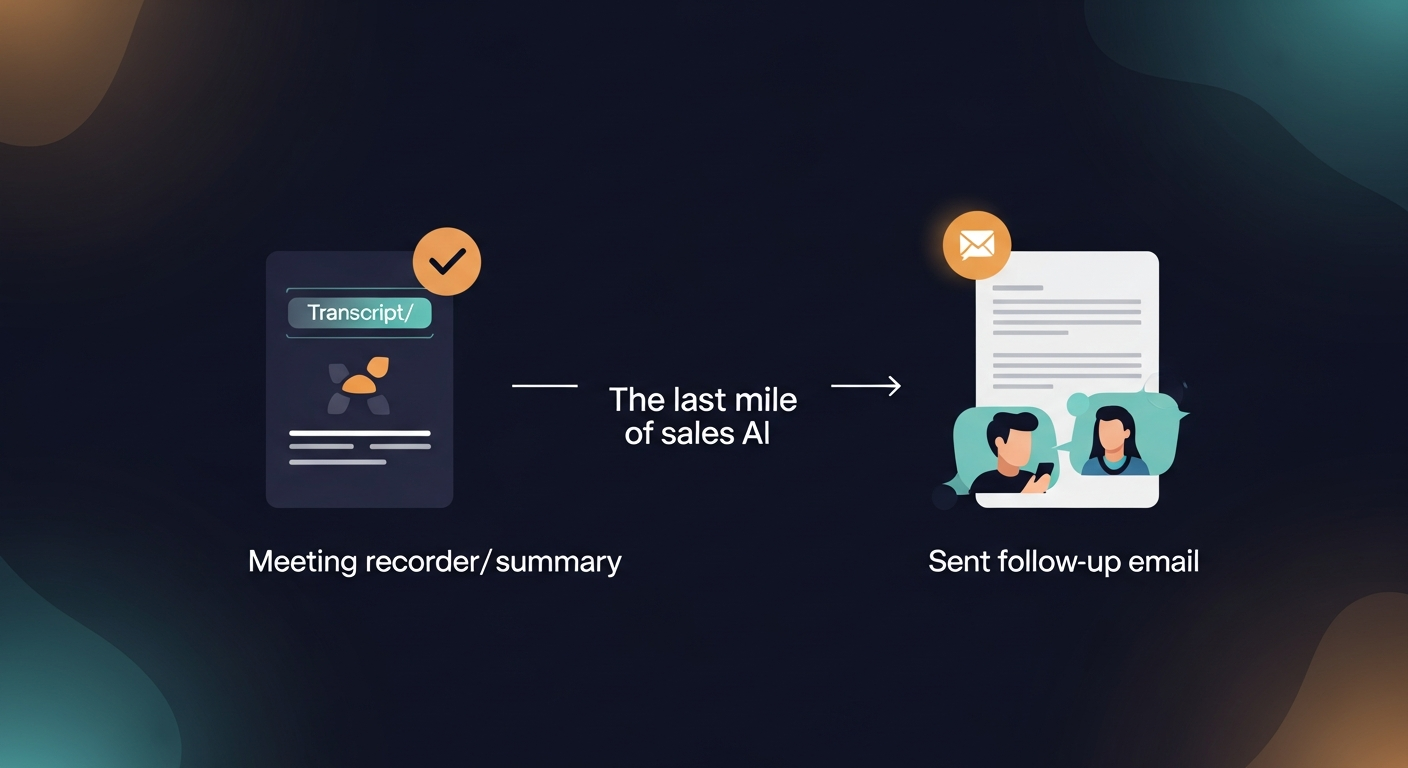
That's changed. AI models are now genuinely good at parsing a transcript and identifying: the key points discussed, the next steps agreed to, the specific language the prospect used, the tone the call was conducted in. Transcript in, follow-up out. That's the actual unlock.
The tools that recorded the meeting never made that jump. Fireflies gives you a summary. Fathom gives you highlights. Otter gives you a searchable transcript. None of them send the follow-up. They stop right at the edge of the most valuable action a rep can take.
How Automated Follow-Up Sequences Actually Work in 2026
A proper automated follow-up sequence for post-meeting sales looks like this:
- Transcript arrives — from Fireflies, Otter, Fathom, Granola, Zoom AI Companion, Teams, Google Meet, or pasted directly from wherever you captured notes
- AI parses the transcript — extracts discussed topics, objections, commitments, next steps, and prospect-specific language
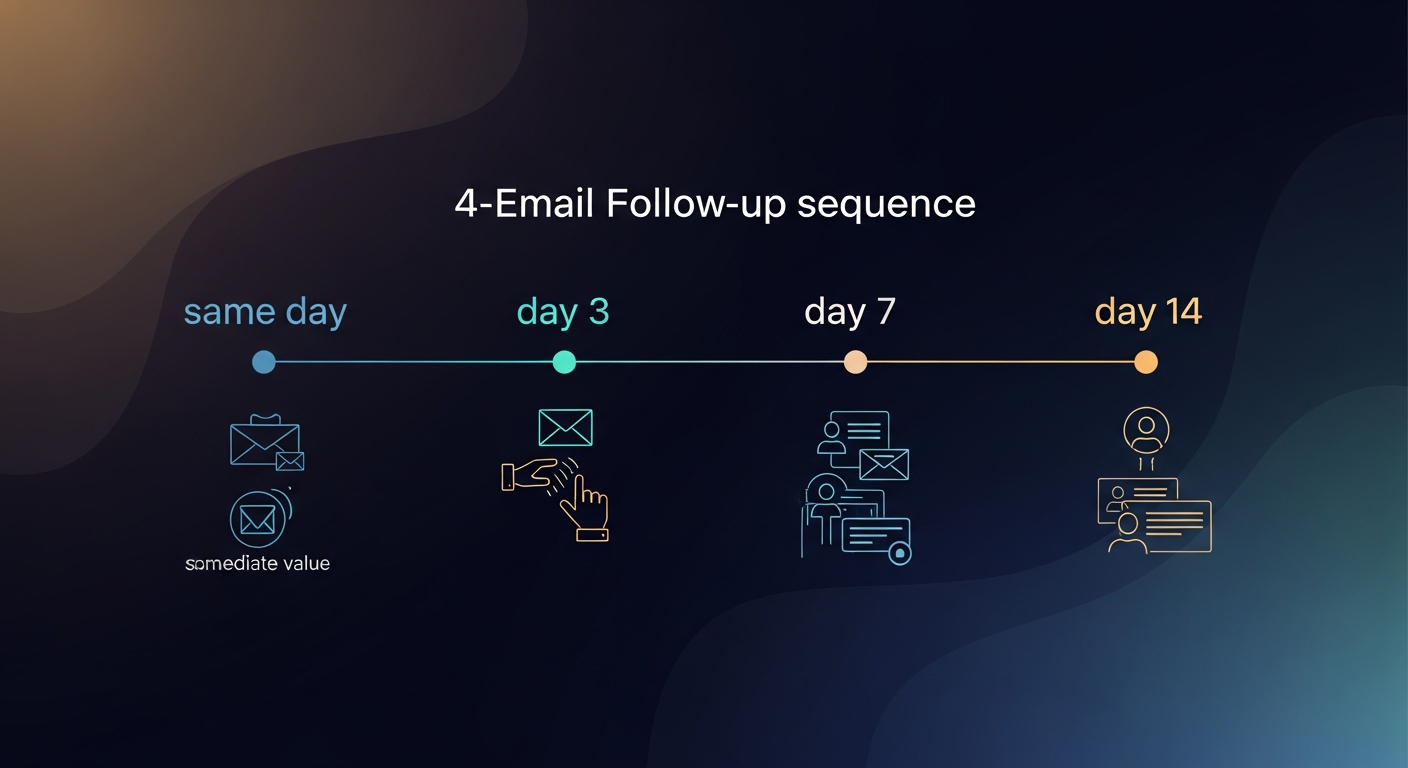
- Draft sequence is generated — typically 2–4 emails: an immediate follow-up (sent same day), a check-in (day 3–5), a value-add or resource drop (day 7–10), and a breakup or bump (day 14+)
- Rep reviews and edits — this step is non-negotiable; the rep sees the draft before anything goes out
- Emails send from the rep's own inbox — not a marketing automation platform, not a no-reply address; from the rep's actual Gmail or Outlook account
Step 4 matters more than people admit. Full auto-send sounds great in theory. In practice, AI drafts still get things subtly wrong — wrong tone, a detail misread from the transcript, a next step that got clarified after the call ended. Draft-first isn't a limitation. It's the only approach that keeps trust intact.
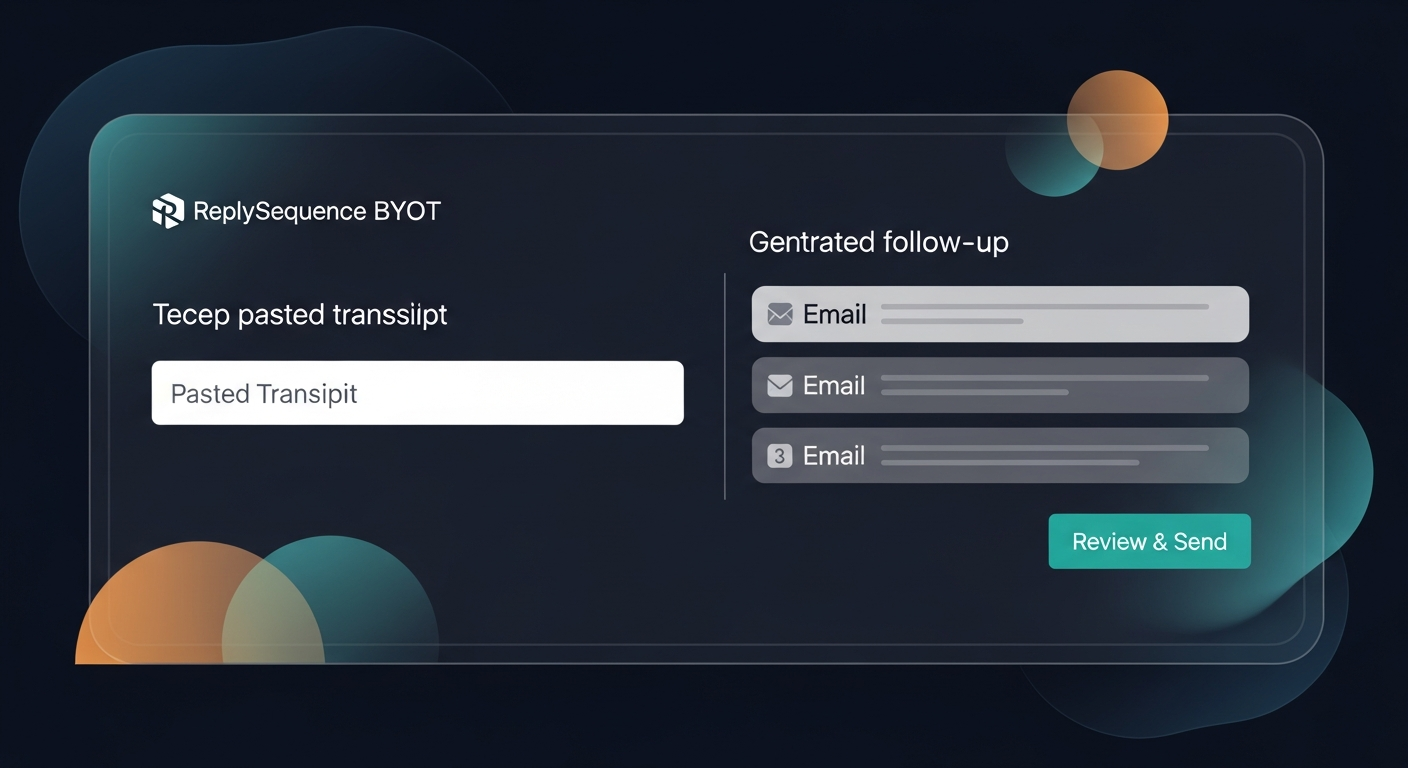
ReplySequence does this automatically — paste any transcript, get a branded follow-up sequence back in 60 seconds.
The BYOT model (Bring Your Own Transcript) is particularly important here. You shouldn't have to switch recorders or add another bot to your calls to unlock post-meeting automation. If you already use Fireflies, keep using Fireflies — paste the transcript, get your sequence. After Otter, after Fathom, after a Zoom summary, after a Word doc of handwritten notes. Doesn't matter. Transcript in, follow-up out.
Building the Right Follow-Up System for Your Team Size
The right setup depends on where you are.
Solo founder or small AE running their own sales
You don't need Outreach. You don't need HubSpot Sales Hub Pro ($450+/month per seat minimum just to run sequences — that's wild for a solo op). You need something that:
- Takes your transcript from whatever recorder you already use
- Generates a sequence that sounds like you, not like a GPT template
- Lets you review, tweak, and send in under two minutes
- Logs the sent email somewhere so you're not tracking in a spreadsheet
Voice-fingerprint is the feature that matters most here. The draft should sound like the way you write — your sentence length, your sign-off, your level of formality. RS learns from your edits over time so each draft gets closer to your natural voice. That's what makes automated emails actually land.
SDR teams at 10–100 person companies
The problem at this scale is consistency. Ten reps, ten different follow-up styles, ten different interpretations of what the call covered. Some reps send within an hour. Some send the next day. Some forget entirely.
Automation here is about floor-raising, not ceiling-hitting. The goal isn't to make every email perfect — it's to make sure every meeting gets a follow-up, every follow-up has the right context, and every rep is working from the same structure.
Shared templates and team voice profiles matter here. One consistent tone of voice, customized per rep. Admin controls to see what's going out. That's the Team tier use case.
Recruiters and consultants
Often overlooked in the sales automation conversation, but recruiters and consultants run exactly the same post-meeting workflow as AEs — candidate screens, client intros, discovery calls, check-ins. The same gap exists. The meeting happens, the follow-up doesn't, and someone else lands the placement or the retainer.
A recruiter running 8 candidate screens a day and writing each follow-up by hand is spending 2–3 hours on email. That's not sustainable. And the cost of a slow follow-up in recruiting — where candidates are often talking to 3–5 firms simultaneously — is a placed offer before you even got your thank-you note out.
What to Include in an Automated Follow-Up Email
The structure of a good post-meeting follow-up hasn't changed. The automation just has to get it right every time.
First email (same day, within 2 hours ideally):
- One sentence thanking them for the time
- 3–4 bullet points recapping what was discussed (pulled directly from transcript context — this is where AI earns its keep)
- Clear next step: date, time, action item, or decision point
- Any promised resources or links
- Short, direct sign-off
Second email (day 3–5):
- Reference something specific from the call — not generic "following up on our conversation"
- Add one piece of value: a relevant case study, a data point, a resource that addresses a specific objection that came up
- Soft push toward the next step
Third email (day 7–10):
- Address the most common objection or hesitation from the call directly
- One-sentence value statement tied to their specific situation
- Easy yes/no ask
Fourth email (day 14+):
- The breakup email. Short. Honest. Leaves the door open.
- "If the timing's off, I get it — reply anytime and I'll pick it back up."
Industry research (Yesware, 2024) shows reply rates on follow-up emails drop sharply after 48 hours. The first email is the most important one, and it's the one most likely to be delayed or skipped entirely when reps are writing from scratch after a long day of calls.
The Enterprise Cadence Tool Tax (And the Alternative)
Outreach and Salesloft are genuinely powerful. If you're running a 200-person sales org with complex multi-channel cadences, they make sense. But for a 15-person team that just wants to stop losing deals because follow-ups fall through the cracks?
HubSpot Sequences requires Sales Hub Pro. That's a serious commitment — per seat, per month, with minimums. Outreach and Salesloft are enterprise contracts. You're not buying a follow-up tool. You're buying a platform.
Sequences without the enterprise CRM tax is the actual pitch for most teams under 100 people. You don't need a platform. You need a follow-up layer that plugs into the tools you already have.
That's what I built RS to be. Complementary to your recorder, complementary to your CRM, not a replacement for either. Just the missing piece between the transcript and the sent email.
Getting Started: The Fast Path
If you want to implement sales automation for follow-up emails this week, here's the no-BS path:
- Keep your current recorder (Fireflies, Fathom, Otter, whatever — don't change a thing)
- After your next call, paste the transcript into a post-meeting follow-up tool
- Review the drafted sequence — edit anything that's off, add anything the AI missed
- Send the first email within 2 hours of the call ending
- Let the sequence handle the rest
The reps who close more deals in 2026 aren't going to be the ones with the best CRM or the most sophisticated prospecting stack. They're going to be the ones who actually followed up — fast, personal, and consistently — after every single meeting.
That's the last mile. And it's finally automatable.
—-
Start free at replysequence.com — 10 drafts/month, no credit card required. If you want unlimited drafts, voice-fingerprint, and full sequences, the Pro trial is 14 days free.
Get the weekly ReplySequence newsletter for more post-meeting follow-up tactics — subscribe at replysequence.com/newsletter.
How ReplySequence handles this
ReplySequence takes any meeting transcript — paste it in from Zoom, Teams, Meet, WebEx, Fireflies, Granola, or wherever — and drafts a context-rich follow-up email in about 8 seconds. You review it, make any edits, and approve. Deal intelligence builds automatically.